
You’re wasting time rewriting the same outreach. 😵💫
Blank page. Copy/paste. Fix the name. Fix the company. Double-check you didn’t leave [Name] in there. Again.
Top reps don’t “write better.” They remove the busywork. ⚡
The system is simple: keep tight templates, then use smart variables like {{first_name}} to personalize in seconds—without sacrificing consistency.
And yeah, Copyzoid’s UI helps too: that vibrant blue neon accent makes the whole workflow feel fast. 🔵⚡
In this guide, you’ll get proven outreach templates and a clean way to run them so you can send faster and sound human. ✅
The Problem with Manual Outreach
Manual outreach isn’t hard. It’s slow. 🐢
Every message forces context switching: find an old email, copy it, paste it, edit fields, re-read for mistakes.
That’s how you end up sending “Hi [Company Name]”. 😬
You don’t need more effort. You need less friction.
Let the template handle the repeatable 90%, then use smart variables to personalize the last 10%—fast and consistent. 🎯
1. The Connection Builder (Cold Outreach)
The goal of your first email isn't to close a deal. It is to start a conversation.
Sales experts use the "Connection Builder" template to establish rapport immediately. Instead of talking about their product, they talk about the prospect’s recent achievements or challenges.
The Template:
Subject: Quick question about your work at {{company_name}}
Hi {{first_name}},
I saw your recent post about {{specific_topic}} on LinkedIn. It really resonated with me, especially the part where you mentioned {{specific_detail}}.
I’ve been working with other leaders in the {{industry}} space, and many of them are struggling with {{common_pain_point}}.
We recently helped a company similar to yours achieve {{specific_result}}. I’d love to share the framework we used if you're open to it?
Best,
[Your Name]
Why it works:
It shows you did your homework. By using a smart variable like {{first_name}} and referencing a specific detail, you immediately move out of the "spam" category and into the "human" category.
2. The Value Proposition Template
Once you have identified a specific pain point, you need to get straight to the benefits. This template is designed for prospects who have already shown a hint of interest or fit your ideal customer profile perfectly.
The Template:
Subject: A better way to handle {{pain_point}}
Hi {{first_name}},
Most {{job_title}}s I talk to tell me that {{pain_point}} is their biggest headache right now.
I’m reaching out because we’ve built a way to automate {{task}} and save your team {{hours}} per week.
Would you be against a 10-minute chat next Thursday to see if this fits your current workflow?
Cheers,
[Your Name]
Why it works:
It is low-friction. Asking "Would you be against…" is psychologically easier for a prospect to agree to than "Can we meet?". It focuses on the tangible benefit (saving hours) rather than the features of your software.
3. The "Moving Through the Pipeline" Follow-up
Persistence is where the money is made. Research shows that most sales happen after the fifth touchpoint, yet most people stop after two.
Expert sales reps use follow-ups to provide more value, not just to "check in."
The Template:
Subject: Thought you’d find this interesting, {{first_name}}
Hi {{first_name}},
I was thinking about our last conversation regarding {{topic}}.
I came across this case study where we helped {{similar_company}} solve exactly that. I thought the section on {{specific_solution}} might be useful for your team.
Do you have 5 minutes to catch up on this later this week?
Best,
[Your Name]
Why it works:
It positions you as a consultant rather than a pest. You aren't asking for a favor; you are offering resources.
The Secret Sauce: Smart Variables and Personalization
Templates are only effective if they don't look like templates. This is where variables come in.
Using placeholders like {{first_name}}, {{company_name}}, and {{current_challenge}} allows you to maintain a high volume of outreach without sacrificing the personal touch that builds trust.
If you use a tool like Copyzoid, you can store these templates as snippets. Instead of searching through your sent folder, you hit Ctrl+B, and the entire template pops up—clean, dark-mode, with those vibrant blue neon accents that make it obvious what’s selected.
Why variables matter:
- Accuracy: You never misspell a company name when it's pulled directly into the snippet.
- Speed: You can "write" a 200-word email in 10 seconds.
- Consistency: Every lead gets the same high-quality messaging, regardless of how tired you are.
4. The Re-engagement (Reviving Dead Leads)
We’ve all had leads that go dark. They were excited, the demo went well, and then… silence. The re-engagement template is designed to shake the tree without being aggressive.
The Template:
Subject: New update for {{company_name}}
Hi {{first_name}},
It’s been a few months since we last spoke. I know things get busy, but I wanted to reach out because we just launched {{new_feature}}.
Based on our previous talk about {{pain_point}}, I think this would significantly speed up your process.
Are you still interested in optimizing your {{department}}'s workflow?
Best,
[Your Name]
Why it works:
It gives you a "reason" to reach out that isn't just "Why haven't you paid me yet?". It centers the conversation back on their needs and your new solutions.
5. The "Break-up" Email
Sometimes, you just need a clear "yes" or "no" so you can stop wasting time. The break-up email is a classic sales tactic used to get a final response from a lead that has ignored multiple follow-ups.
The Template:
Subject: Should I take this off my list?
Hi {{first_name}},
I haven't heard back from you regarding {{project_name}}, so I'm assuming your priorities have shifted or you've moved in a different direction.
I'm going to close your file for now so I don't clutter your inbox.
If you ever want to revisit {{solution}}, you know where to find me.
Best,
[Your Name]
Why it works:
It uses "loss aversion." People don't like losing access to a potential solution. Surprisingly, this is often the email that gets the highest response rate from silent leads.
How to Manage Your Templates Efficiently
Having great templates is only half the battle. If those templates are buried in a Word document or a "Drafts" folder, you won't use them.
To truly operate like an expert, you need to integrate these templates into your browser. This is why a productivity tool or a clipboard manager is essential for sales outreach.
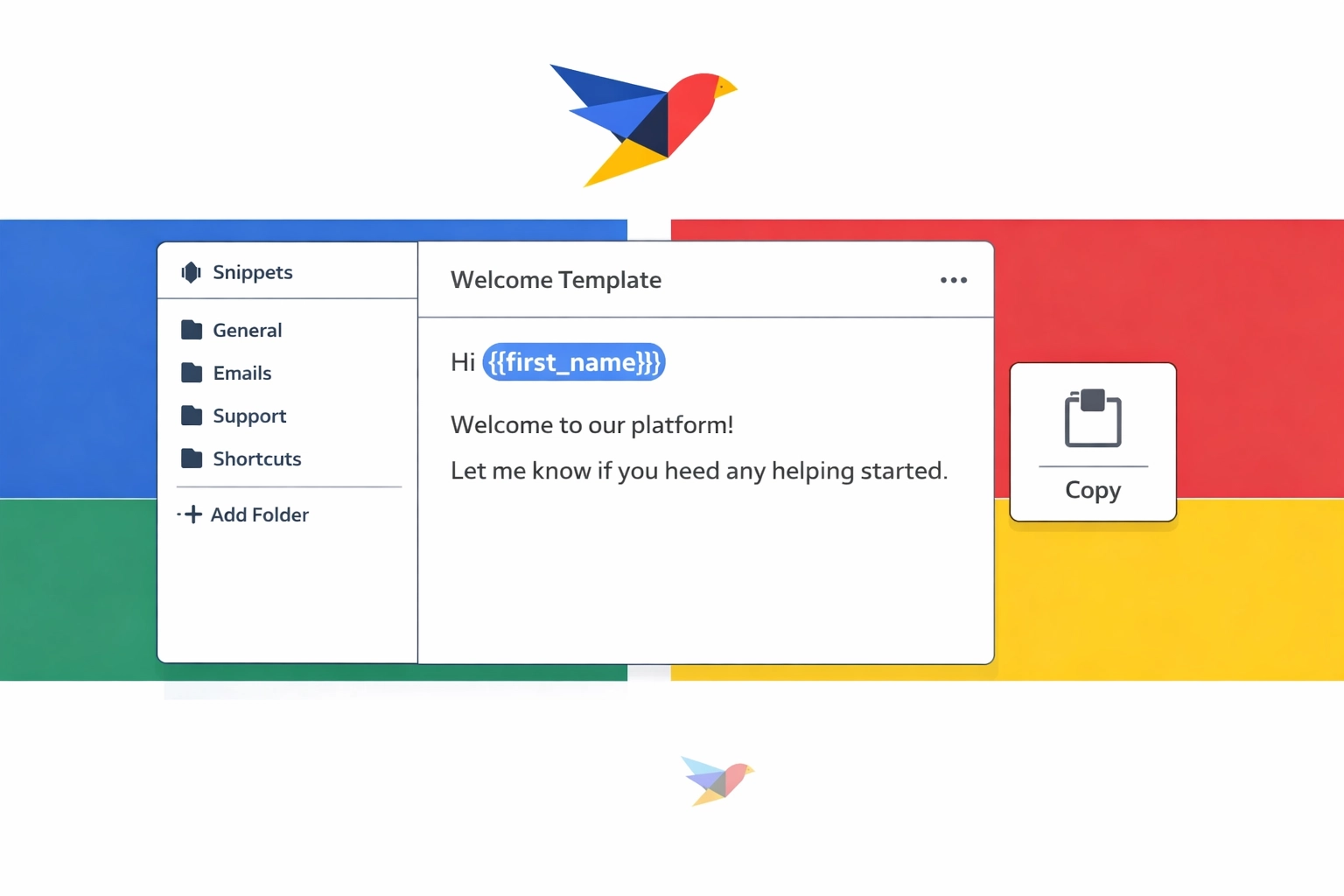
With Copyzoid's Chrome extension, you can:
- Organize snippets by sales stage (Prospecting, Follow-up, Closing).
- Sync templates across all your devices so you can reach out from anywhere.
- Use keyboard shortcuts to trigger templates instantly in Gmail, LinkedIn, or your CRM.
- Knock out follow-ups like tasks—and get that satisfying blue checkmark when you’re done. ✅🔵
By moving your templates into a dedicated manager, you eliminate the friction of outreach. You stop "writing" and start "sending."
Summary: Stop Typing, Start Selling
The difference between a salesperson who hits their quota and one who struggles often comes down to efficiency.
Experts know that their time is best spent on high-level strategy and closing deals, not on repetitive data entry and email drafting. By using these templates and leveraging smart variables, you can triple your outreach volume while actually improving the quality of your messages.
Ready to reclaim your time? Start building your snippet library today. You can check out our pricing to see how we help teams automate their communication, or simply start by turning your best-performing emails into your first five templates.
The less time you spend typing, the more time you spend winning. Reach out, automate the boring parts, and get back to what matters: growing your business.
Leave a Reply