
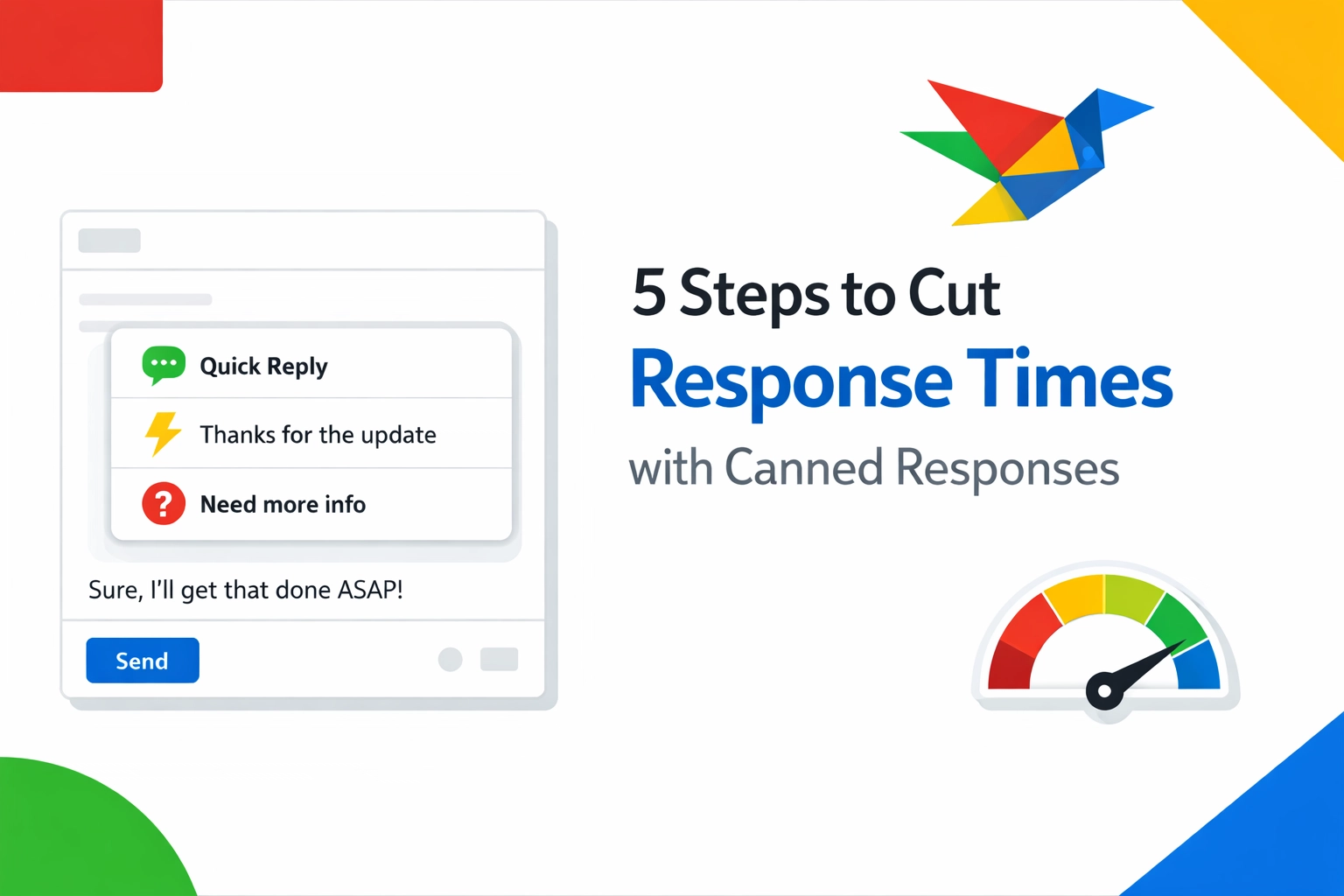
Typing the same email fifty times a day isn't just boring.
It is a productivity killer.
Every second you spend re-typing "Thanks for reaching out, we will get back to you shortly" is a second you aren't closing deals or solving complex problems.
If you want to scale your output, you have to stop manual labor.
Canned responses are the secret weapon of high-performing teams.
They allow you to maintain a professional tone while responding in seconds, not minutes.
Here is how you can cut your response times in half using a simple 5-step framework and Copyzoid.
1. Audit Your Sent Folder
You can't automate what you haven't identified.
Start by looking at your sent messages from the last 48 hours.
Look for patterns.
You will likely find that 80% of your communication consists of the same five or ten phrases.
Common candidates for canned responses include:
- Initial Greetings: Standard "Hello" and "How can I help?" messages.
- Pricing Inquiries: Explaining your tiers or sending pricing links.
- Meeting Requests: Sending your calendar link or availability.
- Support Fixes: Step-by-step instructions for common technical issues.
- Closing Statements: Professional sign-offs and next-step expectations.
Identify these repetitive blocks.
Copy them into a temporary document.
This is your raw material.
2. Draft the "Perfect" Version
Most people write canned responses that feel robotic.
This is a mistake.
A good canned response should feel personal and human, even if it is automated.
Take the raw text you found in your audit and polish it.
Remove the fluff.
Keep the language simple and direct.
Use short sentences.
Pro Tip: Write your templates as if you are speaking to a friend, but keep the professional polish.
Instead of: "It has come to our attention that you are experiencing an issue with your login credentials,"
Use: "I’m sorry you’re having trouble logging in. Let’s get that fixed for you."
Once your templates are ready, you need a place to store them where they are actually useful.
Storing them in a Word doc is just as slow as re-typing them.
You need a centralized snippet manager.
3. Organize for Instant Access
Organization is where most productivity systems fail.
If you have to search through a list of 100 snippets, you aren't saving time.
You need a system that categorizes your responses by use case.
Within the Copyzoid browser extension, you can organize your snippets into clear folders.
Try categorizing by department or stage:
- Sales: Cold outreach, follow-ups, and lead qualifying.
- Support: FAQ answers, troubleshooting, and escalation notices.
- Internal: Team meeting notes, project updates, and standard links.
When your snippets are organized, you don't have to think about where they are.
You just know.
This mental clarity is what allows you to stay in "the zone" while handling a high volume of messages.
4. Use Variables for Personalization
The biggest fear people have with canned responses is looking like a bot.
Nobody likes receiving a message that clearly says "[Insert Name Here]."
This is where variables change the game.
With Copyzoid, you can use placeholders for dynamic information.
Instead of a static block of text, your snippet looks like this:
"Hi {Name}, thanks for asking about {Product}. I’ve attached the details for you."
When you trigger the snippet, you quickly fill in the blanks.
This gives you the speed of automation with the touch of a human.
It ensures that every response is accurate and tailored to the specific person you are talking to.
It also prevents embarrassing mistakes, like forgetting to change a company name from a previous copy-paste job.
5. Master the Shortcut (Ctrl+B)
This is the most important step.
A tool is only useful if you actually use it.
In most workflows, the friction of opening an app to copy a snippet is too high.
You end up just typing the message manually because it feels "faster."
It isn't.
You need to integrate your snippets into your muscle memory.
Copyzoid is designed for speed with the Ctrl+B (or Cmd+B on Mac) shortcut.
Here is the workflow:
- Open your email or chat app.
- Hit Ctrl+B.
- Search for your snippet using fuzzy search (just type a keyword).
- Hit Enter.
The text is instantly ready to paste.
This "one-click" philosophy eliminates the friction.
When you master the shortcut, your hands never have to leave the home row.
You stop "writing" and start "assembling" communications.
Why Response Time is Your Competitive Advantage
In the modern business world, speed is a feature.
Studies consistently show that the first person to respond to a lead usually wins the business.
Customers expect instant gratification.
If a support ticket takes six hours to get a "we received your message" reply, the customer is already frustrated.
If you can provide that same reply in six seconds, you've built trust immediately.
By using canned responses, you aren't just saving your own time.
You are respecting the customer's time.
You are showing them that your business is efficient, organized, and ready to help.
Getting Started
You don't need to automate your entire life today.
Start small.
Pick three messages you send every single day.
Create snippets for them in Copyzoid.
Spend one afternoon getting used to the Ctrl+B shortcut.
By tomorrow, you will notice the difference.
You will have more energy for the creative tasks that actually matter.
You will have fewer typos.
And most importantly, you will have your time back.
Ready to stop typing and start growing?
Check out our simple pricing plans and join thousands of knowledge workers who are reclaiming their productivity.
Efficiency isn't about working harder.
It's about working smarter.
Eliminate the repetitive.
Focus on the essential.
Get Copyzoid.
Leave a Reply