
You are losing money every time you hit "send" on a bad outreach email.
Outreach is the lifeblood of modern sales, recruitment, and networking. But for most professionals, it is a high-volume, low-reward game.
If your response rates are hovering around 1% or 2%, you don't have a "volume" problem. You have a template problem.
Most outreach templates fail because they are designed for the sender, not the recipient. They are generic, selfish, and cumbersome to manage.
Here are the seven biggest mistakes people make with outreach templates and exactly how to fix them to reclaim your time and boost your results.
1. Sending Generic, One-Size-Fits-All Messages
The "spray and pray" method is officially dead.
When you send the exact same message to 500 different people, they can tell. Generic templates signal to the recipient that you haven’t done a second of research.
It feels like junk mail. And just like junk mail, it gets tossed into the digital trash bin immediately.
The Fix: Personalization at Scale
You don’t have to write every email from scratch. That would be a productivity nightmare. Instead, use a snippet manager to build templates that include variables.
With Copyzoid, you can save a master template and use custom fields for:
- The recipient’s name.
- A recent company achievement.
- A specific pain point relevant to their industry.
Instead of typing these out every time, use one-click copy to drop your template into your email client, then quickly swap out the placeholders. Personalization doesn’t have to be slow; it just has to be smart.
2. Crafting Weak or Generic Subject Lines
If they don’t open it, they can't respond.
Subject lines like "Quick Question" or "Checking In" are the digital equivalent of white noise. They offer zero value and give the reader no reason to click. In a crowded inbox, these messages are invisible.
The Fix: Be Specific and Value-Driven
Your subject line should promise a specific benefit or mention a specific context.
Instead of: "Quick Question"
Try: "Question about [Company Name]'s Q3 growth strategy"
Instead of: "Partnership Opportunity"
Try: "A way to reduce [Pain Point] for your team"
Statistical data shows that tailored subject lines are 37% more likely to be opened. Keep them short, punchy, and relevant to the recipient's daily reality.
3. Writing Self-Focused Copy
Stop talking about yourself.
Most outreach templates follow a boring formula: "Hi, I'm [Name] from [Company]. We do [Service] and we are the best at [Feature]. I'd love to show you how we work."
The recipient doesn't care who you are yet. They care about their own problems, their own deadlines, and their own goals.
The Fix: The "You" Flip
Audit your templates right now. If the word "I" or "We" appears more often than the word "You," your template is broken.
Shift the focus entirely to the recipient’s challenges.
- Identify a problem they likely have.
- Explain how to solve it.
- Position your product or service as the tool that makes that solution possible.
Focus on outcomes, not features. People don't buy a drill; they buy a hole in the wall.
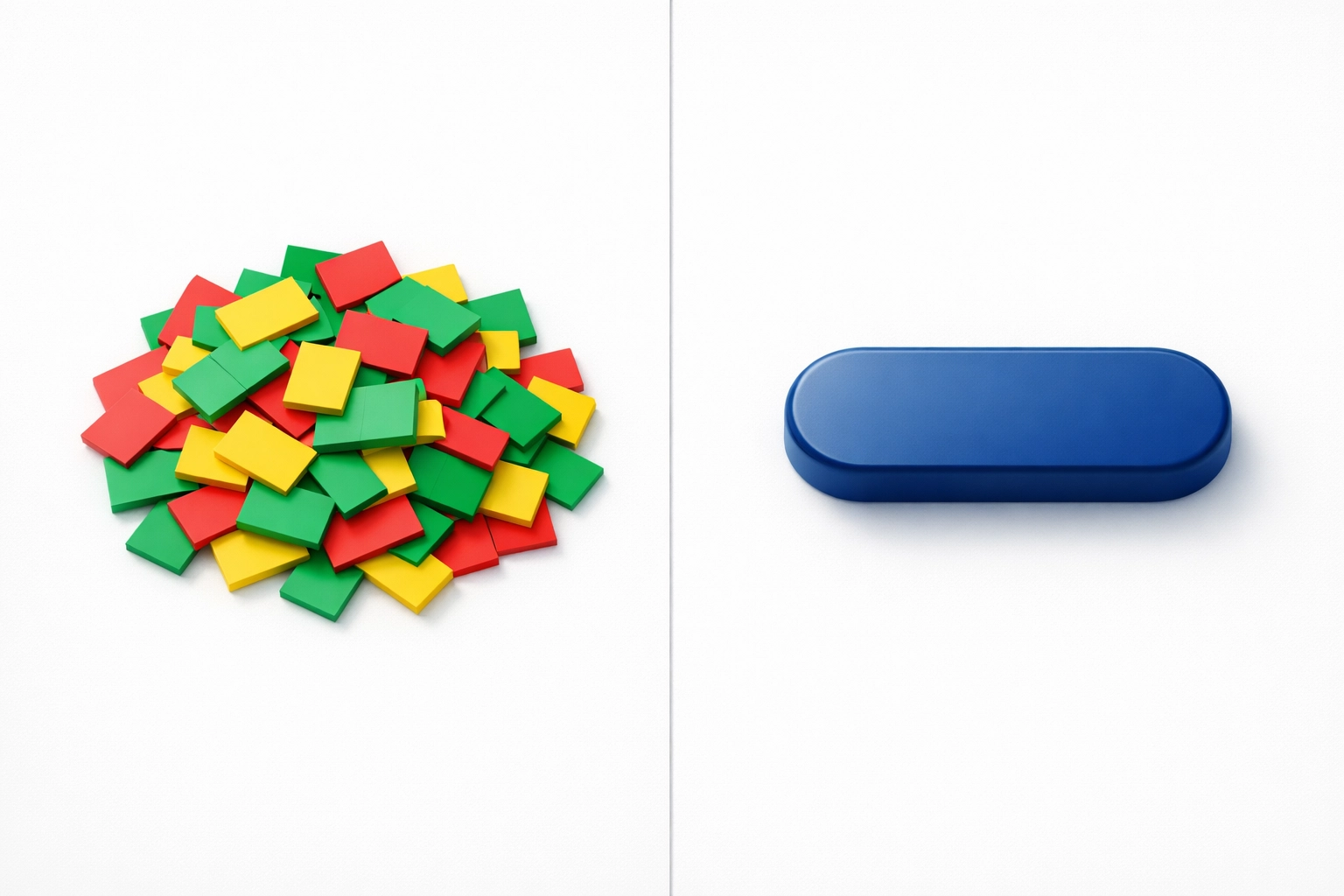
4. Including Too Many Calls-to-Action (CTAs)
You are confusing your leads.
If your template asks the recipient to:
- Check out your website.
- Read your latest blog post.
- Follow you on LinkedIn.
- And book a 15-minute call.
…they will do none of those things.
Choice paralysis is real. When you give someone four options, the easiest choice is to ignore the email entirely.
The Fix: The Power of One
Every outreach message should have one clear goal.
If you want a meeting, ask for the meeting. If you want them to watch a demo, send the link. Don't mix your objectives. A single, strong CTA is far more effective than a laundry list of requests.
5. Omitting Clear CTAs Entirely
The opposite of the "Too Many CTAs" mistake is the "Ghost CTA."
This happens when you write a great email, provide value, and then end it with: "Let me know what you think!" or "Hope to hear from you soon."
These are not CTAs. They are polite conversational fillers that put the burden of the "next step" on the recipient. Most people are too busy to figure out what the next step should be, so they just move on to the next email.
The Fix: Guide the Action
Be explicit. Tell them exactly what you want them to do next.
- "Are you free for a 10-minute chat this Thursday at 2 PM?"
- "Reply with 'YES' if you want me to send over that PDF."
Make the next step as frictionless as possible. The less they have to think, the more likely they are to act.
6. Failing to Demonstrate Clear Value
If your email is just a "check-in," you are wasting everyone's time.
Inboxes are battlegrounds for attention. If you aren't bringing a "gift" to the conversation: in the form of a resource, an insight, or a solution: you are just an intruder.
The Fix: Give Before You Get
Before you ask for a meeting, provide something useful.
- Share a relevant industry report.
- Point out a bug or error on their site you noticed.
- Offer a quick tip that helped a similar client.
When you lead with value, you build authority and trust. It transforms you from a "random salesperson" into a "valuable contact."
7. Using Spam Trigger Words
You might be failing before your email even arrives.
Words like "Free," "Win," "Cash," "Urgent," and "Act Now" are red flags for email providers. If your templates are loaded with these terms, you’ll end up in the spam folder, and your domain reputation will take a hit.
The Fix: Use Human Language
Write like a person, not a billboard. Avoid "salesy" jargon and hyperbolic claims.
If you are struggling to keep track of which templates are working and which are hitting the spam filter, you need a central place to organize them.
The "Secret" 8th Mistake: Manual Copy-Paste Fatigue
Even if you have the perfect templates, you are probably losing time in the execution.
Many professionals keep their outreach templates in:
- A messy Word document.
- The "Drafts" folder of their email.
- A "Notes" app that is hard to search.
Searching for, copying, and pasting these templates all day creates "micro-friction." These small delays add up to hours of lost productivity every week.
The Fix: Copyzoid and the Ctrl+B Shortcut
This is where Copyzoid.com changes the game.
Instead of hunting through documents, you can use the Ctrl+B shortcut to instantly pull up your entire library of outreach snippets directly in your browser.
Whether you are in Gmail, LinkedIn, or a CRM like Salesforce, you can:
- Hit Ctrl+B.
- Use the fast fuzzy search to find your template.
- Click to paste.
It’s that simple. No more tab-switching. No more broken formatting.
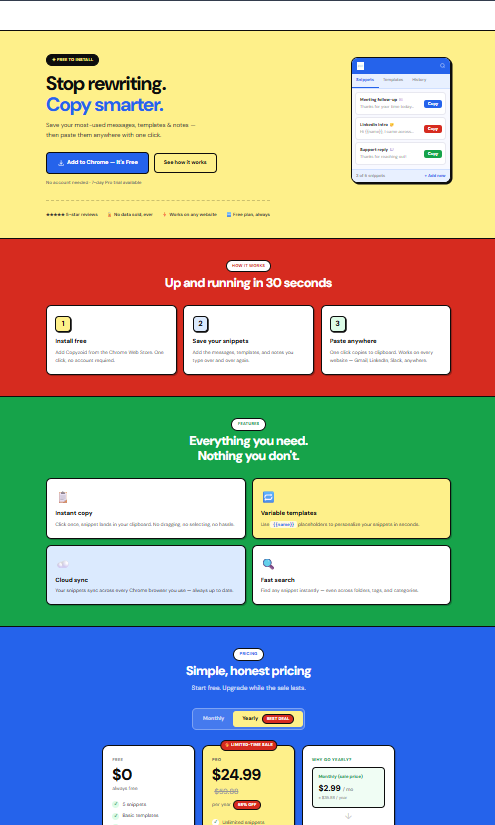
Why You Need a Dedicated Snippet Manager
If you are serious about outreach, you need a system that supports speed without sacrificing quality.
A tool like the Copyzoid Chrome Extension allows you to:
- Organize by Category: Keep your "Cold Outreach," "Follow-Ups," and "Closing Scripts" in separate, searchable folders.
- Sync Across Devices: Access your templates whether you are on your laptop or your desktop.
- Collaborate (Coming Soon): Ensure your whole team is using the highest-performing versions of every template.

Summary of the Fixes
| Mistake | The Simple Fix |
|---|---|
| Generic Messages | Use variables and snippets for easy personalization. |
| Weak Subject Lines | Be specific and offer immediate value. |
| Self-Focused Copy | Focus on the recipient's problems, not your features. |
| Too Many CTAs | Stick to one clear action per email. |
| No CTAs | Be explicit about the next step you want them to take. |
| No Value | Give an insight or resource before asking for something. |
| Spam Triggers | Use natural language and avoid "salesy" keywords. |
| Manual Copy-Paste | Use Ctrl+B and Copyzoid to manage snippets instantly. |
Start Sending Better Outreach Today
Your outreach should be an asset, not a chore. By eliminating these seven mistakes, you position yourself as a professional who respects the recipient's time and offers genuine value.
Don't let manual tasks slow you down. The technical hurdle of managing templates is often the biggest reason people revert to sending bad, generic messages.
Eliminate the friction. Organize your snippets. Save your time.
You can get started for free and see how much time you save in your first hour of outreach. Check out our simple pricing plans to see which version fits your workflow.
Stop fighting with your clipboard and start closing more deals. 🚀
Leave a Reply