
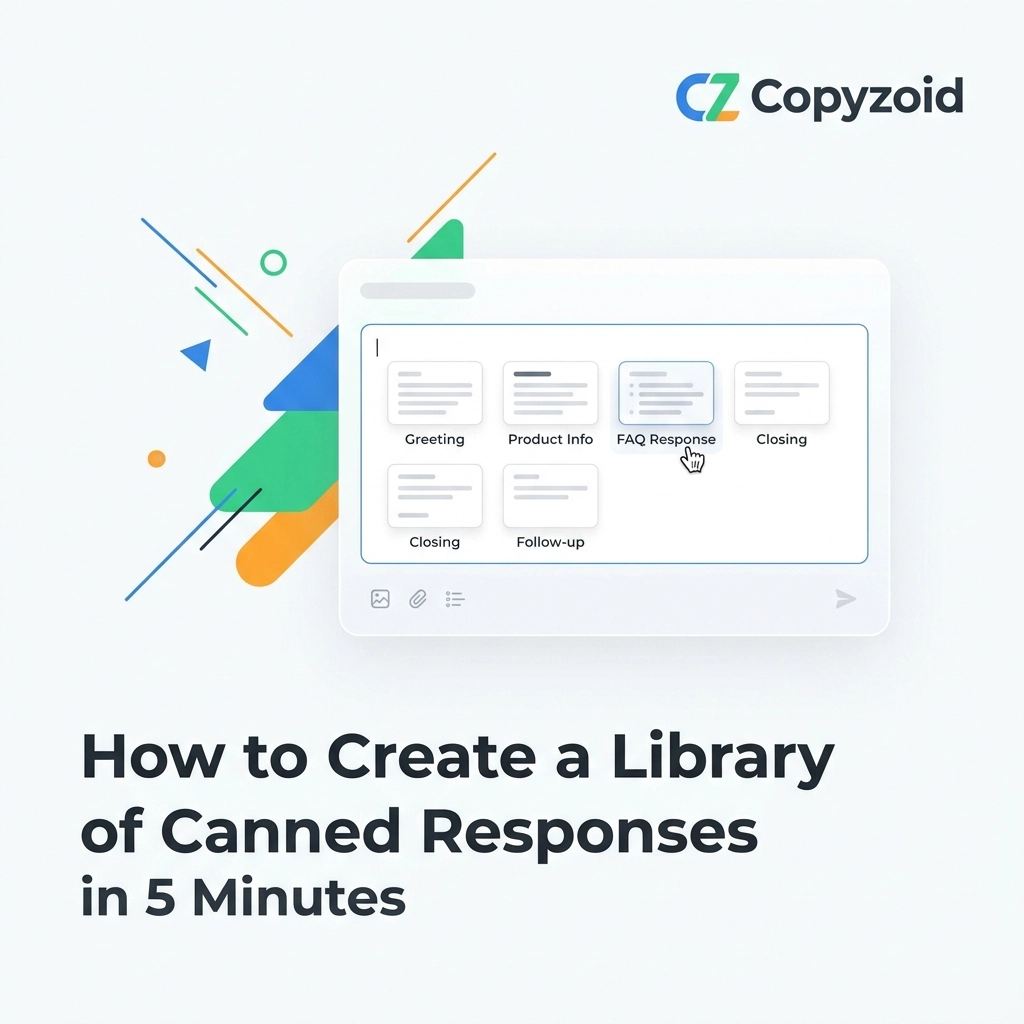
You are losing hours every week to the same three sentences.
Think about it. How many times today have you typed "Thanks for reaching out, let me look into that for you"? Or "Are you free for a quick Zoom call on Thursday?"
If you’re a knowledge worker, a support agent, or a founder, you are likely repeating yourself constantly. This manual repetition isn't just boring; it’s a massive leak in your productivity.
The solution isn't to work faster. It’s to stop doing the work twice. You need a library of canned responses.
In this guide, I’m going to show you how to build a professional, high-impact library of snippets in exactly five minutes. We aren't going for perfection here: we’re going for speed and immediate utility.
Why You Need a Library (And Why You Haven't Built One Yet)
Most people don't build a template library because they think it’s a "project." They think they need to sit down for three hours and catalog every possible scenario.
That’s a mistake.
A library is a living thing. You don't build it once; you start it once. The goal of this five-minute sprint is to eliminate 80% of your repetitive typing by focusing on the top 10 most common replies.
When you have these ready to go, you stop "writing" and start "communicating." You move from a state of manual labor to a state of fast execution.
Step 1: Identify Your "Repeat Offenders" (60 Seconds)
Open your sent folder right now. Look at the last 20 emails or messages you sent.
You’ll notice a pattern. You likely sent:
- A greeting or introduction.
- A "check the status" update.
- A pricing or link share.
- A scheduling request.
- A polite "no" or rejection.
Action Item: Pick the 5 messages you send most often. Don't overthink it. If you’ve sent it twice today, it belongs in the library.
Step 2: Draft the Templates (2 Minutes)
Now, we strip away the specific names and dates to create versatile templates.
Use placeholders like [Name] or [Link] so you know exactly where to customize the message before hitting send. This ensures your communication remains personal but takes a fraction of the time.
Here are 5 essential templates you can copy and use right now:
1. The "Got Your Message" Template
"Hi [Name], thanks for reaching out! I’ve received your note and I’m looking into this now. I’ll get back to you with a full update by [Time/Day]. Speak soon!"
2. The Meeting Request
"Hi [Name], I'd love to chat about this. Are you free for a 15-minute call? You can grab a slot on my calendar here: [Link]. Looking forward to it!"
3. The Pricing Inquiry
"Thanks for asking about our plans! You can find all the details on our pricing page here: https://copyzoid.com/#pricing. Let me know if you have specific questions about the features!"
4. The "Check the FAQ" Reply
"That’s a great question. We actually have a detailed guide on that over here: [Link]. It covers everything from setup to advanced tips. Let me know if that helps!"
5. The Professional Follow-up
"Hi [Name], just checking in on my previous message. I know things get busy, so I wanted to bring this back to the top of your inbox. Let me know if you need anything else from my side!"
Step 3: Choose Your Tool and Save (2 Minutes)
A library is useless if you have to go hunting for it. If your templates are buried in a Word doc or a "Drafts" folder, you haven't saved any time.
You need a Chrome extension that lives where you work.
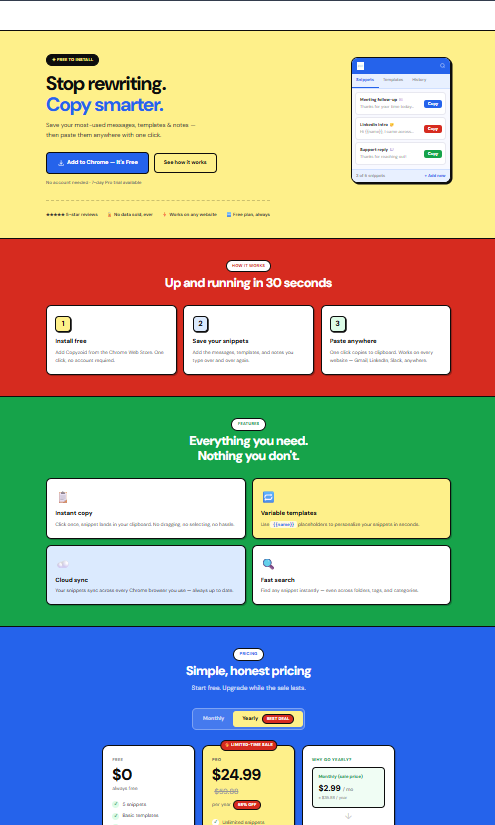
This is where Copyzoid comes in. It’s designed for this exact 5-minute workflow.
How to set it up:
- Install the extension.
- Open the dashboard (or use the Ctrl+B shortcut).
- Create a new snippet for each of the 5 templates we just drafted.
- Organize them into a folder called "Daily Essentials."
The beauty of using a dedicated tool like Copyzoid is the one-click copy functionality. You don't need to highlight text or right-click. You just find the snippet and it's ready to be pasted.

Advanced Speed: Using Variables and Shortcuts
Once your basic library is set up, you can start using "Power Moves" to save even more time.
1. The Ctrl+B Shortcut
Stop clicking around your browser. In Copyzoid, hitting Ctrl+B opens your library instantly. It doesn't matter if you're in Gmail, Slack, or a CRM. Your snippets are always one keystroke away.
2. Variable Templates
Instead of just having static text, use variables for things like {{Customer_Name}} or {{Ticket_ID}}. This allows you to personalize the response in seconds without re-typing the entire paragraph.
3. Cloud Sync
If you work from multiple computers, make sure your library syncs to the cloud. There is nothing more frustrating than needing a snippet and realizing it’s saved on your "office computer" while you're working from home. Copyzoid handles this automatically, so your templates follow you everywhere.
How to Organize Your Growing Library
After the first five minutes, your library will start to grow. If you don't organize it, you’ll end up with a cluttered mess that is just as slow as typing manually.
Use a Folder-First Structure:
- Sales: Cold outreach, follow-ups, pricing links.
- Support: Troubleshooting, refund policies, "how-to" guides.
- Internal: Zoom links, company Bio, project updates.
- Personal: Networking notes, "thank you" messages.
Keep your folders simple. If you have more than 10 folders, you’re over-complicating it. The goal is instant access, not a library science degree.

The "One-Click Copy" Mindset
The real secret to high productivity isn't a complex system. It’s a mindset shift.
Every time you find yourself typing a sentence for the second time, ask yourself: "Should this be a snippet?"
If the answer is yes, hit Ctrl+B, add it to Copyzoid, and never type it again.
This habit creates a compounding effect. On day one, you save 5 minutes. By month three, you’ve saved dozens of hours. That is time you can spend on high-value work: the kind of work that actually grows your business or moves your career forward.
Why Simple is Better
There are plenty of "enterprise" solutions out there for managing canned responses. They often come with complex logic, heavy price tags, and a steep learning curve.
For most professionals, that’s overkill.
You need something simple. You need a tool that stays out of your way until you need it. You want a tool that prioritizes speed and clarity over endless features.
That is why we built Copyzoid. We wanted a way to manage snippets that felt as fast as our own thoughts. No fluff, no jargon: just your text, exactly when you need it.
Recap: Your 5-Minute Checklist
If you're ready to start, here is your path to a 5-minute library:
- 0:00 – 1:00: Scan your sent folder. Identify 5 repeat messages.
- 1:00 – 3:00: Turn those messages into templates with [Placeholders].
- 3:00 – 5:00: Install Copyzoid and save your snippets.
- Bonus: Try the Ctrl+B shortcut to see how fast you can pull them up.
Stop being a human typewriter. Your time is worth more than that. Build your library today and start focusing on the work that actually matters.
If you’re ready to scale your productivity without the headache, check out our pricing tiers to see which plan fits your workflow: https://copyzoid.com/#pricing.
Happy saving! 🚀
Leave a Reply