
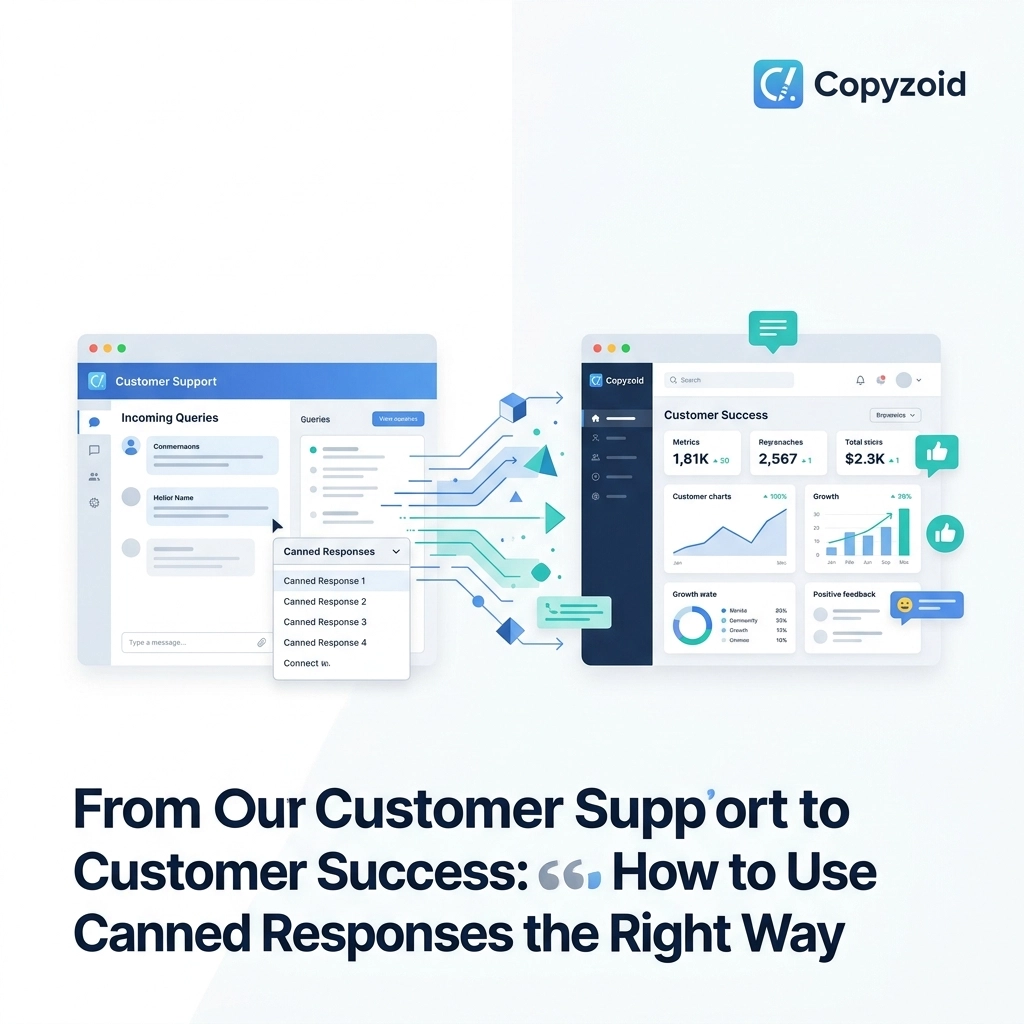
Most customer support teams feel like they are stuck on a treadmill.
You answer the same five questions all day. You send the same links to the same documentation. You apologize for the same minor bugs.
It feels transactional. It feels robotic. And honestly, it’s a waste of your talent.
There is a massive difference between customer support and customer success. Support is about closing tickets as fast as possible. Success is about ensuring your customer actually achieves their goals with your product.
Canned responses, often dismissed as "impersonal", are actually the secret weapon to making this transition. When used correctly, they stop being a script and start being a tool for high-level engagement.
Here is how you can stop being a human auto-responder and start driving real customer success using the right templates and tools like Copyzoid.
The Trap of Robotic Support
The biggest mistake teams make with canned responses is using them to end a conversation.
If a customer asks how to reset their password, and you send a one-sentence reply with a link and close the ticket, you’ve provided "support." You checked a box.
But you didn't help them succeed. You didn't ask if they were having trouble with their account security. You didn't check if they had seen your new security features.
When your responses are too generic, the customer feels like a number. They know they are reading a template. This creates a disconnect that prevents long-term loyalty.

Focus on Genuine Problem-Solving
To move toward customer success, you must use canned responses to handle high-volume, repetitive inquiries so you have time for deep work.
Identify the 80% of questions that are identical. These are your prime candidates for automation.
By using a snippet manager to handle the "low-value" tasks, you free up your brain for:
- Complex troubleshooting that requires human intuition.
- Analyzing feature requests that could improve the product.
- Handling sensitive complaints with genuine empathy.
If you aren't spending 10 minutes typing out a standard refund policy, you can spend those 10 minutes helping a high-value client optimize their workflow.
Balance Efficiency with Personalization
Efficiency shouldn’t come at the cost of warmth. The "Right Way" to use canned responses involves dynamic templates.
Never send a response that looks like a block of text you copied from a Word doc. Use snippets that allow for quick customization.
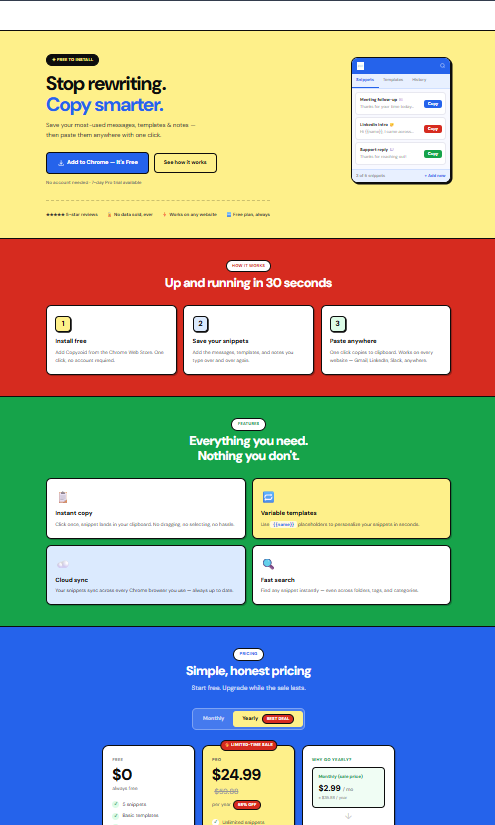
With Copyzoid, you can organize your responses into categories. When you hit Ctrl+B, you can find the exact snippet you need in a second.
The Golden Rule of Personalization:
- Always include the customer’s name.
- Reference a specific detail from their message.
- Adjust the tone to match their level of frustration or excitement.
If a customer is angry, a cheerful "Hey there! Happy to help!" template will make things worse. You need a "Success" version of that template that acknowledges their pain point while providing a clear path forward.
Maintain Consistency and Quality
One of the biggest risks in support is conflicting information.
One agent says a feature is coming next month. Another agent says it’s not on the roadmap. This kills trust.
Centralizing your canned responses ensures everyone is on the same page. When the pricing changes, you update one snippet in your manager, and the whole team is instantly aligned.
Using a tool that offers cloud sync is essential here. You don’t want your team members running their own private lists of outdated templates on sticky notes or random Notion pages.
Enhance Resolution, Not Just Response
A support agent answers the question. A success advocate answers the next question.
Your canned responses should be proactive. If you are sending a snippet about how to install a browser extension, don't stop at the installation link.
Include proactive resources like:
- A link to a 30-second video tutorial.
- A "Pro-Tip" about a feature they might not know yet.
- A link to your community forum or knowledge base.
By providing more value than they asked for, you reduce the "ping-pong" effect of back-and-forth emails. You solve the problem before they even realize they have it.
Use Clear, Customer-Centric Language
Stop using jargon. If your "canned" response sounds like it was written by a legal department, delete it.
Write like a human. Use simple, direct language.
- Wrong: "Please be advised that our engineering department is currently investigating the latency issues regarding the API integration."
- Right: "Our team is working on fixing a slowdown with the API right now. I’ll update you as soon as it’s running smoothly again."
Short sentences are easier to read. They feel more honest. They get the job done faster.

The Strategy of Closing Conversations
How you end a message is just as important as how you start it.
Instead of a generic "Let us know if you need anything else," try a success-oriented closing.
- "I’d love to see how you use [Feature X] once you get it set up!"
- "We’re hosting a webinar next Tuesday on this exact topic, here’s the invite if you’re interested."
- "I've attached a cheat sheet of keyboard shortcuts to help you get started even faster."
This shows the customer that you aren't just trying to get rid of them. You are invested in their journey.
Why Speed Matters for Customer Success
You might think that "Success" takes more time than "Support." It doesn't have to.
The faster you respond, the more a customer feels valued. But you can't be fast if you are manually searching through a Google Doc for the right text to copy.
This is where the Ctrl+B shortcut becomes your best friend.
In a high-pressure support environment, every second counts. If you can pull up a perfectly formatted, personalized response in two keystrokes, you win. You provide the speed of a bot with the heart of a human.
Audit Your Library Regularly
Canned responses are not "set it and forget it."
As your product evolves, your templates must evolve too. A response that was perfect six months ago might be "Support" level today, but "Success" level requires an update.
Set a reminder to review your most-used snippets every month.
- Are people still asking follow-up questions after this response? (If yes, the template isn't clear enough).
- Is the tone still matching our brand?
- Are the links still working?
How to Get Started
If you want to transform your team's workflow, stop copy-pasting from a messy document.
- Identify your top 10 most frequent questions.
- Rewrite them focusing on clarity, proactive help, and success.
- Add them to a snippet manager like Copyzoid.
- Train your team to use the Ctrl+B shortcut for instant access.
Moving from support to success is a mindset shift. It’s about moving from "What is the answer?" to "How can I make this person better at their job?"
When you have the right tools, you don't have to choose between being fast and being helpful. You can be both.
If you’re ready to organize your templates and save hours of repetitive typing every week, check out our pricing page. We have plans built for individuals and teams who value their time.
Stop typing. Start succeeding. 🚀
Leave a Reply