
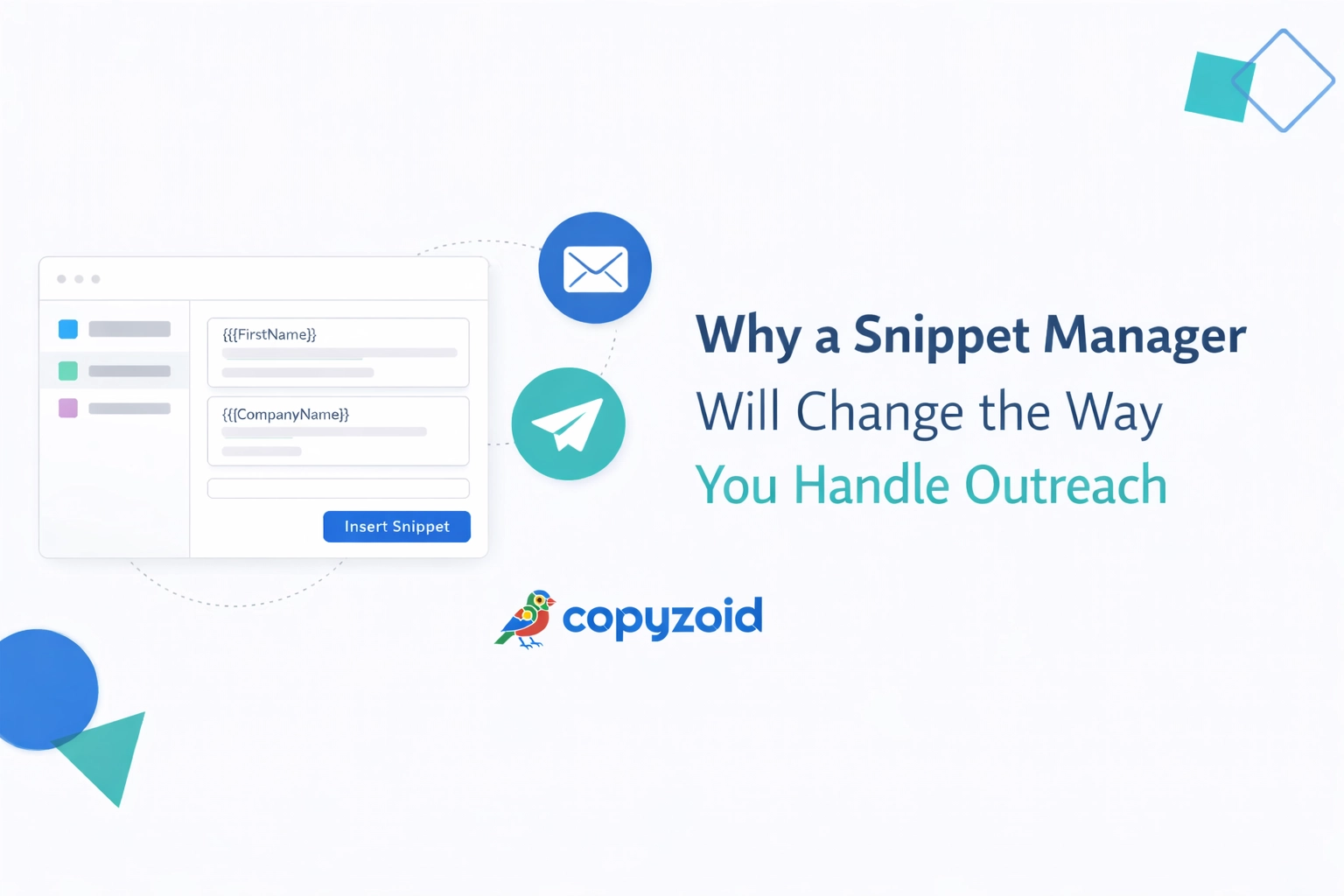
If you spend your day in your inbox, you already know the pain of repetitive typing. You type the same greeting. You explain the same product feature. You send the same "Let's hop on a call" link fifty times a day.
It’s not just boring. It’s inefficient.
When you’re handling outreach, whether it’s for sales or customer support, speed is everything. But you can't sacrifice quality for speed. This is where a snippet manager like Copyzoid changes the game.
Most people think they are being productive by "hustling" through their emails. In reality, they are wasting hours on manual labor that a simple tool could handle in seconds.
The Problem: The High Cost of Manual Outreach
Manual outreach is a productivity killer. When you type every response from scratch, or even when you manually copy-paste from a messy Word document, you lose focus.
Every time you switch tabs to find a previous email, your cognitive load increases. You lose your "flow."
For sales professionals, this delay means fewer prospects reached. For support teams, it means higher ticket wait times. Research shows that the average knowledge worker can save up to 4.2 hours per week just by automating these repetitive text tasks.
Imagine what you could do with an extra half-day every single week. You could focus on closing big deals or solving complex customer problems instead of fighting with your keyboard.
What Exactly is a Snippet Manager?
A snippet manager is a tool that stores your most-used pieces of text, called "snippets", and allows you to insert them anywhere instantly.
Think of it as an upgraded clipboard. Instead of only remembering the last thing you copied, a tool like Copyzoid remembers everything you want it to. You create outreach templates once, and then you use them forever.
It lives in your browser as a Chrome extension, meaning it works wherever you work. Whether you are in Gmail, LinkedIn, HubSpot, or Zendesk, your snippets are right there with you.
The Magic of the Ctrl+B Shortcut
The biggest hurdle to using email templates for sales is the friction of finding them. If you have to click through five menus to find a template, you might as well just type the email.
Copyzoid solves this with the Ctrl+B shortcut.
- You're typing an email.
- You need your "Product Demo" pitch.
- You hit Ctrl+B.
- Your library pops up, you find the snippet, and it’s in your email.
It is a one-click copy experience. You don't leave your current tab. You don't lose your train of thought. This small change in workflow is what allows users to maintain a high volume of outreach without burning out.

Organize Your Outreach with Folders
If you do different types of outreach, your template list can get messy fast. You might have:
- Cold outreach sequences.
- Follow-up templates.
- Technical support answers.
- Pricing details.
Copyzoid allows you to organize these into folders.
Organization is the key to consistency. When your entire team uses the same folders and snippets, your brand voice stays the same. You don’t have one sales rep promising one thing and another rep saying something different.
By using organized outreach templates, you ensure that the most effective, highest-converting language is being used by everyone, every time.
Why Sales Teams Need a Snippet Manager
Sales is a numbers game, but it’s also a timing game. The faster you respond to a lead, the higher your chance of conversion.
Using email templates for sales allows you to:
- Respond instantly: Use snippets for common objections.
- Follow up relentlessly: Have your Day 3, Day 7, and Day 14 follow-ups ready to go.
- Personalize at scale: Snippets insert text exactly where your cursor is. This means you can type a personalized intro, hit Ctrl+B to drop in your value prop, and then finish with a custom sign-off.
It’s the perfect balance between automation and personalization. You don't sound like a robot because you aren't using a "one-size-fits-all" bulk sender. You are sending a real, manual email, you’re just doing it five times faster.
Revolutionizing Customer Support
Customer support is often a game of "have I answered this before?" The answer is almost always yes.
A snippet manager acts as a living knowledge base for your support team. Instead of looking up documentation every time a customer asks about a refund policy, the agent just pulls the "Refund Policy" snippet.
This reduces Response Time (FRT) and increases customer satisfaction. It also keeps your support agents happy. Nobody likes typing the same 500-word explanation of a technical bug ten times a day.
With Copyzoid, they type it once, save it, and use the Ctrl+B shortcut to solve the problem in seconds the next time it comes up.
Stop Searching, Start Finding
One of the most powerful features of a modern snippet manager is fuzzy search.
You don't need to remember the exact name of your template. If you're looking for your "Pricing for Enterprise" snippet, you can just type "price" or "ent" into the search bar.
Copyzoid finds it instantly.
This eliminates the "where did I save that?" panic. Everything you need to communicate effectively is indexed and searchable.

Cloud Sync: Your Snippets Everywhere
The modern professional doesn't just work from one computer. You might be at the office, at home, or on a laptop at a coffee shop.
A cloud-based snippet manager ensures that your outreach templates follow you. When you update a pricing template on your desktop, it’s automatically updated on your laptop.
This cloud sync ensures that you are never using outdated information. It keeps your workflow seamless regardless of where you are logging in from.
The Generous Free Plan
We believe productivity shouldn't be locked behind a massive paywall. That’s why Copyzoid offers a very generous free plan.
You can start saving time today without spending a dime. You get access to the core features: like the Ctrl+B shortcut, snippet organization, and instant search: for free.
As you grow and your needs become more complex, we have simple pricing options to help you scale. But for many individuals and small teams, the free version is more than enough to start reclaiming those 4.2 hours a week.
How to Get Started
Setting up a snippet manager is one of the highest-ROI activities you can do for your business. It takes about five minutes to set up, and it pays you back in time every single day.
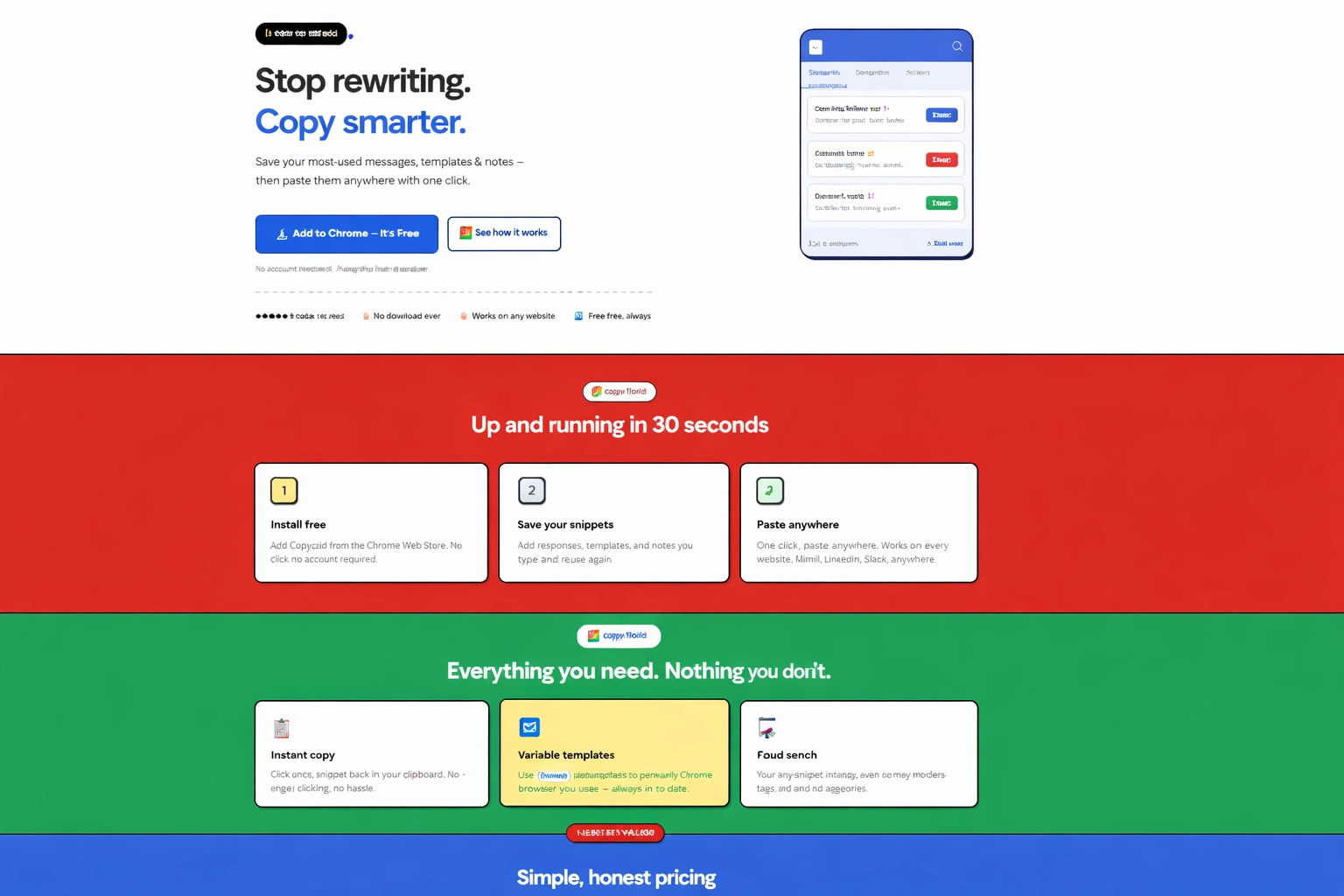
- Install the extension: Add Copyzoid to your Chrome browser.
- Identify your "Repeaters": Look through your sent folder. What are you typing over and over?
- Create your first Snippets: Copy those common phrases into Copyzoid.
- Use Ctrl+B: Next time you’re in your inbox, use the shortcut and feel the magic.
Final Thoughts
Outreach doesn't have to be a grind. The difference between a stressed-out professional and a highly productive one is often just the tools they use.
Stop wasting your talent on repetitive keystrokes. Use a snippet manager to organize your communication, maintain your brand voice, and: most importantly: get your time back.
Ready to see how much time you can save? Try Copyzoid for free and start handling outreach like a pro. Your inbox (and your fingers) will thank you.
FAQ
What is a snippet manager?
A snippet manager is a productivity tool that stores and organizes frequently used pieces of text, allowing you to insert them instantly into any app or website using a shortcut like Ctrl+B.
How does a snippet manager save time in outreach?
It eliminates repetitive typing and the need to search for templates, saving knowledge workers an average of 4.2 hours per week.
What are the best email templates for sales?
The most effective sales templates are those for cold outreach, follow-ups, and common objection handling, as they ensure messaging consistency while allowing for quick personalization.
How do I use a text expander in Chrome?
You can use a Chrome extension like Copyzoid to save snippets and access them instantly via a search interface or a dedicated keyboard shortcut from any tab.
How can I manage canned responses across a team?
Using a snippet manager with folder organization and cloud sync allows team members to share the same library of responses, ensuring a consistent brand voice.
Leave a Reply