Content marketers spend half their lives staring at blinking cursors.
The other half is spent digging through Google Docs, Slack messages, or sticky notes to find that one AI prompt that actually worked last time.
Artificial intelligence was supposed to make us faster.
But if you are manually copying and pasting "Act as a professional copywriter…" from a messy text file fifty times a day, you aren't actually saving time.
You are just trading one manual task for another.
To scale your output, you need a system.
You need a productivity tool that acts as your dedicated AI prompt library.
This is where a snippet manager like Copyzoid changes the game for your workflow.
The Problem: The "Prompt Hunting" Tax
Every time you switch tabs to find a prompt, you lose focus.
It’s called context switching.
Studies show it can take up to 23 minutes to get back into "the zone" after a distraction.
For a content marketer, these distractions look like:
- Searching through "Notes" for a specific tone-of-voice prompt.
- Scrolling through old ChatGPT chats to find a successful output structure.
- Re-typing the same 200-word persona description every morning.
These tiny delays add up to hours of lost productivity every single week.

Why You Need a Dedicated Prompt Library
A prompt library is more than just a list of sentences.
It is a repository of your best-performing logic.
When you find a prompt that generates the perfect LinkedIn hook or a high-converting meta description, you shouldn't have to "remember" it.
You should save it.
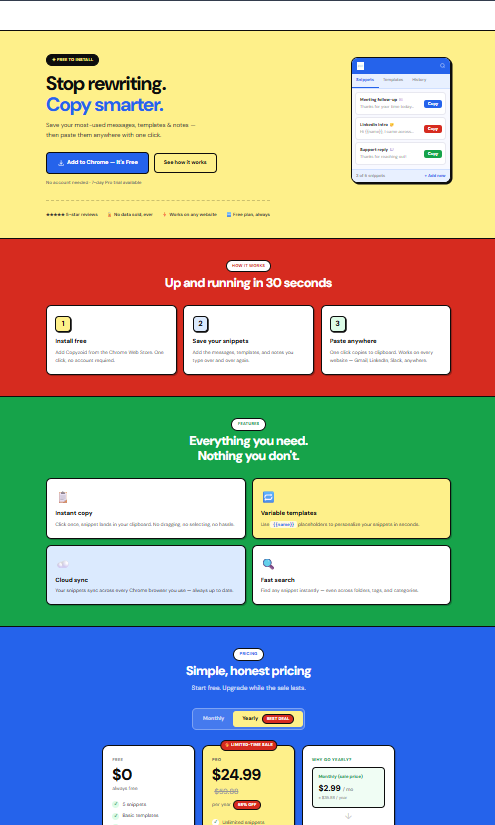
By using a tool like Copyzoid, you can organize these prompts into folders and access them instantly.
The Power of One-Click Copy
With Copyzoid, you don't have to highlight text, right-click, and copy.
You use the one-click copy functionality.
Even better, the Ctrl+B (or Cmd+B) shortcut brings up your library instantly inside your browser.
Whether you are in ChatGPT, Claude, or your CMS, your best prompts are one keystroke away.
Essential Folders for Content Marketers
To stay organized, you should categorize your snippets.
Here is how a high-performing content team structures their snippet manager:
1. Persona Definitions
Stop telling the AI who it is every single time.
Create a folder called "Personas."
- Snippet A: "Act as a SaaS Content Strategist focused on B2B lead generation…"
- Snippet B: "Act as a casual, funny social media manager for a Gen-Z audience…"
- Snippet C: "Act as a technical editor who specializes in simplifying complex DevOps topics…"
2. Blog Post Frameworks
Don't just ask for "a blog post."
Save the structure that works for your brand.
- The Listicle Prompt: A framework for 10-point lists with specific H2 and H3 requirements.
- The "How-To" Guide: A prompt that ensures step-by-step clarity and actionable takeaways.
- The Thought Leadership Prompt: A prompt designed to extract unique opinions and "counter-narrative" ideas.
3. Social Media Distribution
Converting a long blog into social posts is a chore.
Automate it with saved prompts.
- The LinkedIn Carousel: A prompt that breaks a blog into 7 distinct slides.
- The Viral X Thread: A prompt that focuses on hooks and punchy 280-character insights.
- The Instagram Caption: A prompt that focuses on visual descriptions and emojis.
Advanced Workflow: Using Variables
The best prompts aren't static.
They usually require a specific topic or a link to work correctly.
Instead of saving a generic prompt and manually editing it every time, use variables.
Copyzoid allows you to create templates where you fill in the blanks.
Example Template:
"Write a 1200-word blog post about {Topic}. The target audience is {Audience}. Use a {Tone} voice and include a call to action for {Product_Link}."
When you trigger this snippet via Ctrl+B, you just fill in those four fields and hit enter.
Your prompt is ready in seconds, perfectly formatted, every single time.
SEO and Meta Snippets
SEO is a game of repetition.
You need meta descriptions, title tags, and alt-text for every single piece of content.
This is where a productivity tool becomes an unfair advantage.
Keep a folder in Copyzoid for "SEO Optimization."
- Meta Description Generator: "Write a 155-character meta description for a post about [Variable] that includes the keyword [Variable]."
- Title Tag Improver: "Give me 10 click-worthy title tags for this article headline: [Variable]."
- Keyword Density Check: "Analyze the following text and suggest where to naturally insert [Variable] without keyword stuffing."

Collaboration and Syncing
If you are working with a team or across multiple devices, you can't rely on local text files.
You need your library to follow you.
Copyzoid offers cloud sync, meaning your prompt for the perfect "Ad Copy" is available on your work laptop, your home desktop, and your browser extension.
When your team finds a prompt that increases conversion rates by 20%, they can share the snippet.
Suddenly, your whole department is operating at the level of your best prompt engineer.
How to Get Started in 5 Minutes
You don't need a complex setup to start seeing results.
Efficiency is about small, consistent wins.
- Install the Extension: Add Copyzoid to your browser.
- Create Your First Folder: Call it "Daily Prompts."
- Add Your "Persona": Take that one paragraph you always type into ChatGPT and save it as a snippet.
- Use Ctrl+B: The next time you open an AI tool, hit the shortcut and watch your prompt appear instantly.
The goal is to eliminate the repetitive work that drains your creativity.
As a content marketer, your value is in your ideas and your strategy.
You shouldn't be a professional "Copy-Paster."
The ROI of Organization
If you save 30 seconds per prompt and use 20 prompts a day, you save 10 minutes daily.
That is nearly an hour a week.
Over a year, that is 50 hours of pure, focused time returned to you.
What could you do with an extra week of work time?
- Plan a better content calendar.
- Conduct more original research.
- Actually take a lunch break.
The cost of being disorganized is higher than you think.
The cost of being organized is essentially zero.
Copyzoid offers a free plan that lets you start building your library right now.
If you need more advanced features like unlimited snippets or team syncing, you can check out the pricing page.
Never Start from Zero Again
Blank page syndrome happens because the distance between "I have an idea" and "I am writing" is too large.
By building an AI prompt library, you bridge that gap.
You aren't starting with a blank page.
You are starting with a proven framework, a defined persona, and a structured goal.
You are starting with a click.
Stop fighting with your clipboard and start scaling your content.
Your brain: and your deadlines: will thank you.
Ready to build your library?
Leave a Reply