
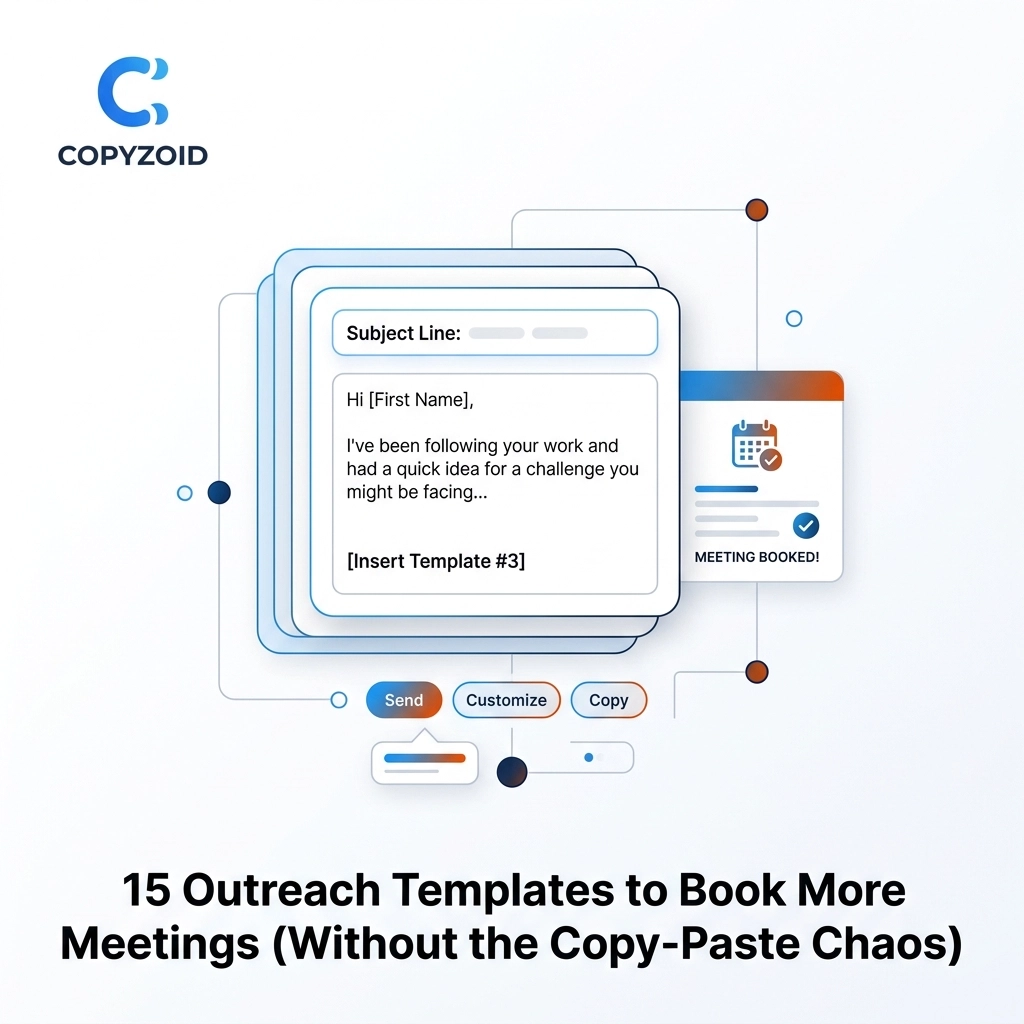
You are likely suffering from the "Toggle Tax."
It happens every time you switch between your CRM, your email provider, and that messy Google Doc where you keep your "best" sales scripts. Every time you hunt through 47 open tabs to find a specific follow-up message, you lose focus.
This friction doesn't just waste time; it kills your momentum. When you finally find the template, you have to manually edit the name, the company, and the specific pain point. This copy-paste chaos is why your outreach feels like a chore instead of a conversation.
At Copyzoid.com, we believe sales pros should spend their time selling, not hunting for text. By using a clipboard manager for Chrome, you can trigger any of the following 15 templates instantly with a simple Ctrl+B shortcut.
Here are 15 outreach templates designed to book more meetings while eliminating the manual grind.
The "Cold Start" Templates
These are designed for the first touchpoint. The goal isn't to sell the product; it's to sell the conversation.
1. The Direct Problem-Solver
"Hi {First_Name}, noticed {Company} is growing their sales team. Usually, that means a lot of manual data entry for your reps. We built a tool that cuts that time in half. Open to a 5-minute chat Tuesday at 10 AM?"
2. The "Saw Your Post" Hook
"Hey {First_Name}, loved your recent post about {Topic}. It reminded me of a challenge we just solved for {Competitor}. If you're looking to achieve {Result} this quarter, worth a quick look? I'm free Thursday afternoon."
3. The Competitor Pivot
"Hi {First_Name}, I see you're using {Competitor_Product}. Most people switch to us because of {Feature}. Are you seeing {Common_Pain_Point}? If so, I’d love to show you how we handle it. Tuesday or Wednesday?"

The Low-Friction Meeting Asks
The "Toggle Tax" hits hardest when you're trying to coordinate schedules. Stop the back-and-forth.
4. The 5-Minute "Micro-Call"
"Hi {First_Name}, I don't want to bury you in another 30-minute demo. Can we do a 5-minute 'vibe check' on Tuesday? If it's a fit, we keep talking. If not, I’ll leave you alone. Does 2:00 PM work?"
5. The Specific Time Anchor
"I’ll be in your neighborhood (virtually) on Wednesday. I have a gap at 11:00 AM or 1:30 PM. Would one of those work to discuss {Benefit} for {Company}?"
6. The "Calendar Link" Alternative
"I know calendar links can feel impersonal, so I'll just suggest Thursday at 9:00 AM. If that's bad, feel free to grab a better time here: {Link}."
LinkedIn & Social Outreach
LinkedIn is where the 47-tab hunt usually begins. These snippets help you stay inside the platform without losing your mind.
7. The Personalized Connection Request
"Hi {First_Name}, I’ve been following {Company}'s work in {Industry}. I’d love to connect and keep an eye on your progress!"
8. The Post-Connection Value Drop
"Thanks for connecting, {First_Name}. I actually just wrote a piece on {Relevant_Topic} that might help with your current focus on {Goal}. Hope it helps!"
9. The Video Message Intro
"Hey {First_Name}, I recorded a 30-second video for you explaining how {Company} can save 4 hours a week. Can I send the link over?"
The Follow-Up Sequence
Persistence is where the money is, but it’s also where the repetitive typing lives. Use these to save time typing every day.
10. The "Checking with the Boss" Follow-up
"Hi {First_Name}, just circling back on our last chat. Did you get a chance to show {Boss_Name} the {Feature} we discussed? Happy to hop on a call with both of you to clear up any questions."
11. The Resource Add
"Saw this article on {Topic} and thought of you. It touches on the {Pain_Point} you mentioned last week. Still on track for our chat next Monday?"
12. The "Ghosted" Re-engagement
"Hi {First_Name}, usually when I don't hear back, it means priorities have shifted or you've gone with another direction. Either is fine: just want to know if I should keep this on my radar or move on?"
Closing the Loop
Sometimes you need to walk away to get a response. These "Break-up" templates are highly effective.
13. The Final Break-up
"Hi {First_Name}, I haven't heard back, so I'm assuming {Project} isn't a priority right now. I'll close your file for now. If things change in the future, you know where to find me."
14. The Referral Ask
"Hi {First_Name}, it seems like you might not be the right person for this. Is there someone else at {Company} who handles {Department}? I'd love to save them from the {Pain_Point} we discussed."
15. The "Permission to Close"
"Hey {First_Name}, I'm cleaning up my pipeline today. Should I keep reaching out, or is it better to touch base in six months? Just looking for a green light or a red light."

How to Stop the Copy-Paste Chaos
Using these templates is only half the battle. If you are still navigating to a folder on your desktop or a "Sent" folder in your email to find these, you are paying the Toggle Tax.
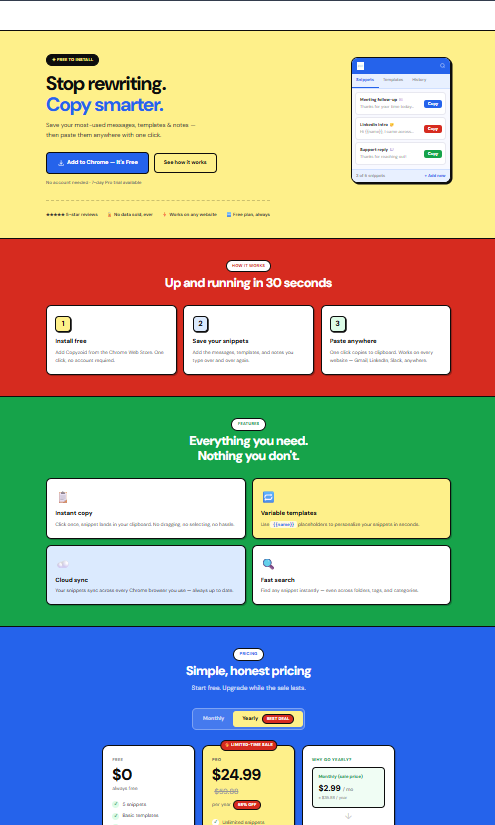
With Copyzoid, you can organize these 15 templates into folders. You can use variables like {First_Name} or {Company} so that when you paste the template, it prompts you to fill in the blanks instantly.
- Install the extension: Add Copyzoid to Chrome.
- Add your snippets: Paste these 15 templates into your dashboard.
- Hit Ctrl+B: Whenever you are in an email or LinkedIn message, hit the shortcut.
- Search & Paste: Use the fast fuzzy search to find the "Break-up" or "Micro-call" template and hit enter.
The one-click copy functionality ensures that you never have to highlight text again. You stay in the tab where the work is happening. You eliminate the 47-tab hunt.

Why This Matters for Sales Pros
Sales is a numbers game, but it’s also a focus game. If you can send 50 high-quality, personalized emails in the time it used to take you to send 10, your pipeline will explode.
Most reps get "brain fry" by lunch because they’ve spent the whole morning fighting their browser tabs. By automating the repetitive parts of your communication, you keep your mental energy for the actual sales calls.
You can learn more about how to save time typing on our blog, or check out our privacy policy to see how we keep your data secure.
Ready to eliminate the Toggle Tax?
Stop hunting for templates. Start booking meetings.
Copyzoid is built for the knowledge worker who is tired of the manual grind. Whether you are a solo founder or leading a sales team, the time saved adds up to hours every single week.
Leave a Reply