
![[HERO] The Hidden Cost of Retyping: Why You're Losing 4.2 Hours a Week (and How to Get Them Back).](https://cdn.marblism.com/9BUZYvq1ZOS.png)
You are probably retyping the same sentence right now.
Maybe it is a standard greeting in an email.
Maybe it is a link to your calendar or a specific product page.
Perhaps it is your company’s tax ID or a repetitive piece of code you use every morning.
Whatever it is, you are doing it manually.
And it is costing you more than you think.
Most knowledge workers don’t realize they are trapped in a cycle of digital duplication.
We treat our keyboards like typewriters from 1950, rather than the high-powered productivity tools they are meant to be.
The research is staggering.
Recent data suggests that more than 75% of employees spend three hours a day just manually entering data.
Another 76% of workers spend between one and three hours daily simply moving data from one place to another.
When you add that up, the "hidden cost" isn't just a few minutes here and there.
It is a massive drain on your focus, your energy, and your bottom line.
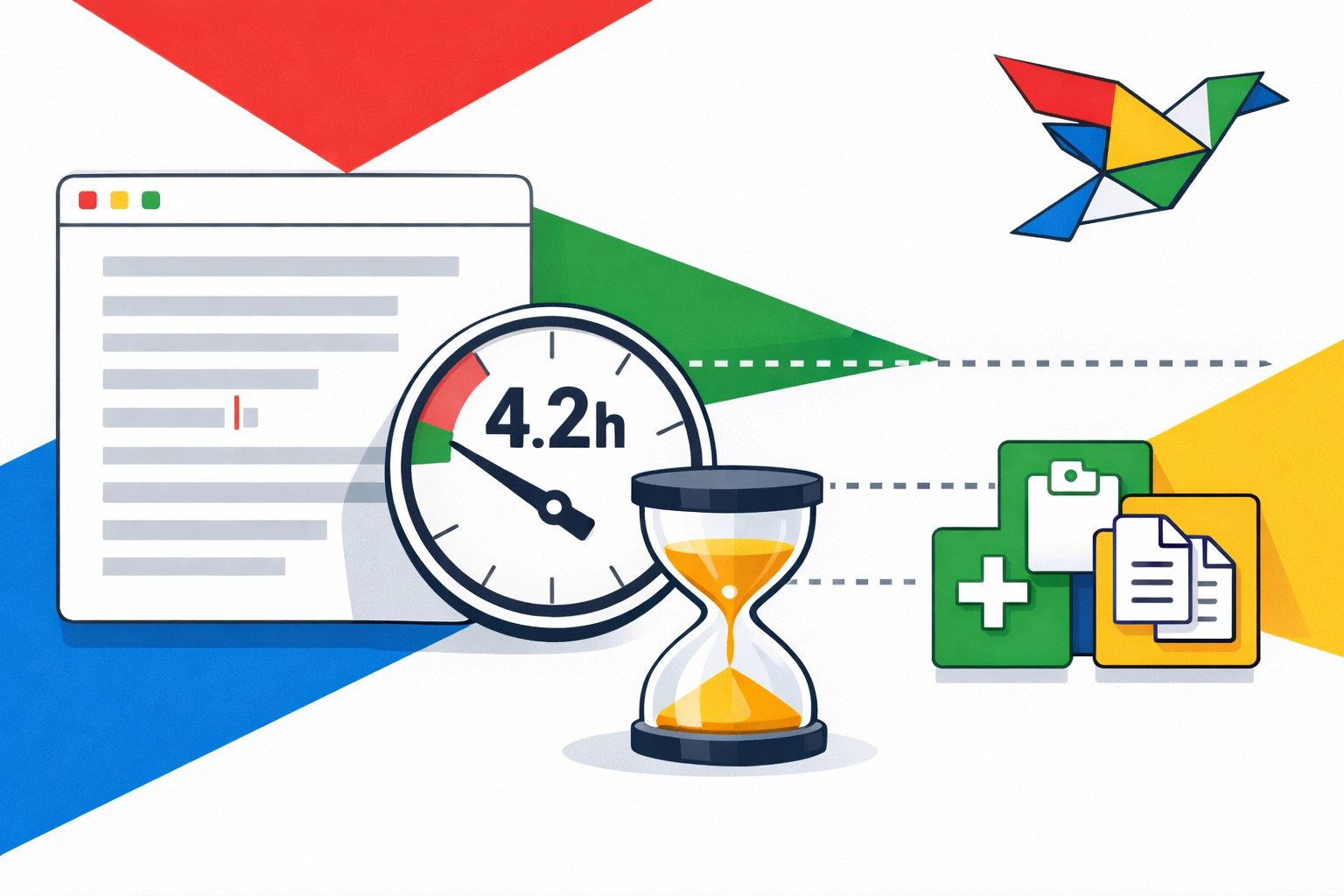
If you are a professional who communicates for a living, you are likely losing at least 4.2 hours every single week to unnecessary retyping.
That is over 200 hours a year.
That is five full work weeks spent doing something a machine can do in half a second.
The Invisible Thief of Focus
Why does retyping feel so harmless?
It is because it happens in small, five-second increments.
You think, "It only takes a moment to type 'Thanks for reaching out, I'll get back to you soon'."
But it isn't just the typing.
It is the context switching.
Every time you stop your primary task to find a link, copy a bio, or retype a standard response, your brain has to shift gears.
Studies show it can take up to 23 minutes to fully get back "into the zone" after a minor distraction.
When you spend your day hunting for snippets of text, you aren't just typing.
You are fragmenting your focus.
You are choosing to stay busy instead of being productive.
In industries like construction, manual data re-entry is described as a "silent but costly workflow problem."
Workers are forced to rewrite the same info across spreadsheets, ERPs, and project management tools.
This leads to a global loss of roughly $1.6 trillion in value annually due to poor data practices.
You might not be building a skyscraper, but your digital workflow suffers from the same administrative waste.
The Problem with the Standard Clipboard
We all use Ctrl+C and Ctrl+V.
The clipboard is the most basic productivity tool in existence.
But it is fundamentally broken for modern work.
The standard clipboard only remembers one thing at a time.
If you copy a link, then accidentally copy a word, your link is gone.
You have to go back, find the source, and copy it again.
This "copy-paste dance" is a primary reason why we lose hours every week.
We are constantly toggling between tabs, searching through sent folders, and digging through Slack messages to find that one thing we said last week.
It is inefficient. It is frustrating. And it is completely avoidable.
Reclaiming Your 4.2 Hours
The solution isn't to type faster.
The solution is to never type the same thing twice.
This is why we built Copyzoid.com.
Copyzoid is a productivity browser extension designed to eliminate the friction of repetitive typing.
Instead of hunting for your frequently used text, you store it in a central, searchable library.
The core of the experience is built around two things: Speed and Simplicity.
The Power of Ctrl+B
Imagine you are writing an email.
Instead of opening a new tab to find a meeting link, you simply hit Ctrl+B.
A clean, minimalist search bar appears instantly.
You type "meeting," hit enter, and the link is pasted exactly where you need it.
No tab switching. No distraction. No lost focus.
This one-click copy functionality is the difference between a fragmented workday and a flow state.
Why Minimalism Matters in Productivity
There are hundreds of complex automation tools out there.
Most of them require a week of training just to understand the interface.
At Copyzoid, we believe that simple is better.
If a tool is hard to use, you won't use it.
Our extension lives in your browser, ready when you need it and invisible when you don't.
We focus on the essentials:
- Organized Snippets: Group your text by project or category.
- Instant Search: Find anything in milliseconds.
- Variables: Create templates that ask for a name or date before pasting.
- Syncing: Your library follows you across devices.
Check out how we handle your data in our privacy policy and terms of service.
Use Cases: Where Will You Use Your Extra Time?
When you gain back 4.2 hours a week, what will you do with them?
For Customer Support, it means handling 30% more tickets without feeling burned out.
For Sales Professionals, it means sending personalized follow-ups in seconds rather than minutes.
For Developers, it means having a library of reusable code blocks accessible with a single keyboard shortcut.
For Recruiters, it means reaching out to candidates with perfectly formatted messages that still feel personal.
By using the Copyzoid Clipboard Manager, you aren't just saving time.
You are reducing the mental load of your workday.
You are removing the "grunt work" so you can focus on the "deep work."
The Math of Efficiency
Let’s look at the numbers again.
If you save just 10 seconds every time you use a snippet instead of retyping or searching for text:
- 6 snippets a day = 1 minute saved.
- 60 snippets a day = 10 minutes saved.
Over a week, that is nearly an hour of pure typing time.
But when you account for the elimination of errors and the reduction in context switching, that number triples.
Companies that digitize these manual workflows report significantly higher productivity and fewer operational issues.
Organizations stuck in the "manual entry" era face cost overruns of up to 30%.
They move slower. They make more mistakes. They lose.
How to Start Your Retyping Audit
If you want to get your time back, start with an audit.
For the next two hours, pay attention to what you type.
Do you see a pattern?
Are you typing your email address? Your Zoom link? The same "About Us" paragraph?
- Identify: List the top 10 things you type every day.
- Organize: Add them to your Copyzoid library.
- Execute: Use Ctrl+B to call them up instantly.
It sounds simple because it is.
Productivity doesn't have to be a complex system of colored tags and nested folders.
Sometimes, it is just about having the right text at your fingertips.
Stop Typing. Start Doing.
The world is moving faster than ever.
You cannot afford to spend your career as a human data-entry machine.
You were hired for your ideas, your strategy, and your ability to solve problems.
You weren't hired to retype "Please see the attached file for more details" 40 times a week.
It is time to delegate the repetitive stuff to the software.
Take a look at our sitemap to see all the ways we can help you optimize your workflow.
Or, if you are ready to stop wasting time right now, you can explore our pricing plans.
We keep our pricing as simple as our software.
No hidden fees, no complex tiers. Just straightforward tools for professionals who value their time.
4.2 hours is waiting for you.
Are you going to keep retyping, or are you going to take it back?
Visit Copyzoid.com and join the thousands of knowledge workers who have already made the switch.
Your keyboard is capable of more. Are you?
Leave a Reply