
You are in the middle of a high-priority email when you realize you need that standard project update template.
You open a new tab and head to Google Docs.
You wait for the dashboard to load, type "Project Update" into the search bar, and sift through twelve different files with similar names.
By the time you find the right document, copy the text, and paste it back into your email, three minutes have passed.
This is the invisible time leak killing your team’s productivity.
Most teams use Google Docs as a makeshift library for canned responses and templates because it’s familiar.
But just because it's familiar doesn't mean it's the right tool for the job.
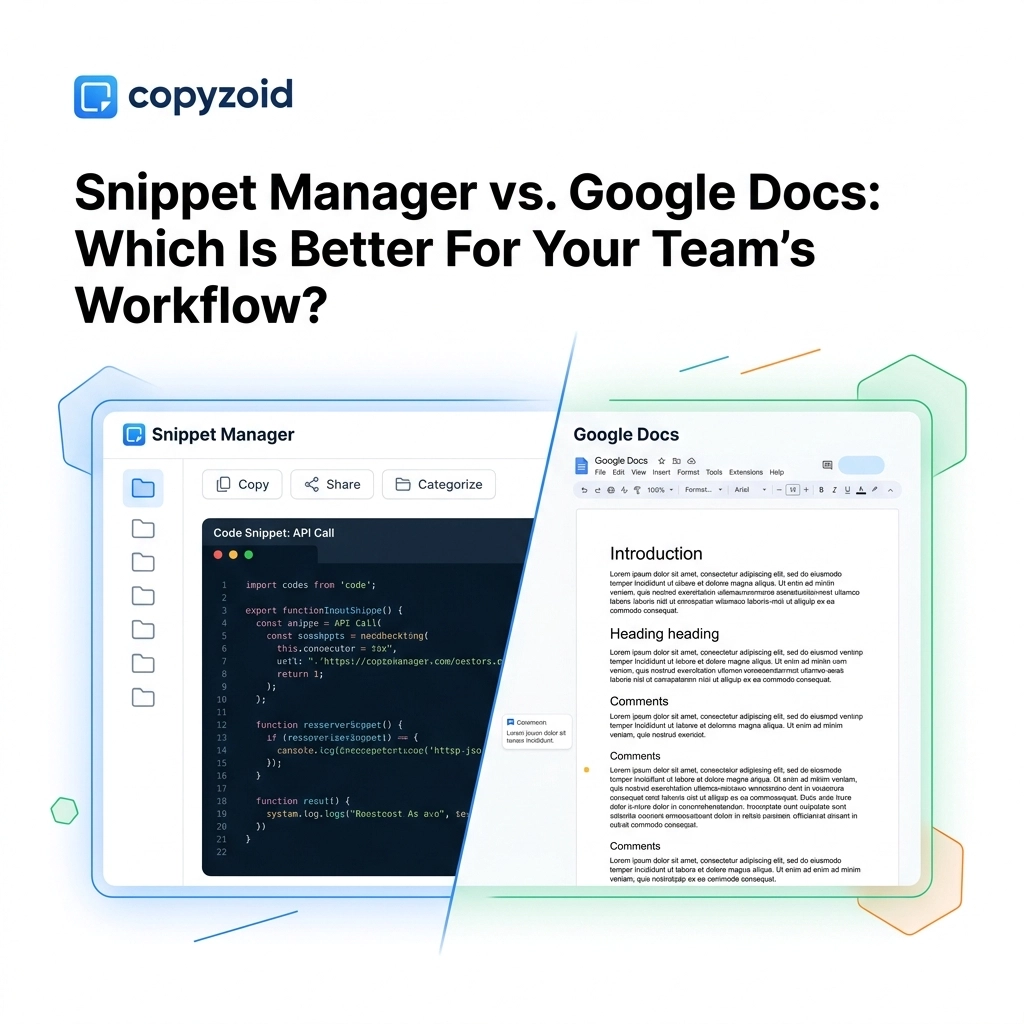
In this post, we’re breaking down the battle between Snippet Managers and Google Docs to help you decide which one actually belongs in your workflow.
The Google Docs Trap: Why "Good Enough" is Slowing You Down
Google Docs is arguably the best tool ever created for long-form collaboration.
If you are writing a 20-page whitepaper or a complex project proposal, Google Docs is king.
It offers real-time editing, deep version history, and a robust commenting system.
However, teams often fall into the trap of using it for short-form, repetitive content.
They create "The Master Template Doc" where every sales script, support response, and outreach message lives.
This creates three major friction points:
- Context Switching: You have to leave your CRM, email client, or help desk to find your text.
- Search Latency: Google Docs is heavy. It takes time to load the site, load the file, and find the specific paragraph you need.
- Formatting Nightmares: Copying from a Doc often brings over hidden HTML styling that breaks the look of your email or chat window.
Google Docs was designed for documents, not for instant access.
The Snippet Manager Advantage: Speed and Accessibility
A snippet manager like Copyzoid is a specialized tool designed for one thing: getting text from your brain to the screen instantly.
Unlike a document editor, a snippet manager lives inside your browser or operating system.
It’s always there, but it stays out of your way until you need it.
For knowledge workers, the primary advantage of a snippet manager is zero context switching.
Instead of opening a new tab, you simply hit a keyboard shortcut: like Ctrl+B: and your entire library appears right where you are already typing.
You don't search through files; you use fuzzy search to find a keyword.
Once you find it, it’s a one-click copy or an instant insert.

Key Differences at a Glance
| Feature | Google Docs | Snippet Manager (Copyzoid) |
|---|---|---|
| Primary Goal | Document Creation | Instant Text Retrieval |
| Access Speed | Slow (requires new tab/search) | Instant (Ctrl+B shortcut) |
| Search Method | File-based search | Keyword/Fuzzy search |
| Variables | Manual "Fill in the blank" | Automated dynamic variables |
| Workflow | Distractive (tab switching) | Seamless (in-line access) |
| Collaboration | Deep commenting/editing | Shared team folders/libraries |
When to Use Google Docs
Don't delete your Google account just yet.
Google Docs is still a vital part of a modern tech stack.
You should use Google Docs when your team needs to draft and brainstorm.
If you are building a new sales sequence from scratch, you need the space to leave comments and track changes.
Use it for knowledge bases that require long-form reading, like company handbooks or technical specifications.
Google Docs is for content that is being built.
When to Switch to a Snippet Manager
You should move your content to a snippet manager the moment it becomes standardized.
Once a sales script is "final," it shouldn't live in a Doc anymore.
It should live in a tool that allows for instant deployment.
Here are common use cases for a snippet manager:
- Customer Support: Responding to common "Where is my order?" or "How do I reset my password?" queries.
- Sales Outreach: Sending the same "Great to meet you" follow-up after a Zoom call.
- Developers: Storing frequently used code blocks or CLI commands.
- Recruiters: Sending interview invites and feedback templates.
By moving these to a dedicated clipboard manager for Chrome, you save seconds on every single interaction.
Those seconds add up to hours saved every month across your entire team.

The Power of Variables
One of the biggest limitations of Google Docs is that it is static text.
If you copy a template from a Doc, you still have to manually go through the text and replace [Name] or [Company].
This is where many people make embarrassing mistakes, like sending an email that still says "Hi [First Name]."
Modern snippet managers solve this with variables.
When you trigger a snippet in Copyzoid, the software can automatically fill in today’s date, or prompt you to type in a specific value before it pastes the text.
This ensures your messaging is personalized but also error-free.
It’s a level of smart automation that a general-purpose document editor simply can’t provide.
Why Your Team Needs a "Single Source of Truth"
When templates live in scattered Google Docs, version control becomes a nightmare.
Marketing updates the "About Us" blurb in one Doc, but the Sales team is still using the version they saved in their own private Doc three months ago.
A snippet manager creates a centralized, synced library.
When you update a snippet in the cloud, every member of your team gets the updated version instantly.
No more "Which doc is the latest version?" questions in Slack.
The latest version is always just a Ctrl+B away.
Simple Setup vs. Complex Infrastructure
Many productivity tools are "productivity porn": they take more time to set up and manage than they actually save.
Google Docs is easy to start, but the organizational debt grows quickly as folders pile up.
A browser extension like Copyzoid is designed for simplicity.
The goal is to eliminate the friction between your thoughts and your tools.
You can see the focus on functional efficiency on the Copyzoid homepage.
The setup takes less than 60 seconds.

Security and Privacy Considerations
In a world of data breaches, where you store your snippets matters.
Google Docs has robust security, but sharing documents across a team often leads to "link sharing" risks where sensitive info can be accessed if a link is leaked.
Snippet managers allow for more granular control over shared folders.
You can manage who has access to which templates without the mess of Google Drive permissions.
For more on how we handle data, check out our privacy policy and terms of service.
The Verdict: Use Both, but Know Their Place
The goal isn't to replace Google Docs; it's to stop using it for the wrong thing.
Stop using it as a database for your frequently used text.
Your new workflow should look like this:
- Draft in Google Docs for collaboration and feedback.
- Standardize the final version.
- Deploy the text into Copyzoid.
- Access it anywhere using Ctrl+B.
This hybrid approach gives you the best of both worlds: the power of collaborative editing and the speed of instant snippet retrieval.
Ready to Speed Up Your Workflow?
If your team is still "copying and pasting" from a messy folder of Google Docs, you are working harder than you need to.
You can eliminate that manual repetition today.
Start organizing your snippets and see how much time you actually save when you remove the "search and wait" from your day.
Check out our pricing page to see how we can help your team scale their communication without losing their minds.
Stop hunting. Start typing.
Leave a Reply