
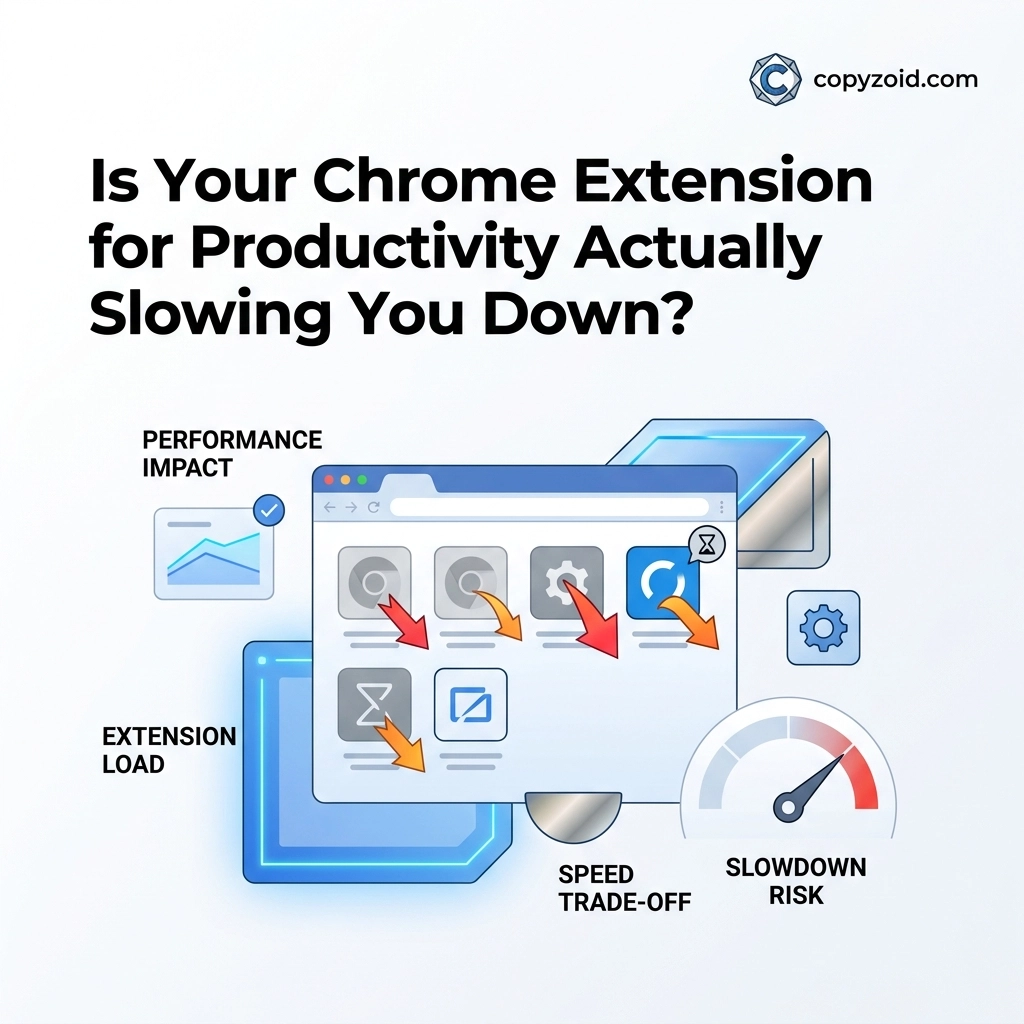
You installed that new "productivity" extension to save time.
But lately, your browser feels like it’s wading through waist-deep mud.
Tabs take seconds to load. Your laptop fan is screaming. You find yourself staring at a white screen waiting for your email interface to become interactive.
There is a massive irony in the modern workspace: The very tools we use to speed up our work are often the primary reason our computers are slowing down.
At Copyzoid.com, we believe productivity shouldn't come with a "speed tax."
If your workflow tool makes you wait, it isn’t a productivity tool, it’s a bottleneck.
The Productivity Paradox: When Tools Take More Than They Give
Every extension you add to Chrome is essentially a mini-program running on top of your browser.
Most of these tools claim to save you minutes a day. However, research into browser performance tells a much darker story.
While about 86% of extensions have a negligible impact, the "big" productivity tools are notorious resource hogs.
When an extension runs, it injects code into the websites you visit. This code has to be processed by your computer's CPU before the page even finishes loading.
If your extension is poorly optimized, you aren't just losing milliseconds, you’re losing your focus.

The Data Doesn't Lie: How Much Speed Are You Losing?
Recent studies have shown that popular productivity tools can add significant delays to your browsing experience.
Think about these numbers for a second:
- Grammarly adds an average of 324 milliseconds of extra CPU time to every page load.
- Honey, the popular shopping and productivity tool, adds 636 milliseconds on simple pages. On complex sites, it can delay things by 1.5 seconds.
- MaxAI and other heavy AI overlays can add a staggering 2.3 seconds to your processing time.
In the world of high-performance work, two seconds is an eternity.
If you visit 100 pages a day, a 2-second delay costs you over three minutes of pure waiting time. That’s not even counting the mental "friction" that occurs when your computer lags.
That lag breaks your flow state. Once your flow is broken, it takes an average of 23 minutes to get back into deep work.
Why "Lightweight" Extensions Often Aren’t
The problem isn't necessarily what the extension does, but how it does it.
Many productivity tools are designed to run their code the moment a page starts loading. They "scan" the page for text to check, buttons to add, or data to scrape.
This happens whether you need the tool on that specific page or not.
If you have a tool that helps you with LinkedIn outreach, why is it running while you’re checking your bank balance or reading a news article?
Poorly designed extensions run everywhere, all the time.
This constant background noise drains your battery and eats up your RAM.
The Compounding Effect: The Death by a Thousand Scripts
Most knowledge workers don't just have one extension. They have five. Or ten. Or twenty.
This creates an additive effect.
If you have five extensions that each add 200 milliseconds to your page load, you’ve just added a full second of lag to every single click you make.
On lower-end laptops or older hardware, this effect is even more pronounced. Your browser isn't just slow; it’s unstable.
This is why we built Copyzoid to be different.
We focused on a minimalist footprint. Our goal was to create a tool that stays out of your way until the exact moment you need it.
How to Audit Your Browser for Speed
You don't have to guess if your extensions are slowing you down. You can check for yourself.
Chrome has a built-in "Task Manager" (separate from your computer's Task Manager).
- Click the three dots in the top right of Chrome.
- Go to More Tools > Task Manager.
- Look at the CPU and Memory footprint columns.
If you see an extension consistently using high CPU even when you aren't actively clicking it, that’s a red flag.
It’s time to be ruthless.
If you haven't used an extension in the last week, disable it. If you haven't used it in a month, delete it.
Your browser speed is more valuable than a "maybe-useful" feature you never touch.
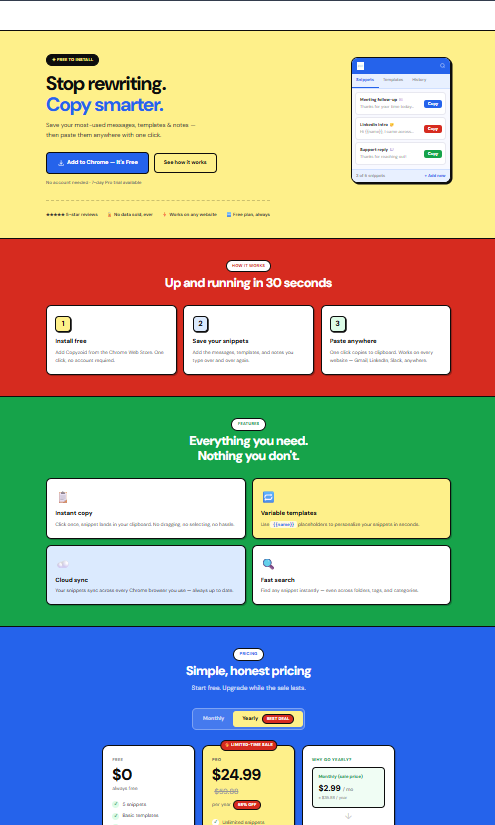
Enter Copyzoid: Productivity Without the Lag
We knew that for a snippet manager to be truly useful, it had to be faster than your own memory.
Copyzoid doesn't inject heavy scripts that scan every word you type on every website.
Instead, it sits quietly in the background, waiting for your command.
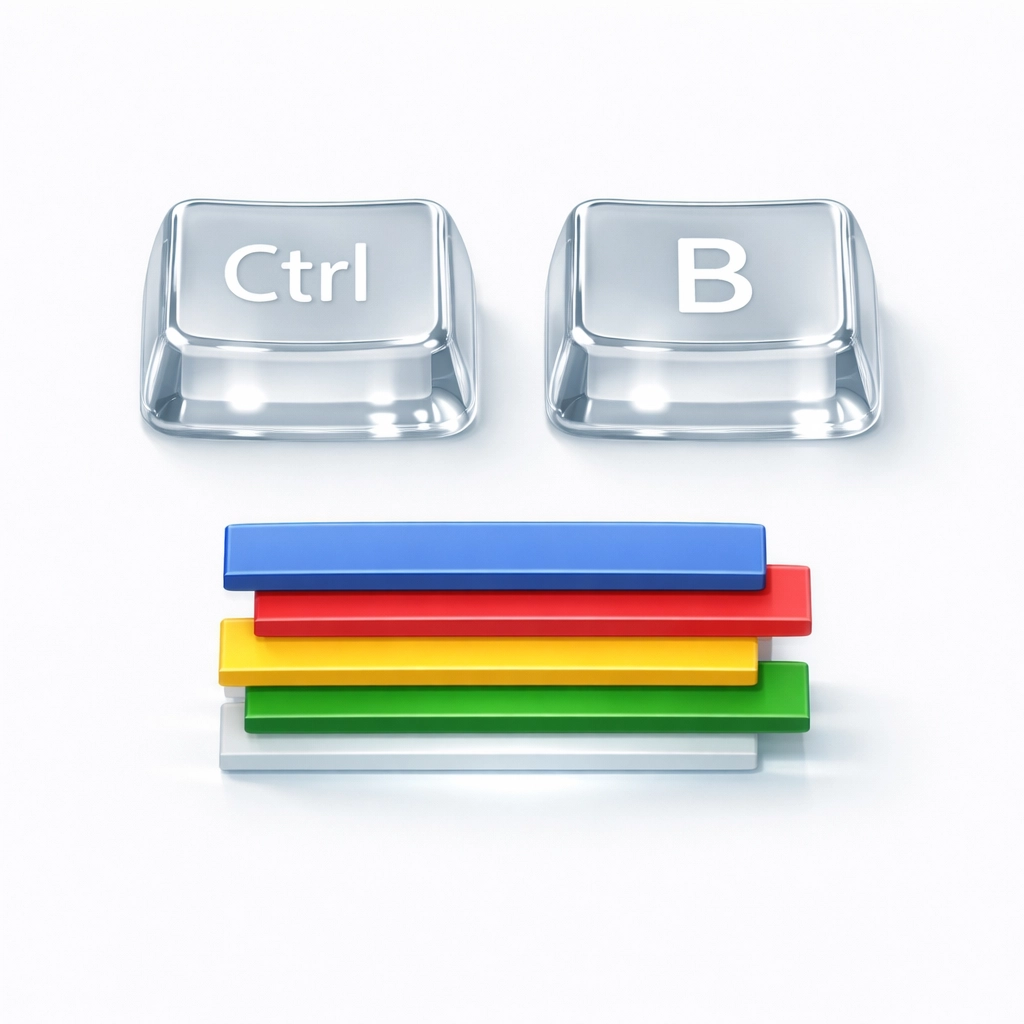
- Ctrl+B: This is your new best friend. Pressing this shortcut brings up your entire library of snippets instantly.
- Fast Fuzzy Search: You don't need to remember exact titles. Start typing, and Copyzoid finds what you need in milliseconds.
- One-Click Copy: Once you find your snippet, one click puts it on your clipboard. Or better yet, it pastes it directly into your active text field.
No lag. No spinning wheels. No waiting for an AI to "think." Just your data, exactly when you need it. 📋
Why Speed is a Feature, Not an Afterthought
In professional communication, whether you’re in sales, support, or management, speed is everything.
When a customer asks a question, answering in 30 seconds versus 3 minutes changes their entire perception of your brand.
But if you have to wait for your "productivity" tool to load your templates, you’re losing that edge.
We designed Copyzoid with a simple, modern blue font and a clean interface because we believe clarity leads to speed.
We don't want to distract you with flashy animations or unnecessary features. We want you to get your snippet and get back to work. 🚀
Building a "Lean" Workflow
If you want to maximize your output in 2026, you need to move toward a lean workflow.
A lean workflow means:
- Using keyboard shortcuts (like Ctrl+B) instead of your mouse.
- Using lightweight tools that don't bog down your system.
- Eliminating repetitive manual tasks through smart snippet management.
- Syncing your data across devices so you never have to "re-find" information.
Check out our pricing to see how we’ve made this accessible for individuals and teams who care about performance.
The Verdict: Quality Over Quantity
Is your Chrome extension slowing you down? If it's a heavy, "all-in-one" AI suite or a legacy grammar checker, the answer is likely yes.
But you don't have to sacrifice functionality for speed.
You just need to choose tools that are built with performance as a core value.
Stop letting your browser dictate your pace. Take control of your snippets, organize your repetitive messages, and reclaim your time.
Ready to feel what a fast browser actually feels like?
Eliminate the lag.
Try Copyzoid today and see the difference a lightweight, high-speed snippet manager makes in your daily routine.

Quick Links for Your Security and Peace of Mind:
Stop waiting. Start doing. 🔁
Leave a Reply