
You are currently paying a "Toggle Tax" every single day, and it’s costing you hours of deep work.
Most knowledge workers spend their afternoon in what we call the "47-tab hunt." You know the routine: you need to send a quick follow-up email, but you can’t remember exactly how you phrased it last time. So, you start clicking. You check your Sent folder. You check a Google Doc. You check a Slack thread from three weeks ago.
By the time you find that one paragraph, you’ve looked at fourteen other tabs, read three unrelated notifications, and completely lost your train of thought.
This friction, the constant switching between tabs and tools, is the ultimate productivity killer. To beat it, you don’t need a complex "all-in-one" platform that takes three weeks to learn. You need a simple chrome extension for productivity that lives where you work and automates the boring stuff.
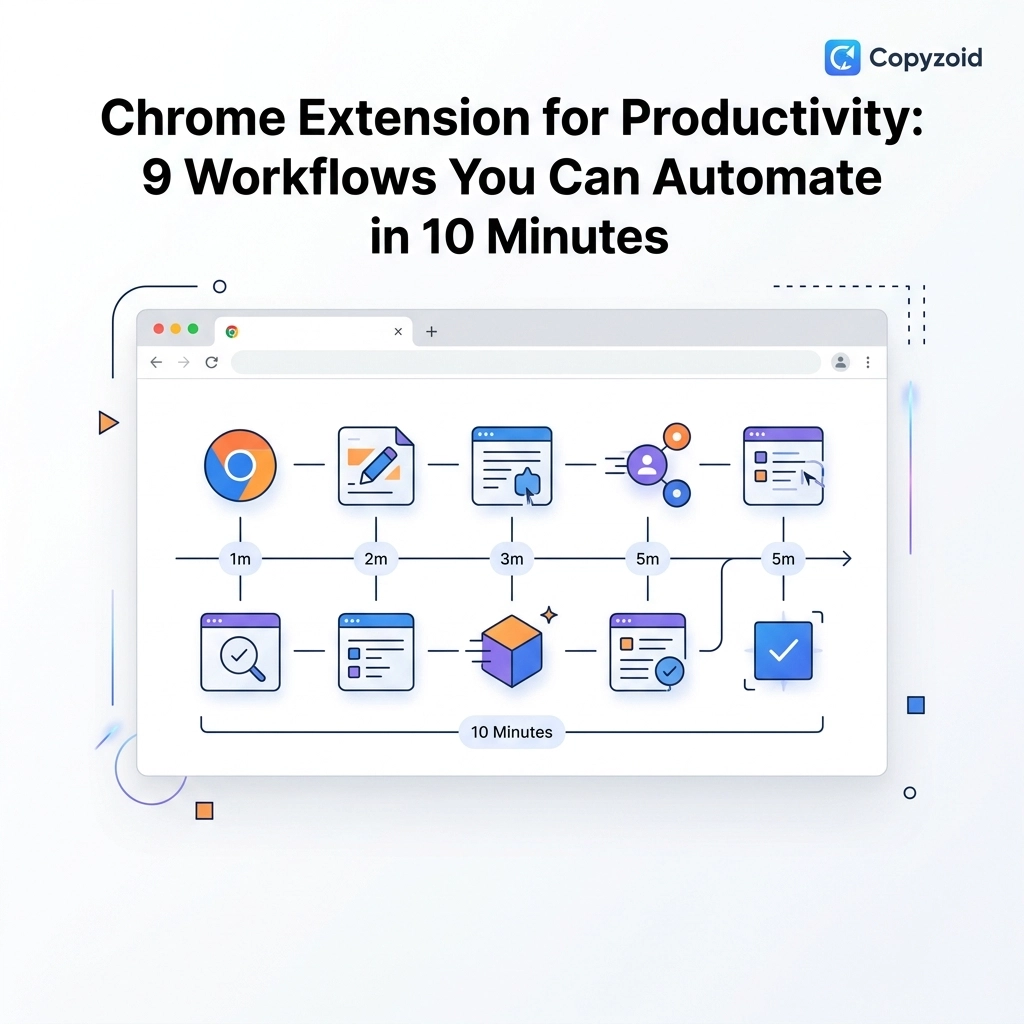
Here are 9 workflows you can automate with Copyzoid in under 10 minutes to reclaim your focus.
1. The "First Touch" Sales Outreach
If you are in sales or recruitment, you send the same "Hi, I loved your profile" message dozens of times a week.
Even if you use a CRM, there’s usually a lot of manual clicking involved to customize the message. Instead of hunting for the "perfect" template in your drafts, save it as a snippet in Copyzoid.
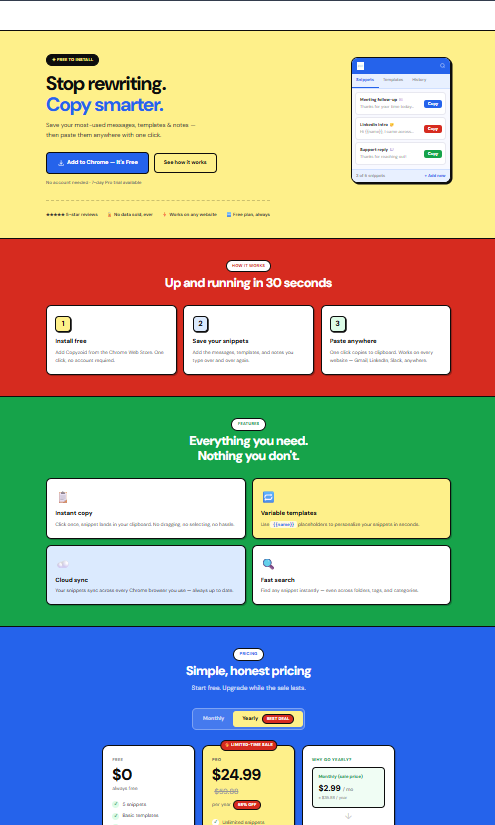
Use smart variables like {Name} or {Company} to keep it personal. When you’re on a LinkedIn profile or an email thread, just hit Ctrl+B, search for "Outreach," and click to copy.
Time saved: 2 minutes per email.
2. Customer Support and FAQs
Customer success teams often answer the same five questions all day long.
- "How do I reset my password?"
- "What is your refund policy?"
- "Do you have an API?"
Searching through a knowledge base for these answers is a classic example of the Toggle Tax. By moving these canned responses into a browser extension, you can reply to a ticket in five seconds without ever leaving the support tab.
3. The Repetitive "Form Filler"
Whether you’re a freelancer filling out tax forms or a marketer setting up new ad campaigns, you’re constantly typing the same data:
- Tax IDs
- Company addresses
- Zoom links
- Bio blurbs for guest posts
Instead of keeping these in a "Notes" app that requires another tab, keep them in your clipboard manager chrome extension. One click, and the data is ready to paste into any form.
4. Standardizing Meeting Notes
Meetings are a necessary evil, but the follow-up shouldn’t be.
Create a snippet for your "Meeting Minutes" template. Include sections like:
- Attendees:
- Decisions Made:
- Action Items:
- Next Steps:
As soon as the Zoom call ends, hit Ctrl+B, paste the template into your CRM or Notion page, and fill it out while the info is still fresh. You’ll never have to go on a 47-tab hunt to find your "Note Taking Template" again.

5. Sharing Resources and Documentation
Do you find yourself constantly digging up the same links for your team or clients?
- "Here is our pricing page."
- "Here is the link to our privacy policy."
- "Check out this help article."
Instead of searching your bookmarks or the company website, save these URLs as snippets. You can even include the Privacy Policy link directly in your "Onboarding" snippet group.
Pro-tip: Use the fuzzy search feature in Copyzoid to find any link by typing just a few letters of the title.
6. Social Media Engagement
If you’re building a personal brand or managing a company account, engagement is key. But typing "Great post, thanks for sharing!" a hundred times is soul-crushing.
Create a folder of 5-10 varied engagement snippets. This allows you to provide thoughtful feedback or ask common questions quickly, keeping your engagement high without the manual typing fatigue.
7. Bio and Link-in-Bio Updates
When you’re guest posting or joining a new platform, you always need a "Short Bio," a "Long Bio," and your "Headshot Link."
Automate this by saving all your "Personal Brand Assets" in one place. No more opening your website’s "About" page just to copy-paste your own bio.
8. Cold Email Follow-ups
The fortune is in the follow-up, but the friction of finding "Follow-up #3" often leads to people skipping it.
If you have a sequence that works, turn each step into a snippet. When a week goes by without a reply, you don't need to think. Just hit Ctrl+B, select "Follow-up 3," and hit send.
By eliminating the "decision fatigue" of what to write, you actually get the work done.
9. Technical Snippets (Code or Commands)
For developers or technical marketers, you likely have specific terminal commands, HTML tags, or hex codes you use daily.
Stop looking them up on Stack Overflow. A chrome extension for productivity like Copyzoid lets you store these technical snippets securely. They are synced across all your devices, so whether you’re on your laptop or your desktop, your "tools" are always one shortcut away.

Why Copyzoid is the Secret to Ending the "Toggle Tax"
Most productivity tools fail because they are too heavy. They want to be your calendar, your to-do list, and your project manager.
Copyzoid is different. It is designed for one thing: Speed.
- The Floating Sidebar: It stays out of your way until you need it. No extra tabs required.
- Ctrl+B Shortcut: This is the magic button. It opens your library instantly, so you never have to take your hands off the keyboard.
- Cloud Sync: Your snippets follow you. Save it at the office, use it at home.
- No Hallucinations: Unlike AI tools that might "guess" what you want to say, Copyzoid gives you exactly what you saved. It’s deterministic and reliable.
Stop the Hunt, Start the Work
The difference between a productive day and a frustrating one is often just the amount of friction you encounter.
When you eliminate the "47-tab hunt" and stop paying the "Toggle Tax," you free up mental energy for the work that actually matters. Automating these 9 workflows takes less than 10 minutes to set up, but it will save you hundreds of hours over the next year.
Ready to reclaim your time?
You can get started for free. If you need team features or unlimited snippets, check out our pricing page for a plan that fits your workflow.
Your brain wasn't meant to be a storage unit for text snippets. Let Copyzoid handle the repetitive stuff while you handle the big ideas. 🚀
Leave a Reply