You finally found it. The perfect AI prompt that generates a viral LinkedIn post every single time. It’s got the right hook, the right formatting, and the perfect "call to action."
But there is a problem. You saved it in a random Google Doc three weeks ago, and now you can't find it. You spend fifteen minutes scrolling through your history, searching your "Social Media 2026" folder, and getting frustrated.
By the time you find the prompt, your creative flow is dead.
This is the hidden time-sink for modern social media managers. We are all "AI-augmented" now, but our prompt management is a mess.
If you are a social media manager, your productivity isn't just about how fast you type. It’s about how fast you can access your best ideas and AI frameworks.
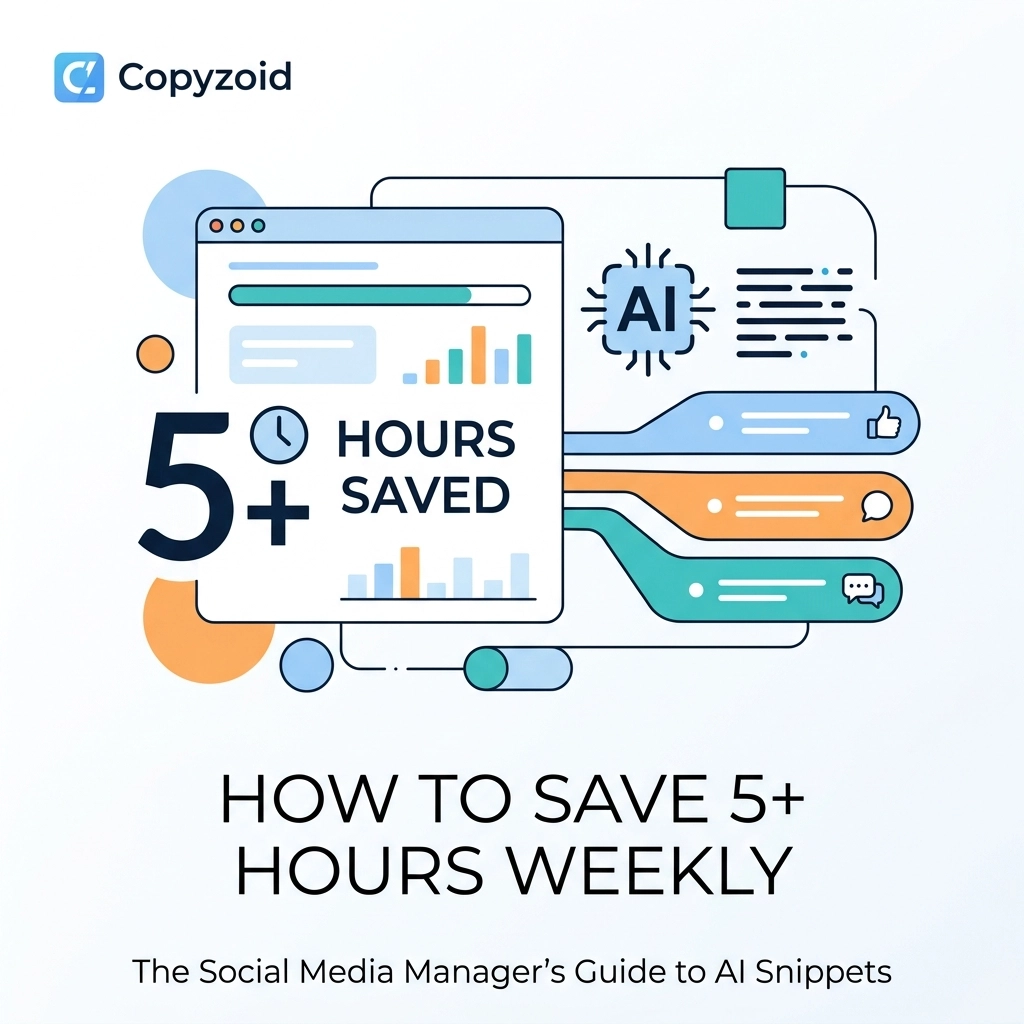
In this guide, we’ll show you how to use AI snippets and a simple chrome extension to reclaim at least 5 hours of your work week.
The Problem: The "Prompt Engineering" Loop
Most social media managers are currently stuck in a cycle of "copy-paste-search-repeat."
You use ChatGPT, Claude, or Gemini to help with:
- Writing Twitter (X) threads from blog posts.
- Generating LinkedIn "Thought Leadership" hooks.
- Drafting Instagram captions that don't sound like a robot.
- Summarizing YouTube videos into bite-sized reels.
Each of these requires a complex, multi-step prompt. These prompts aren't just "write a post." They are 500-word instructions detailing your brand voice, target audience, and forbidden words.
When you store these in a notes app, you are losing time. Every time you switch tabs to find a prompt, you lose context.

What Are AI Snippets?
An AI snippet is a pre-written, optimized prompt that you can trigger instantly.
Instead of searching for a document, you use a productivity software tool like Copyzoid to save these prompts as "Shortcuts."
When you need to write a viral strategy for a client, you don't go looking for the file. You hit a keyboard shortcut, and the prompt is ready to go.
Why Social Media Productivity Depends on Snippets
Social media moves faster than any other industry. If a trend starts on X at 10:00 AM, you need your content live by 10:30 AM.
If you spend twenty minutes "engineering" your prompt from scratch, you've missed the window.
By using a chrome extension for your snippets, you keep your tools right where the work happens: in the browser.
Strategy 1: Repurpose Content with One Click
The biggest time-saver for any SMM is repurposing. Research shows that turning one blog post into ten platform-specific snippets can save you over 6 hours a week.
But writing the "repurpose" prompt for every platform is exhausting.
The Solution: Create platform-specific AI snippets.
- The LinkedIn Snippet: "Act as a B2B viral strategist. Take this blog link and turn it into a 5-point listicle for LinkedIn. Use a controversial hook and avoid emojis."
- The X (Twitter) Snippet: "Convert this article into a 7-tweet thread. Each tweet must be under 240 characters. Use the 'Problem-Agitation-Solution' framework."
With Copyzoid, you can save these as templates. Instead of re-typing them, you use the Ctrl+B shortcut to open your library and paste the prompt into your AI of choice instantly.
Strategy 2: Build a "Viral Strategy" Vault
Every niche has its own "viral DNA." What works for a SaaS founder on LinkedIn won't work for a lifestyle brand on Instagram.
Successful managers build a vault of strategies.
Instead of general prompts, you should be saving specific frameworks like:
- The "Against the Grain" Framework: Prompts that challenge common industry myths.
- The "Deep Dive" Framework: Prompts that break down complex data into simple graphics.
- The "Community Engagement" Framework: Prompts designed to ask questions that spark comments.
When you store these as AI snippets, you aren't just saving text. You are saving your expertise.

Strategy 3: Automate Routine Administrative Tasks
According to industry data, automating routine tasks like hashtag research and response drafting saves an average of 27 hours per week.
Many SMMs ignore the "small" prompts, but they add up.
Common routine snippets to save:
- Hashtag Generator: "Based on this post about productivity, give me 5 niche hashtags and 2 broad hashtags."
- Comment Replier: "Here is a comment from a follower. Draft a friendly, professional reply that encourages them to check our link in bio."
- Alt-Text Creator: "Describe this image for accessibility purposes in under 120 characters."
Using a chrome extension to manage these means you never have to "think" about the small stuff again. You just trigger the snippet and move on.
How to Use Copyzoid to Manage Your AI Library
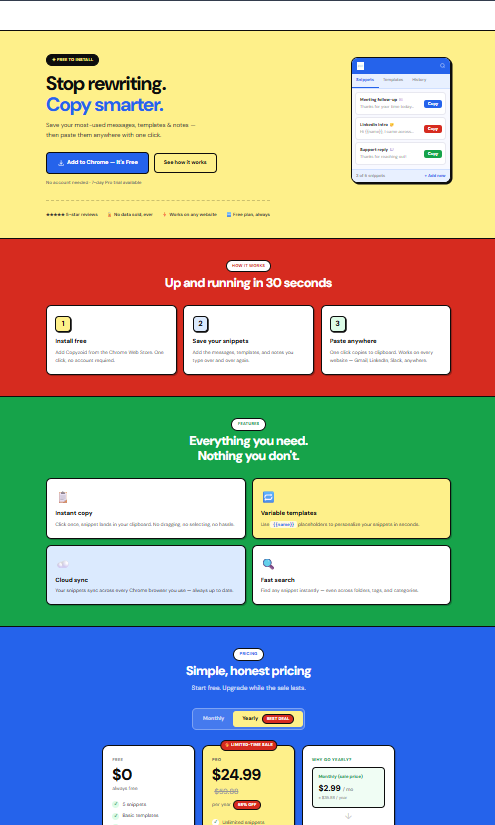
Copyzoid was built for this exact workflow. It’s a simple, fast clipboard manager and snippet tool designed for knowledge workers who live in their browser.
Here is how to set up your 5-hour-saving workflow:
1. Install the Extension
Add the Copyzoid chrome extension to your browser. It sits quietly in the corner until you need it.
2. Organize by Platform
Create folders for LinkedIn, X, and Instagram. Save your best-performing prompts in each.
3. Use the Ctrl+B Shortcut
This is the game-changer. Whether you are on ChatGPT, Claude, or inside your social media scheduling tool, just hit Ctrl+B.
A search bar appears instantly. Type "LinkedIn," and your viral hooks appear. Click one, and it's copied to your clipboard.
4. Use Variables for Fast Customization
If your prompt says "Write a post about [Topic]," you can save it with a variable. When you paste it, you just fill in the bracket. It keeps your prompts organized while staying flexible.
The Math: How You Actually Save 5+ Hours
Let's break down the time savings for a typical week:
- Searching for Prompts: 15 minutes a day → 1.25 hours/week.
- Manually Formatting Threads: 30 minutes a day → 2.5 hours/week.
- Drafting Routine Replies: 20 minutes a day → 1.6 hours/week.
- Fixing Brand Voice Errors: 10 minutes a day → 0.8 hours/week.
Total Saved: 6.15 hours.
That is nearly an entire workday given back to you. You can use that time for high-level strategy, client calls, or actually logging off at 5:00 PM for once.
Stop Rewriting, Start Scaling
The difference between a stressed social media manager and a highly efficient one is their toolset.
You shouldn't be a slave to your "Notes" app. Your AI prompts are your most valuable assets. Treat them that way.
By organizing your AI snippets and using a tool like Copyzoid, you eliminate the friction between "idea" and "post."

Ready to reclaim your time?
Stop wasting hours on repetitive typing. Organize your social media workflow today.
- Check out our Pricing – We have a generous free plan for individual managers.
- Learn more about our Clipboard Manager for Chrome.
- Privacy first: Read how we protect your data in our Privacy Policy.
Download Copyzoid, hit Ctrl+B, and get your 5 hours back.
Leave a Reply