
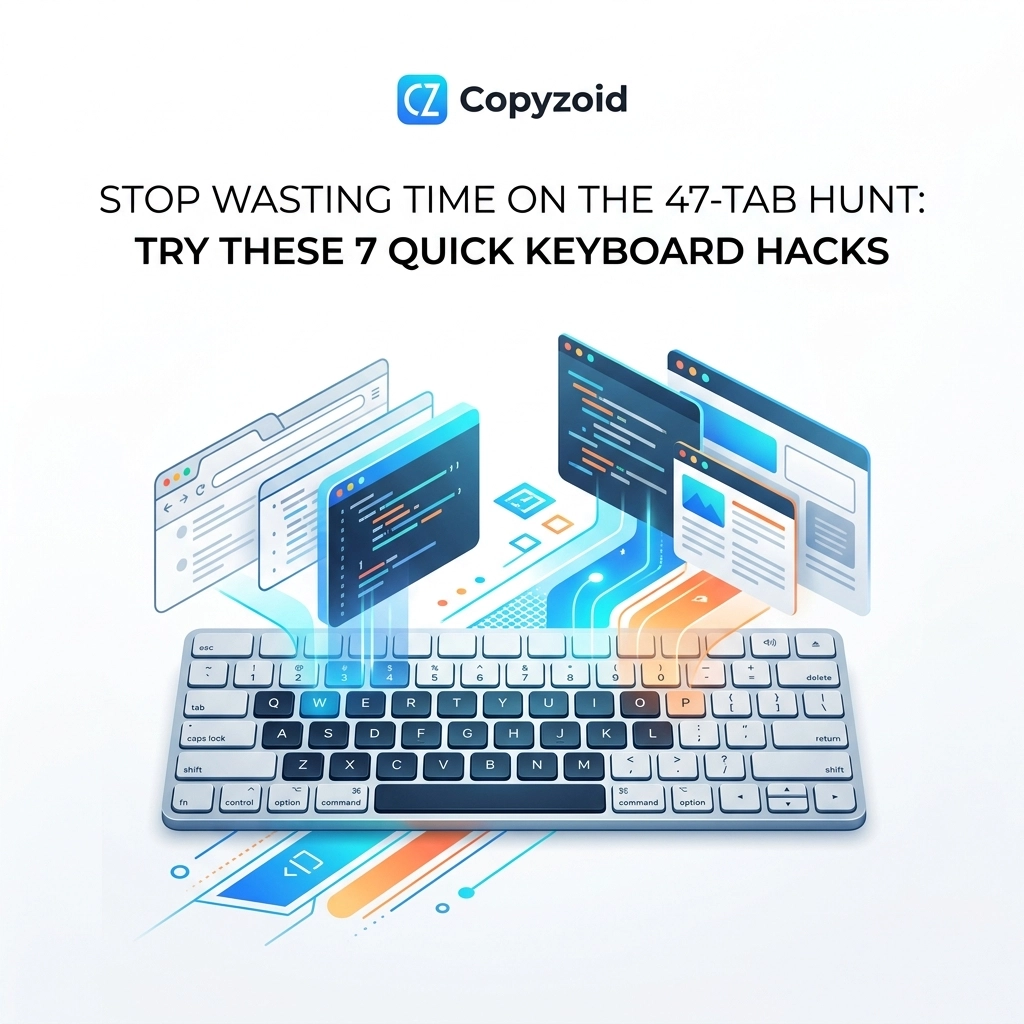
You know the feeling. You’re in the middle of a high-stakes email or a customer support ticket, and you need that one specific link or snippet of text. You look up at your browser, and it’s a graveyard of tiny, unreadable favicons.
You’ve officially entered the 47-tab hunt.
You click through ten tabs, realize it’s not there, and then click through ten more. By the time you find what you need, you’ve forgotten the point you were trying to make in the first place. This isn't just annoying; it’s a productivity killer known as the Toggle Tax.
The Real Cost of the Toggle Tax
Every time you switch tabs or applications to find information, your brain pays a "tax." Studies show that context switching can cost you up to 40% of your productive time.
When you’re hunting through 47 tabs, you aren't just looking for a link: you’re draining your mental energy. You’re forcing your brain to reset every few seconds. By the end of the day, you’re exhausted, and your "Done" list is looking pretty thin.
At Copyzoid.com, we’re obsessed with eliminating this friction. We want you to stop hunting and start doing.
Here are 7 quick keyboard hacks to help you reclaim your focus and end the 47-tab hunt for good.
1. The Lifesaver: Ctrl + Shift + T
We’ve all done it. You’re trying to clean up your workspace, you click the "X" on a tab, and instantly realize that was the one tab you actually needed.
Instead of diving into your browser history (another time-wasting hunt), just hit Ctrl + Shift + T (Cmd + Shift + T on Mac).
This shortcut instantly reopens the last tab you closed. You can even hit it multiple times to bring back an entire session you accidentally nuked. It’s the ultimate "undo" button for your browser.

2. The Rapid Cycle: Ctrl + Tab
If you only have a few tabs open and need to jump between them quickly, stop reaching for your mouse. Your mouse is slow. Your keyboard is fast.
Use Ctrl + Tab to cycle forward through your open tabs. Use Ctrl + Shift + Tab to cycle backward.
This is perfect when you are comparing data between two tabs or copying information from a source document into a web form. Mastering this keeps your hands on the home row and your head in the game.
3. The Context Switcher: Alt + Tab
Sometimes the 47-tab hunt isn't just inside Chrome; it’s across your entire computer. You have Slack open, a PDF reader, a spreadsheet, and three different browser windows.
Alt + Tab is the classic power move. It allows you to toggle between your most recently used applications instantly.
If you find yourself constantly moving between your browser and your CRM, stop resizing windows to fit them both on the screen. Just Alt + Tab. It’s cleaner, faster, and keeps your visual field focused on one task at a time.
4. The Digital Reset: Windows + D
Clutter creates anxiety. When your screen is filled with dozens of windows and tabs, it’s hard to think clearly.
Hit Windows + D (or Cmd + Mission Control on Mac) to instantly minimize everything and show your desktop.
Think of this as a mental "palate cleanser." When the 47-tab hunt gets too overwhelming, hide it all. Take a breath, then open only the single window you need to finish your current task.
5. The Internal GPS: Ctrl + F
Don't waste time reading through a 5,000-word article or a massive spreadsheet to find one specific word.
Ctrl + F opens the "Find" bar. Type in your keyword, and the browser will highlight every instance of it on the page.
It sounds basic, but you’d be surprised how many people still manually scroll and squint at their screens. If you’re hunting for a specific price point or a technical term in a sea of text, let the computer do the work for you.
6. The Multi-Tasker: Windows + Left/Right Arrow
If you find yourself constantly toggling between two tabs to copy-paste data, you’re paying a massive Toggle Tax.
Use the Windows Key + Left or Right Arrow to "snap" your current window to one side of the screen. Select another window for the other side, and boom: you have a perfectly split screen.
This eliminates the hunt entirely because both sources of information are visible at once. It’s a game-changer for data entry, research, and writing.
7. The Ultimate Tab Killer: Ctrl + B (with Copyzoid)
Now, let’s talk about the most powerful hack of all. All the shortcuts above help you manage the mess, but wouldn't it be better to eliminate the mess in the first place?
Most of your 47 tabs are probably open because they contain "stuff" you need to use repeatedly:
- Standard email replies.
- Canned support responses.
- Meeting links and Zoom codes.
- Bio blurbs and brand assets.
Instead of keeping these open in tabs or hunting for them in a "Notes" app, use Copyzoid.
With Copyzoid, you hit Ctrl + B.
That’s it. Ctrl + B opens your personal library of snippets directly inside your browser. You don't leave the page. You don't switch tabs. You don't even have to use your mouse.
- Hit Ctrl + B.
- Type a few letters to find your snippet (our fuzzy search is lightning fast).
- Press Enter.
Your text is instantly copied and ready to paste.
By using Copyzoid’s clipboard manager, you can close those 40 tabs you keep open "just in case" you need that one link. You can save your most-used templates, links, and notes in one place that’s always one keyboard shortcut away.

Stop Searching, Start Typing
The 47-tab hunt is a habit, but it’s a bad one. It’s a symptom of not having a central system for your repetitive information.
When you rely on keyboard hacks, you speed up your workflow. When you rely on Ctrl + B, you transform it.
Imagine a workday where you:
- Save 4.2 hours a week by not hunting for snippets.
- Eliminate the Toggle Tax by staying on one tab.
- Organize your life into neat, searchable categories.
Whether you’re a founder, a support lead, or a freelancer, your time is your most valuable asset. Stop giving it away to the browser gods.
Ready to Kill the 47-Tab Hunt?
If you're tired of the clutter and ready to embrace functional efficiency, it's time to level up your toolkit. You can start by checking out our save time typing guide for more deep dives into productivity.
Better yet, see how much time you can save with our simple, transparent pricing. We have a free plan that lets you experience the magic of Ctrl + B immediately.
No more hunting. No more Toggle Tax. Just pure, streamlined productivity.
Try Copyzoid today and get back to the work that actually matters. 🚀
For more information on how we handle your data, visit our privacy page or view our sitemap for a full list of resources.
Leave a Reply