
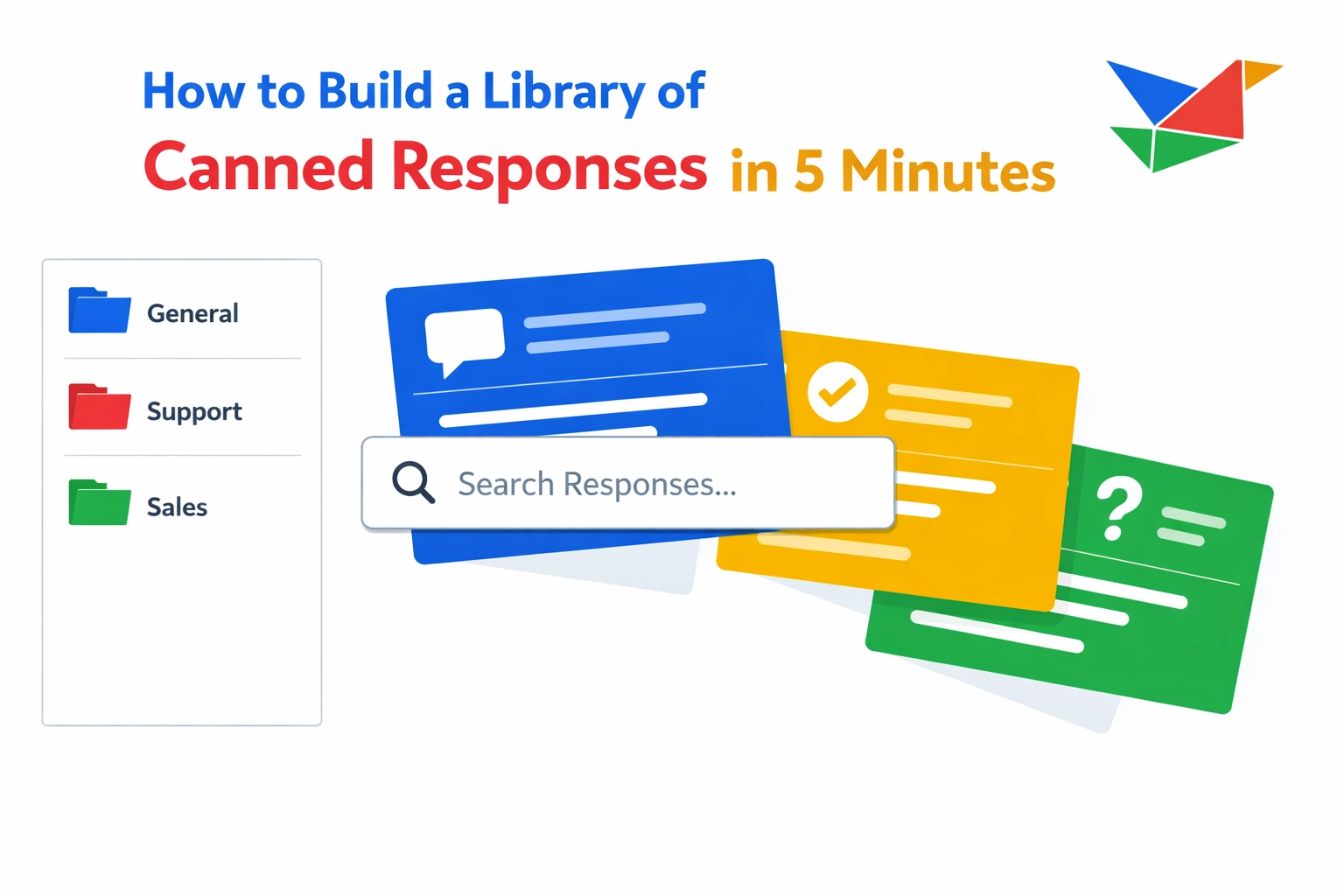
You’re wasting time retyping the same replies.
Every “thanks for reaching out,” “here’s pricing,” and “here’s my calendar link” adds up.
You don’t need a giant setup to fix this.
You just need a fast place to save, organize, and reuse your go-to messages.
You’ll see it in a sleek purple workspace with vibrant blue highlights—that signature Copyzoid dark-mode glow.
This is a Copyzoid-style guide (simple, step-by-step) to build a canned response library in about 5 minutes.
Why Your Current Method is Failing You
Most people manage repetitive text in one of three ways: they type it manually, they search through "Sent" folders, or they keep a messy Google Doc open.
Manual typing leads to typos and burnout.
Searching through old emails for a specific phrase wastes cognitive energy and breaks your focus.
Keeping a "Cheat Sheet" document requires you to switch tabs, highlight text, copy it, switch back, and paste.
That is too many steps for a single response.
The goal of a canned response library is to eliminate the friction between your thought and the final message.
If it takes more than two seconds to find and insert a response, your system is broken.

How it works (3 steps)
1) Save your repeat replies (snippets)
Install Copyzoid from the Chrome Web Store.
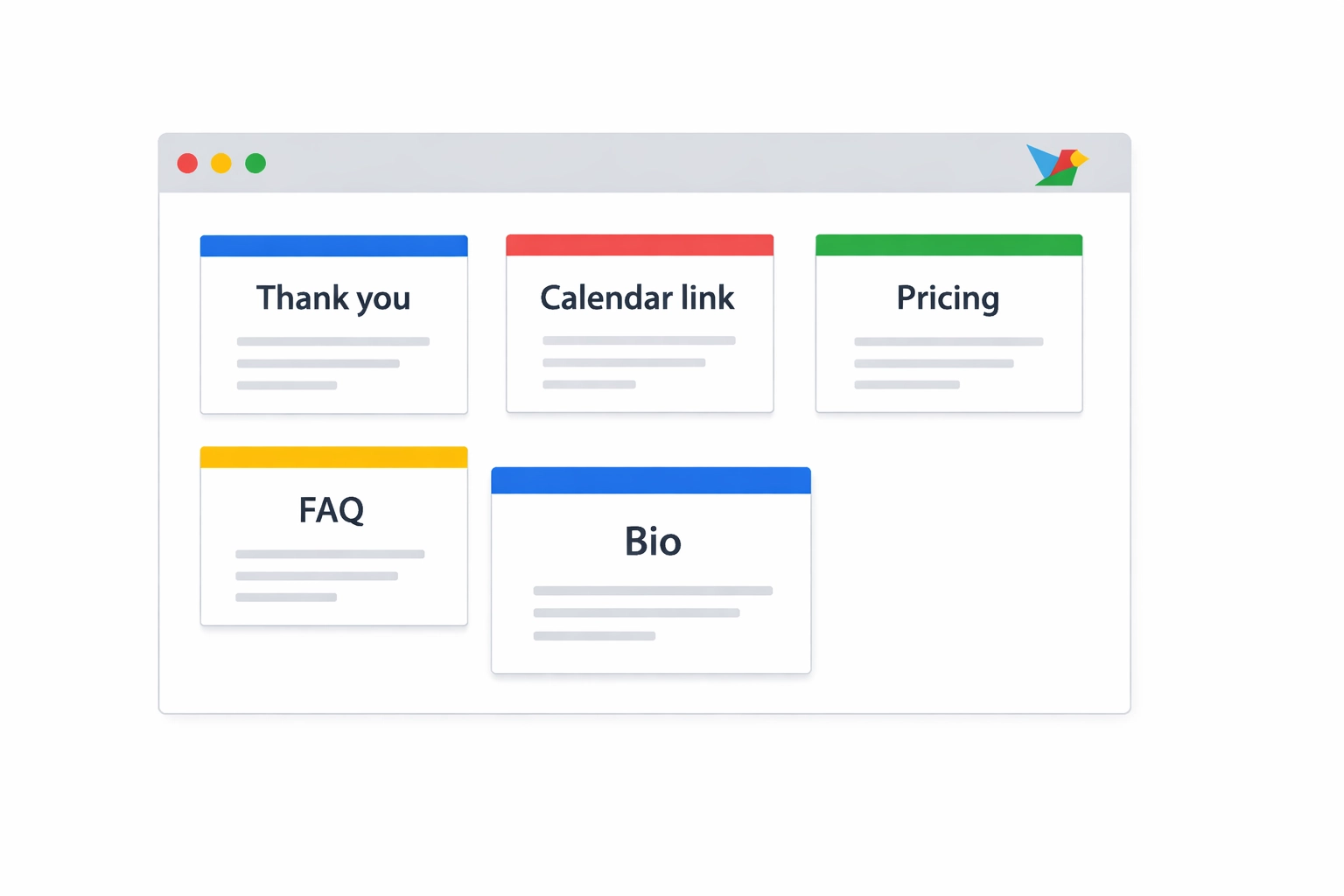
Then save your first few “repeat replies” as snippets.
Start with your top 5:
- “Thanks for reaching out”
- Calendar link
- Pricing intro
- Common FAQ answer
- Short bio / links
Keep them short and useful.
2) Organize with folders (so you can find stuff fast)
Folders are what keep your library from turning into a junk drawer.
Create a few simple folders:
- Outreach
- Support
- Internal
- Personal
Drop snippets in as you save them.
Your folders should feel like a sleek purple workspace, with vibrant blue highlights showing what’s active.
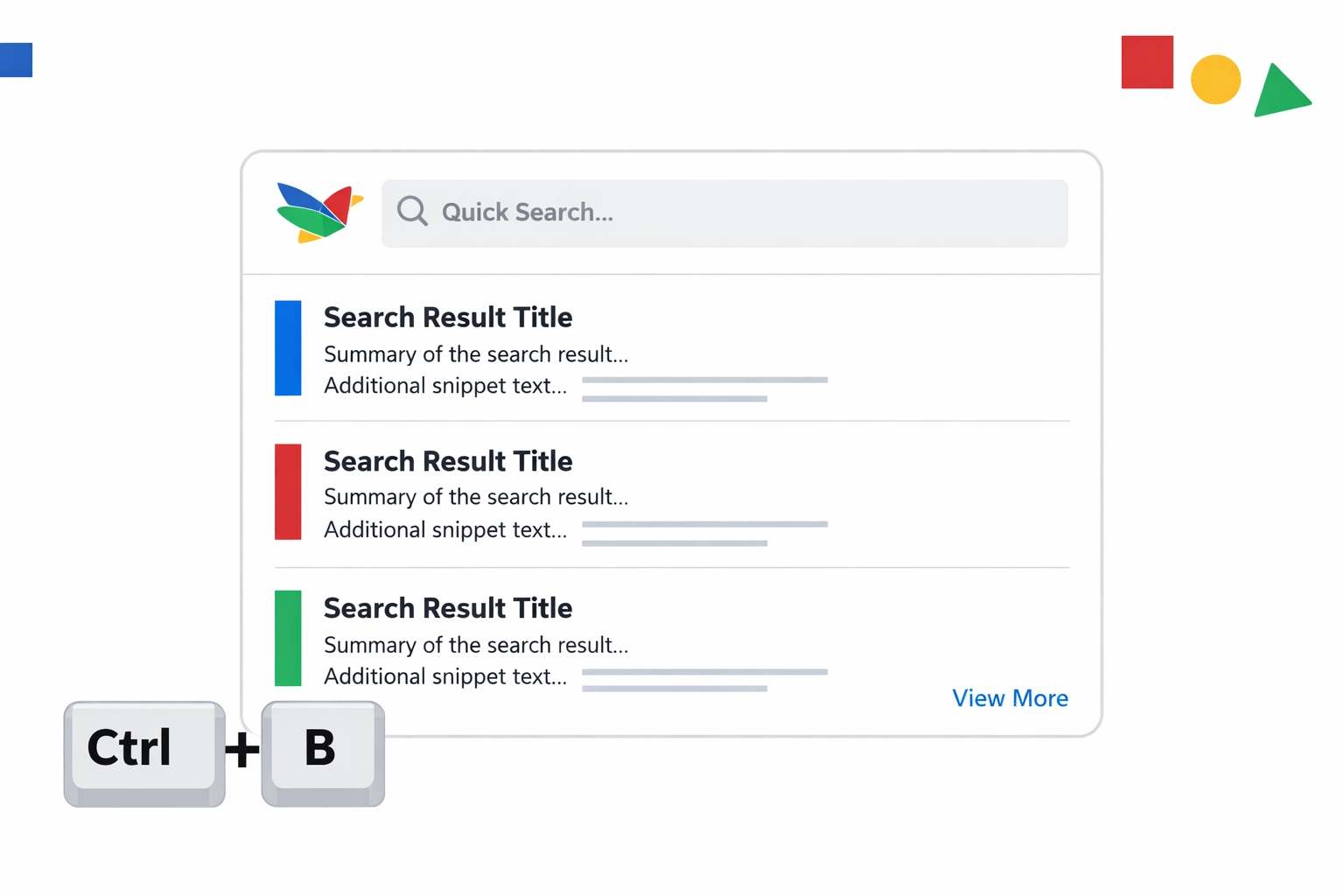
This is the goal: Ctrl+B → search → enter.
Folders are your backup when your library grows.
3) Use it anywhere (and let cloud sync handle the rest)
Open Copyzoid from any tab:
- Ctrl+B (Windows)
- Cmd+B (Mac)
Search, hit enter, paste.
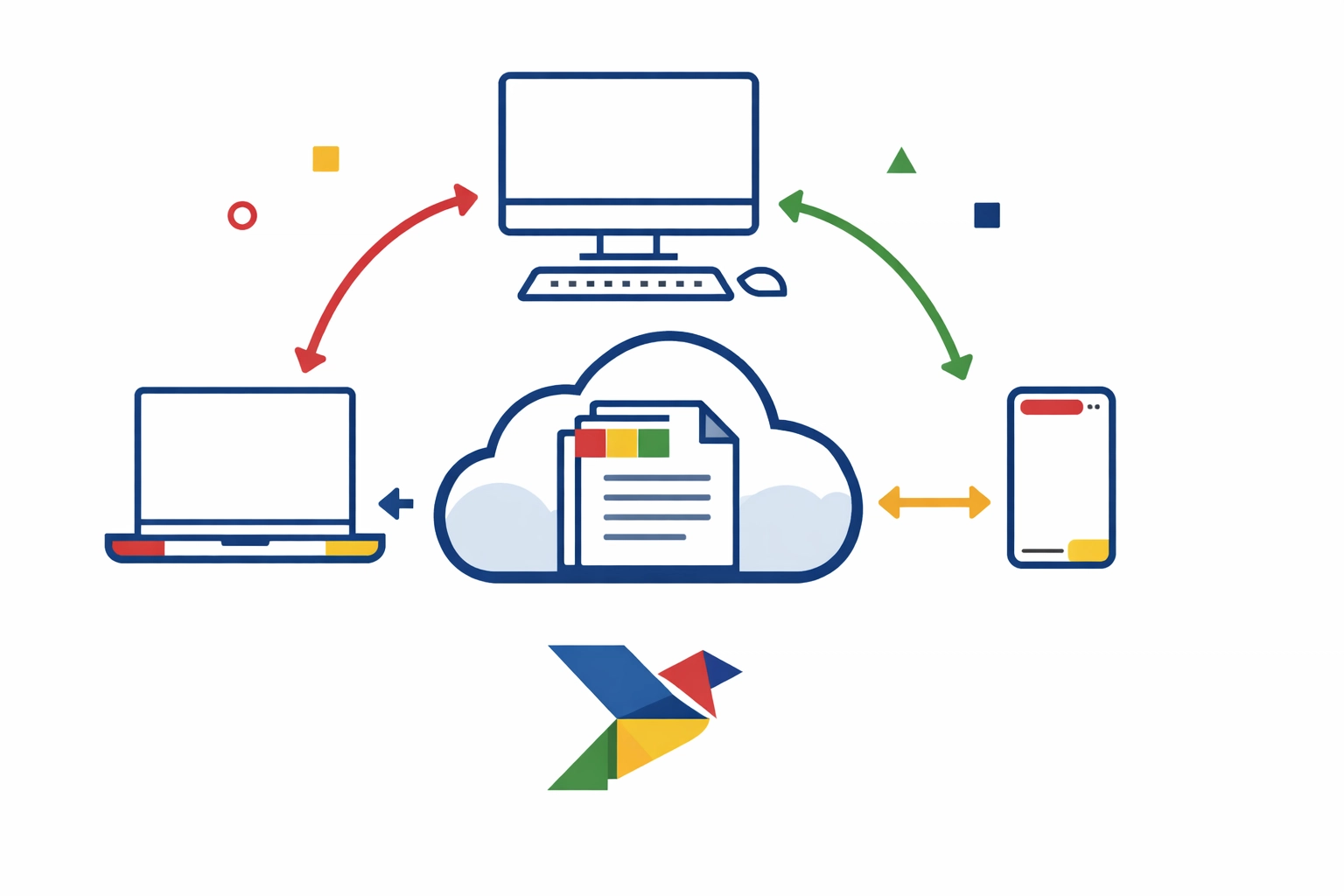
And when you add or update snippets, cloud sync keeps everything the same across your browsers and devices.
Same library.
Same folders.
Same purple workspace + blue glow look.
So your “best replies” follow you from work laptop → home desktop → wherever.
Advanced Tips for High-Speed Communication
Once your initial library is set up, you can optimize it for even better results.
Use Smart Variables (So Templates Don’t Feel Robotic)
Fast is great. Personal is better.
Copyzoid supports smart variables like {{first_name}} that prompt you for input before copying.
Example:
“Hey {{first_name}} — thanks for reaching out about {{product}}.”
When you trigger it with Ctrl+B, Copyzoid asks for the missing details, then copies the final version.
You get speed without sounding like a template machine.
Sync Across Devices
If you work from a laptop and a desktop, you need your library to follow you.
Copyzoid syncs your snippets to the cloud automatically.
This means if you add a new response at the office, it is waiting for you when you open your laptop at home.
You can check out the pricing page to see how different tiers handle sync and storage.
The "Add on the Fly" Technique
You don't have to set aside "admin time" to build your library.
Build it while you work.
The next time you find yourself typing a long, thoughtful response to a client, stop.
Before you hit send, highlight that text and save it to your library.
This turns your daily work into a permanent asset.
Why Speed Beats "Perfect" Organization
Many people fail at building a canned response library because they try to make it perfect.
They spend hours creating hundreds of templates they will never use.
That is a waste of time.
A library of 10 snippets you use every day is 100x more valuable than a library of 500 snippets you use once a year.
Focus on the high-frequency tasks.
The goal of Copyzoid.com is to keep things simple.
If a response is too complex or requires too much editing, it shouldn't be a canned response.
Keep your snippets short, punchy, and functional.
Eliminating the "Drafts" Folder Habit
Many users come to us after years of using their "Drafts" folder in Gmail as a template library.
This is a dangerous habit.
It is easy to accidentally send a draft, delete a draft, or forget which version is the most recent.
By moving your responses into a dedicated productivity tool, you separate your "Content" from your "Communication."
Your email is for sending; Copyzoid is for storing.
This mental shift allows you to clear your inbox and focus on one task at a time.

Measuring Your Results
After one week of using Ctrl+B, take a look at your productivity.
Count how many times you didn't have to type a link.
Count how many times you avoided a "Copy-Paste" round trip to another tab.
Most users find they save between 30 and 60 minutes per day just by eliminating repetitive typing.
That is 5 hours a week reclaimed.
You can use that time for deep work, or you can use it to leave the office early.
Getting Started Today
Building a canned response library is the single easiest way to upgrade your professional workflow.
It requires no coding, no expensive software, and only five minutes of your time.
Stop typing the same things.
Install the extension, save your top five phrases, and start using Ctrl+B.
Your future self will thank you for the extra free time.
If you have questions about how we handle your snippets, you can always read our privacy policy or our terms of service.
The clock is ticking.
Go build your library and take back your day.
Leave a Reply