
You are wasting hours every single week on the "Ctrl+C, Alt+Tab, Ctrl+V" dance.
It feels like productive work, but it is actually a major source of friction in your day. You hunt through old emails, scroll through sent messages, or dig through a "Notes" app just to find a link or a paragraph you’ve sent a thousand times before.
This is the hidden tax on digital labor. Every time you leave your current window to find a piece of text, your focus breaks. It takes significant mental energy to get back into the "flow state" once you return.
The traditional way of copying and pasting is dying. In its place, snippet managers are becoming the essential tool for anyone who works on a computer.
The Hidden Cost of the Clipboard
The standard clipboard is a "one-and-done" tool. It remembers the last thing you copied, and that’s it. If you copy something else, the previous item is gone forever.
This limitation creates a constant cycle of searching and retrieving.
Research shows that context switching, the act of jumping between different tabs and apps, can kill your productivity by up to 40%. When you stop writing an email to search for a pricing link in a Google Doc, you aren't just moving text. You are derailing your brain.
Snippet managers eliminate this friction.
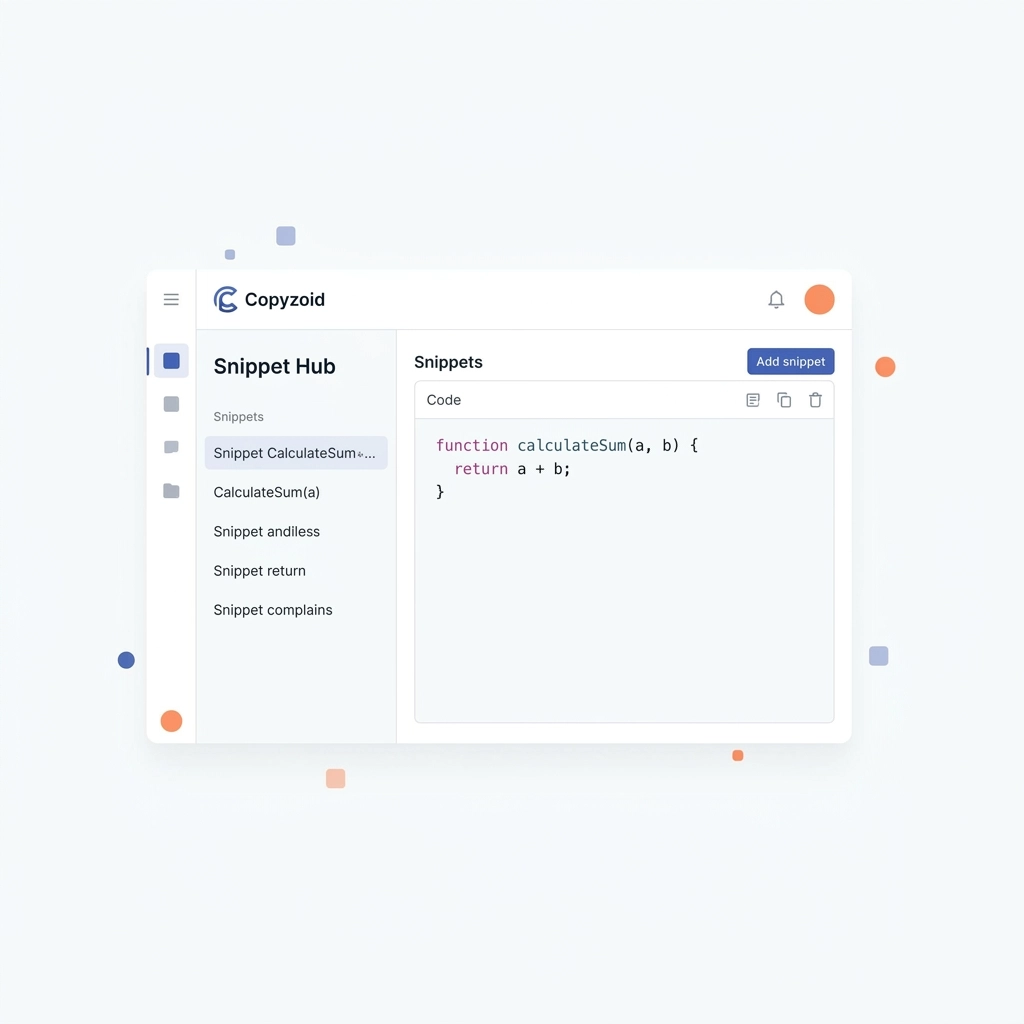
Instead of searching, you use a quick shortcut like Ctrl+B to pull up a searchable library of your most important text blocks. You don't leave your current tab. You don't lose your train of thought. You just stay in the work.
Why Manual Copy-Paste is Obsolete
The old way of working relies on your memory. You have to remember where you saved that specific bio, that specific link, or that specific canned response.
Snippet managers turn your text into an organized asset.
Here is why the old way is failing:
- It’s Slow: Manual retrieval takes anywhere from 30 seconds to 3 minutes. A snippet takes 2 seconds.
- It’s Error-Prone: When you copy and paste manually, it’s easy to grab the wrong version or leave in a previous client’s name.
- It’s Fragmented: Your "snippets" are likely scattered across Google Docs, Slack, and your email drafts.
Consistency is Your New Superpower
If you work in a team, especially in sales or customer support, consistency is everything.
When everyone is manually copying and pasting their own versions of a message, the brand voice gets diluted. Mistakes happen. One person sends the old pricing, while another sends the new one.
Snippet managers provide a "Single Source of Truth."
By using a tool like Copyzoid, you ensure that every response is vetted, professional, and up-to-date. You can store high-performing sales scripts, standard technical answers, and even formatted links in one place.
When the team uses the same library, everyone performs at the level of your best communicator.
How Snippet Managers Reduce Mental Fatigue
Writing the same thing over and over is mentally draining. It’s "boring work" that clutters your mind.
When you offload these repetitive tasks to a snippet manager, you free up mental "RAM" for the work that actually matters, strategy, creativity, and deep problem-solving.

Using a snippet manager feels like having an infinite memory. You no longer have to worry about where a specific piece of information is stored. You know it’s just a Ctrl+B away.
The Features That Define the Future
What makes a snippet manager different from a simple list of notes? It’s all about the integration into your workflow.
The future of digital work isn't about more apps; it's about better tools that live where you already work. For most of us, that's the browser.
1. The One-Click Copy
The goal is to reduce the number of clicks between your thought and the action. A modern snippet manager allows for one-click copy functionality. You find what you need and it's ready to be used instantly.
2. Variable Templates
The best snippets aren't just static text. They are templates. You can use variables to customize a message in seconds. Instead of manually changing "Hi [Name]" every time, your snippet manager can prompt you to fill in the blank or even pull data automatically.
3. Fast Fuzzy Search
You shouldn't have to organize your snippets into a dozen folders. You should be able to type "Pricing" or "Intro" into a search bar and have the right snippet appear instantly. This instant search capability is what makes tools like Copyzoid so much faster than a spreadsheet or a Word document.

Real-World Use Cases
If you aren't sure how a snippet manager fits into your life, look at these common scenarios:
Customer Support
Stop typing "I'm sorry to hear you're having trouble with…" fifty times a day. Create a library of canned responses for common issues. You’ll resolve tickets faster and your customers will get clearer, more consistent answers.
Sales Outreach
If you are doing cold outreach on LinkedIn or via email, you know that speed is a factor. Use snippets for your initial pitch, your follow-ups, and your booking links. You can reach 3x as many prospects when you aren't fighting with your clipboard.
Developers and Designers
Code snippets are the classic use case. Store frequently used CSS classes, React components, or Git commands. Instead of googling the syntax for the hundredth time, just pull it from your local library.
General Productivity
Think about your own life. How often do you have to type your Zoom link? Your home address? Your Calendly URL? Your "About Me" bio for guest posts? These are all snippets.
Moving Away from the "Notes" App Trap
Many people try to use Apple Notes, Notion, or a Google Doc as a snippet manager.
This is a mistake.
These apps are designed for long-form thought and storage, not for rapid-fire execution.
To use a Google Doc as a snippet manager, you have to find the tab, wait for it to load, find the text, highlight it, copy it, and then go back to your original window.
A dedicated clipboard manager for Chrome eliminates every single one of those steps. It stays hidden until you need it, then disappears as soon as you’ve copied your text.

Why Copyzoid?
We built Copyzoid to be the simplest, fastest way to manage your snippets.
We didn't want to build a complex project management tool. We wanted to build a tool that does one thing perfectly: saves you time.
With Copyzoid, you get:
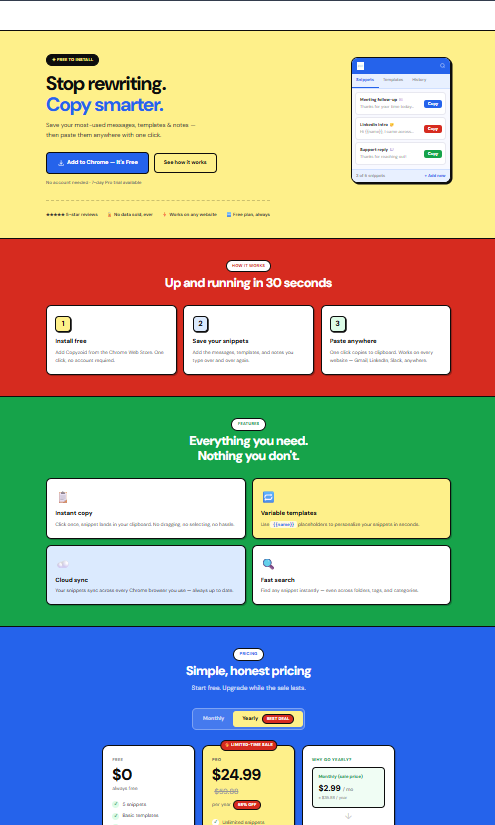
- Instant Access: Use the Ctrl+B shortcut to open your library from any tab.
- One-Click Functionality: Click a snippet, and it's copied. No extra steps.
- Cloud Sync: Your snippets follow you from your laptop to your desktop.
- Simple Organization: Use search to find what you need in milliseconds.
The best part? You can get started for free. Check out our pricing section to see how we help individuals and teams scale their productivity.
The Future is Automated
The era of manual, repetitive typing is coming to an end. As we move into 2026 and beyond, the most successful knowledge workers will be those who automate the mundane.
Snippet managers are the first step in that journey. They are easy to set up, require almost no learning curve, and provide an immediate return on investment.
Stop fighting your clipboard.
Start building your library today and see how much time you can win back.

Ready to boost your productivity?
- Explore the Copyzoid Chrome Extension.
- View our pricing and plans.
- Read our Privacy Policy and Terms of Service.
Leave a Reply