
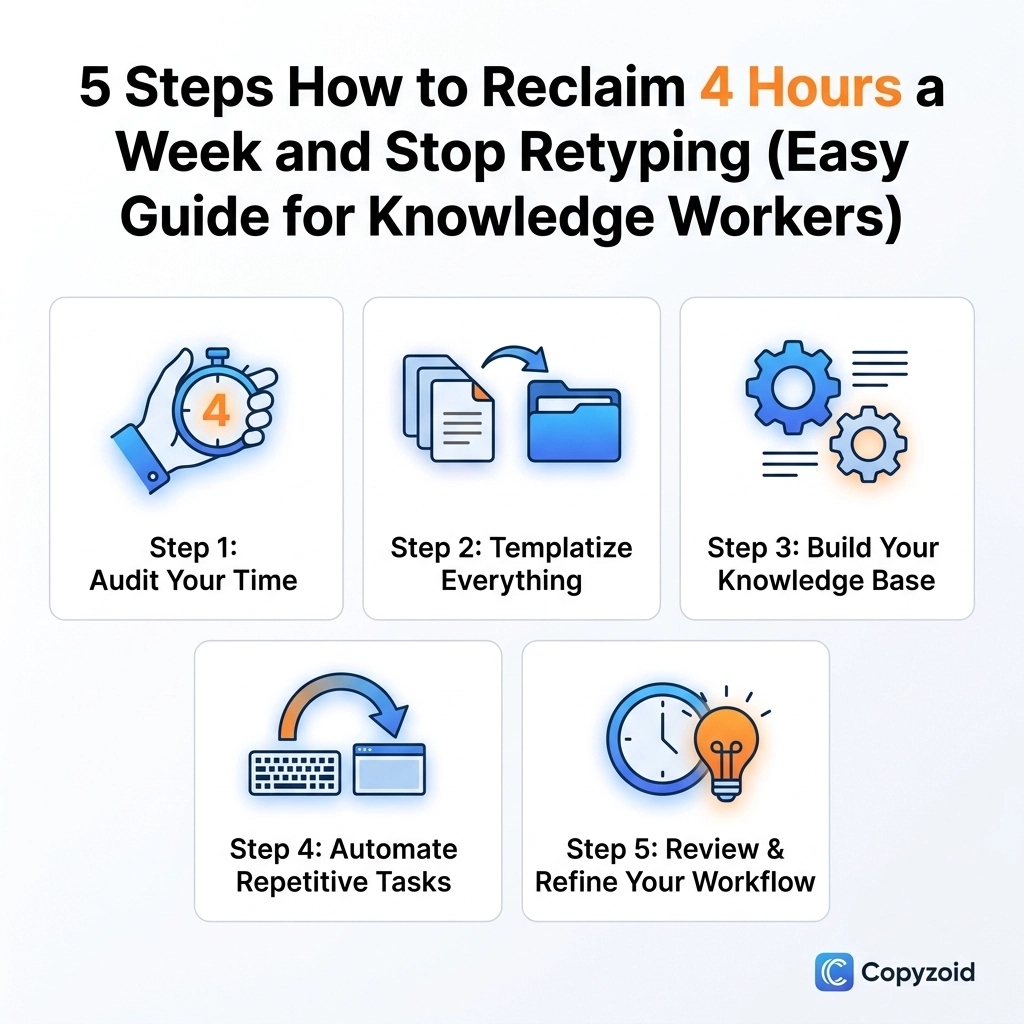
TL;DR: Knowledge workers lose over 4 hours a week to repetitive typing and context switching. By auditing your tasks, using a snippet manager like Copyzoid, and mastering the Ctrl+B shortcut, you can reclaim that time instantly. Stop retyping, start automating, and focus on the work that actually matters.
You are likely losing 4.2 hours every single week to a "productivity tax" you don't even realize you’re paying.
This tax isn't paid in money; it's paid in keystrokes. Every time you retype an email intro, copy-paste a Zoom link, or hunt for a standard project update, you are draining your mental energy. For the average knowledge worker, this adds up to hundreds of hours a year spent on manual, repetitive labor that a machine should be doing for you.
If you want to get those hours back, follow these five simple steps.
Step 1: Audit Your Repetitive "Time Leaks"
The first step to fixing a problem is seeing it. Most of us don't realize how often we type the same sentences until we look for them. Research shows that knowledge workers lose up to 38% of their week just navigating between apps and re-entering data.
For the next two hours of your workday, keep a small tally. Mark a "1" every time you:
- Type your booking link or website URL.
- Write a standard "thanks for the meeting" email.
- Copy-paste a recurring piece of code or a technical spec.
- Search your "Sent" folder to find something you wrote yesterday so you can use it again.
You’ll quickly find that about 20% of your output is just a repeat of things you’ve said before. These are your time leaks. Identifying them is the key to reclaiming your 4.2 hours.
Step 2: Build a Centralized Snippet Library
Once you know what you’re retyping, you need a place to put it. Don't use a random Word doc or a sticky note on your desktop. That just adds more "tool sprawl," which is another productivity killer.
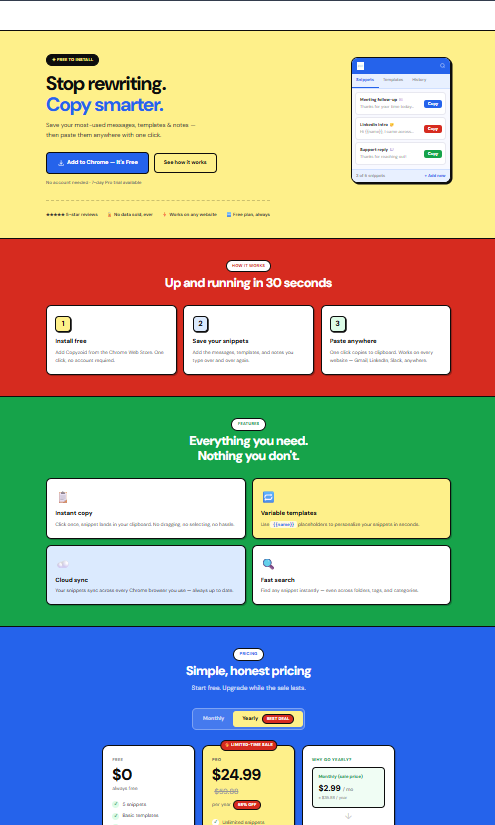
You need a dedicated tool that lives where you work: in your browser. Using the Copyzoid clipboard manager allows you to turn those repetitive phrases into "snippets."
Instead of searching through old emails, you save the perfect version of your message once. Whether it’s a sales pitch, a support response, or a piece of documentation, having it organized in one place eliminates the "search and rescue" mission that usually precedes every email you send.
Step 3: Master the "Magic" Shortcut (Ctrl+B)
Efficiency isn't just about having the data; it’s about how fast you can access it. If you have to click through three menus to find a saved snippet, you haven't saved much time.
This is where Ctrl+B (or Cmd+B on Mac) becomes your best friend.
In Copyzoid, hitting Ctrl+B instantly opens your snippet library right where your cursor is. You don't have to leave your tab. You don't have to switch apps. You just:
- Hit Ctrl+B.
- Type a few letters of the snippet name (fuzzy search).
- Hit Enter.
The text is instantly pasted. This one habit alone is the "secret sauce" to hitting that 4.2 hours saved mark. It removes the friction between thinking of a response and sending it.

Step 4: Use Variables to Keep it Personal
One of the biggest fears people have with automation is sounding like a robot. You don't want to send a canned response that feels cold.
The solution is using variables. Instead of saving a static block of text, use placeholders for things like [Name], [Date], or [Project].
When you use your Ctrl+B shortcut to pull up a template, you quickly fill in the variables and hit send. This gives you the speed of a machine with the touch of a human. It’s perfect for:
- Sales Outreach: Keep the core value prop the same but personalize the lead's name.
- Customer Support: Use templates for common bugs but add the specific ticket number.
- Scheduling: Use a template that explains your availability but leaves a gap for the specific time zone.
By removing the "boring" part of the writing (the structure), you can focus your brainpower on the "important" part (the personalization).
Step 5: Batch Your Communications and Protect Your Focus
Now that you have the tools to type faster, you need to protect your time. Context switching: jumping from a complex task to an email and back: can increase the time it takes to finish your work by 40%.
Use your newly found speed to batch your tasks.
Instead of answering emails as they come in, set two 30-minute blocks per day for "Communication Sprinting." Because you have your snippets ready and your Ctrl+B shortcut mastered, you will fly through your inbox. What used to take two hours will now take twenty minutes.
This leaves you with large chunks of time for "Deep Work." This is where real growth happens. When you aren't bogged down by the "busy work" of retyping, you can finally focus on the projects that actually move the needle for your career.

Why 4.2 Hours Matters
It’s easy to dismiss a few seconds here and there. But 4.2 hours a week is over 200 hours a year.
That is five full work weeks.
Imagine what you could do with an extra five weeks of time every year. You could learn a new skill, finish a major project, or simply log off early on Fridays and spend time with your family.
Productivity isn't about doing more work; it’s about doing the same work in less time so you can reclaim your life. Using a simple tool like Copyzoid is the easiest way to start.

Start Reclaiming Your Time Today
The "retyping tax" is optional. You can keep doing things the hard way, or you can spend five minutes setting up a system that works for you.
- Install the extension.
- Save your first 5 snippets.
- Practice Ctrl+B.
It’s that simple. If you’re ready to stop the manual grind, check out our pricing page to see how we help teams and individuals scale their output without burning out.
FAQ
How does Copyzoid save 4.2 hours a week?
By calculating the time spent searching for old messages, manually retyping common phrases, and the "recovery time" needed after context switching. Our users find that the combination of instant search and the Ctrl+B shortcut eliminates the friction of repetitive communication.
Is the Ctrl+B shortcut customizable?
Yes! While Ctrl+B is the default for speed and ease of use, you can adjust your settings to fit your specific workflow. The goal is to make sure your snippets are always one keystroke away.
Does Copyzoid work in all websites?
Yes. As a browser extension, Copyzoid works across Gmail, LinkedIn, Salesforce, Zendesk, and any other web-based tool you use for your daily work.
Is my data safe when using a snippet manager?
Security is a priority. You can read our full privacy policy and terms of service to see how we handle your data. We focus on local efficiency and secure syncing.
Do I need to be a tech expert to use this?
Not at all. We built Copyzoid to be simple. If you know how to copy and paste, you already know how to use 90% of the tool. The rest is just getting used to how much faster your day becomes.
Can I try it for free?
Absolutely. We offer a free tier so you can start saving time immediately. Once you see how much time you're reclaiming, you can explore our pro features for even more power.
Leave a Reply