
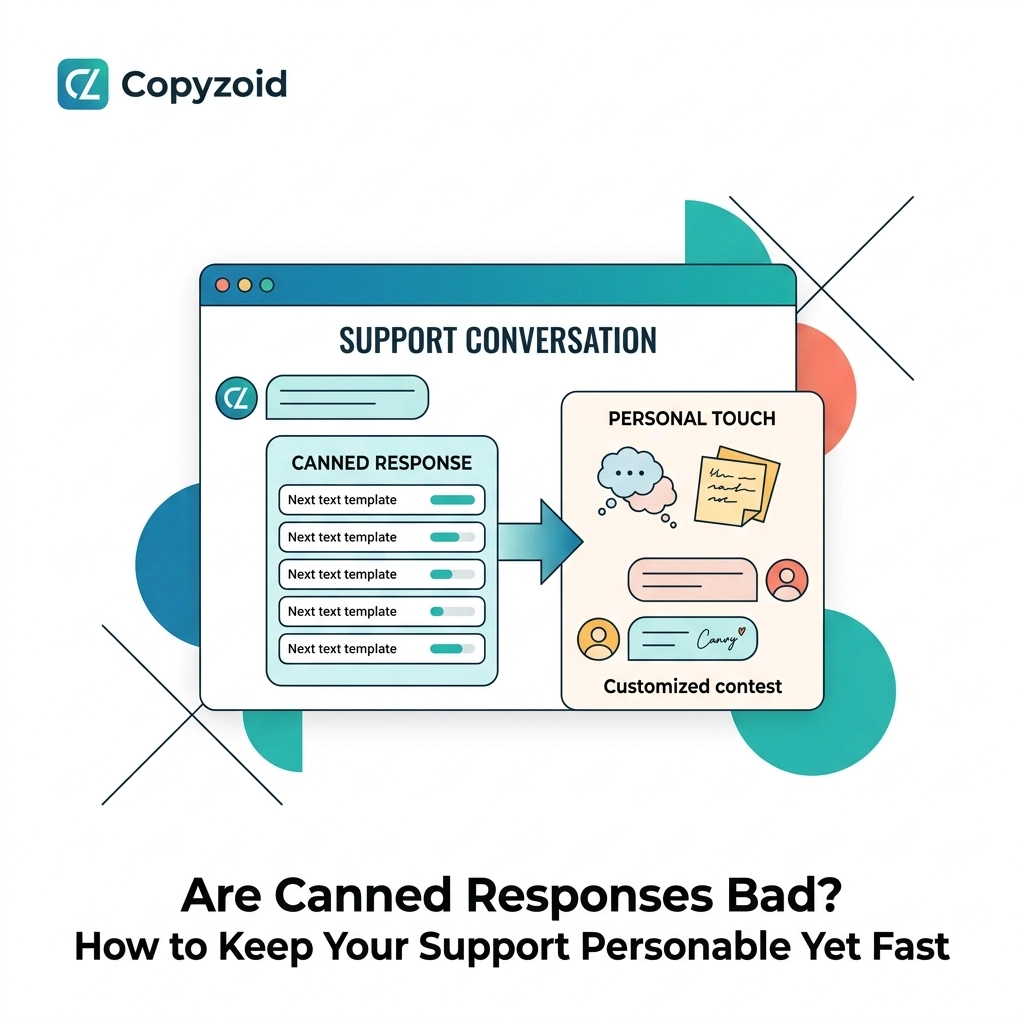
TL;DR: Canned responses aren't inherently bad, but they become toxic when they feel robotic or irrelevant. To keep your support personable yet fast, use templates for routine tasks, leverage variables for personalization, and use a tool like Copyzoid to find your snippets instantly via Ctrl+B. Save time without losing the human touch.
You are typing the same sentence for the tenth time today.
"I’m sorry for the delay, we’re looking into this for you."
Your fingers know the keys by heart. You could do it in your sleep. But every time you manually type that out, you’re losing seconds. Those seconds turn into minutes, and those minutes turn into the 4.2 hours a week most knowledge workers waste on repetitive tasks.
You know you should use a template. But you hesitate. You don’t want to sound like a bot. You’ve seen those "Dear [NAME]" emails that forgot to fill in the bracket. They feel cold. They feel lazy.
So, are canned responses bad?
The short answer is: No. The long answer is: Only if you use them the wrong way.
The "Robotic" Trap: Why People Hate Templates
Let’s look at the numbers. About 38% of consumers find scripted, impersonal responses frustrating. When a customer reaches out with a unique problem and receives a generic "we value your feedback" reply, they feel ignored.
The problem isn't the template itself. The problem is misalignment.
If a customer is angry because their order is missing, a canned response that says "Thanks for reaching out! Check our FAQ for more info!" is a disaster. It shows you didn’t read the message.
However, if a customer asks for your return address, typing it out manually is just a waste of your life.

When Canned Responses Actually Win
Canned responses excel in repetitive, low-risk interactions.
If you are handling high-volume, straightforward requests, templates are your best friend. They ensure:
- Consistency: Every customer gets the right info.
- Speed: You clear your inbox faster.
- Accuracy: No typos in your pricing or links.
Think of them as building blocks. You shouldn't send a 100% pre-written email if the situation requires empathy. But you can use snippets for the technical parts, like instructions on how to reset a password or links to your terms of service.
The Selection Problem: Why Most Tools Fail You
Research shows that agents spend 50 to 100 minutes every single day just choosing and tweaking templates.
This is the "Selection Problem." You have a library of 50 canned responses, but finding the right one takes so long that you might as well have typed it from scratch. You’re scrolling through a long list, clicking, copying, and pasting.
This is where your productivity dies.
At Copyzoid, we solved this with a simple philosophy: Search should be instant.
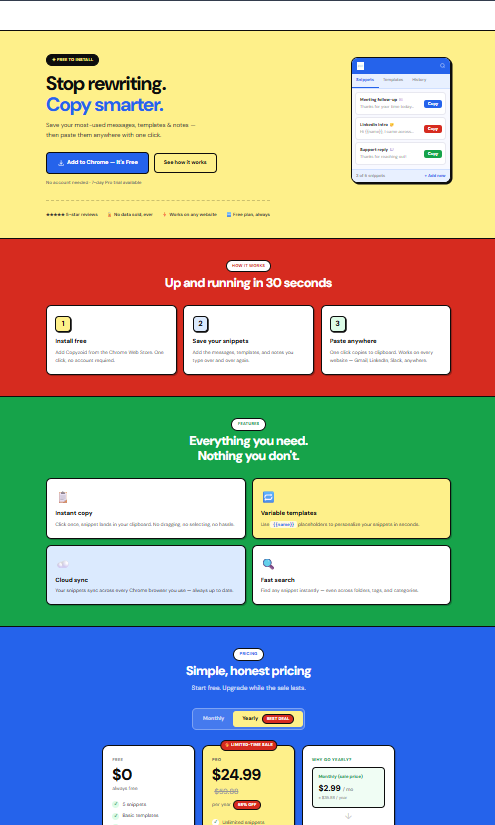
Instead of digging through a dashboard, you hit Ctrl+B. You type a few letters of the snippet name. You hit Enter. It’s copied.
No more digging. No more "Selection Problem." Just pure speed.
How to Stay Personable While Moving at 100mph
You want to be fast, but you don't want to be a robot. Here is how you balance both.
1. The "10% Rule"
Never send a canned response exactly as it is saved. Take five seconds to add a custom sentence at the beginning or end. Mention something specific from the customer's message.
- Bot style: "Here is the link to our pricing page."
- Human style: "I saw you were looking at the Pro plan, Sarah! Here is the link to our pricing page so you can compare the features."
2. Use Dynamic Variables
A good snippet manager allows you to use variables. Instead of a static "Hi there," your snippet should have a placeholder for the name. When you use Copyzoid’s Chrome Extension, you can organize your snippets so they are easy to edit on the fly.
3. Know When to Go "Off-Script"
If a customer is confused, emotional, or dealing with a complex technical bug, throw the template away.
Complex issues require a "Human-First" approach. Use your saved snippets for the "boilerplate" info (like your sign-off or a support link), but write the core of the message manually.

Building Your Personable Snippet Library
To keep things simple, categorize your responses. This makes them easier to find when you hit Ctrl+B.
- Greetings: Friendly intros for different times of day.
- Links: Fast access to your privacy policy or help docs.
- Closing: "Let me know if there's anything else I can help with!"
- Technical Steps: Numbered lists that are a pain to type.
When you organize your library this way, you aren't just sending a "canned response." You are assembling a personalized message using high-speed components.
The Copyzoid Workflow
We built Copyzoid for people who are tired of the "Copy-Paste" dance. If you’re in customer support, sales, or any role that involves heavy communication, here is how you save your 4.2 hours a week:
- Save your best replies: When you write a great answer, save it as a snippet in Copyzoid.
- Organize with tags: Keep your "Support" snippets separate from your "Sales" ones.
- Instant Access: When a ticket comes in, hit Ctrl+B.
- Fuzzy Search: Type "ref" to instantly find your "Refund Policy" snippet.
- One-Click Copy: It’s on your clipboard. Paste it, tweak it, and move on.
It’s simple. It’s fast. And it keeps your brain focused on the customer, not on your keyboard.
Summary: Speed vs. Sincerity
Canned responses are a tool. Like a hammer, they can be used to build something great or to break things.
If you use them to ignore customers, they are bad.
If you use them to save time on the boring stuff so you can give customers more attention on the important stuff, they are a superpower.
Stop retyping. Start connecting.
Ready to reclaim your time? Get started with Copyzoid for free.
FAQ: Canned Responses & Productivity
Are canned responses bad for customer satisfaction?
Only if they don't answer the specific question asked. If a template provides the exact solution the customer needs, they will appreciate the fast response. If it’s generic and irrelevant, it will lower your satisfaction scores.
How do I make my templates sound more human?
Avoid overly formal language. Use "I" instead of "We" when appropriate. Use contractions (like "don't" instead of "do not") to sound more conversational. Most importantly, always leave space at the top of the template to add a personalized greeting.
What is the best way to manage hundreds of snippets?
Use a tool with a "fuzzy search" feature. This allows you to type a part of the snippet name and find it instantly. Avoid tools that require you to navigate through multiple folders or click through long menus.
Does Copyzoid work with my existing tools?
Yes. Since Copyzoid is a browser extension, it works anywhere you type in Chrome: Gmail, Zendesk, Intercom, HubSpot, and more. You just hit Ctrl+B and your snippets are ready to go.
Can I share my snippets with my team?
Currently, Copyzoid focuses on individual productivity and cloud sync for your personal snippets. This ensures your workflow is as fast as possible across all your devices. Check our pricing for more details on available plans.
Leave a Reply