
TL;DR: A snippet manager like Copyzoid stops you from retyping the same text over and over. By using the Ctrl+B shortcut, you can instantly access saved templates, email replies, and links. It saves the average user about 4.2 hours every week by eliminating manual copy-pasting and repetitive typing.
You are likely wasting hours every week without even realizing it.
Every time you type your "standard" introductory email, copy a Zoom link from a notepad, or hunt for a specific bit of code, you are losing focus. This repetitive manual work is the silent killer of productivity.
If you find yourself hitting Ctrl+C and Ctrl+V more often than you’d like, you need a snippet manager.
This guide will show you exactly what a snippet manager is and how to use it to reclaim your time.
What is a Snippet Manager?
At its simplest, a snippet manager is a digital library for your most-used text.
Instead of hunting through sent folders to find an old message to copy, you save that text as a snippet. A snippet can be anything from a single sentence to a full-page email template.
Most people use a browser extension for this because that is where the work happens. Whether you are in Gmail, LinkedIn, or a support dashboard, your snippets are right there with you.
Why You Need One Right Now
- Stop the Repetition: If you type it more than twice a week, it should be a snippet.
- Accuracy: No more typos in your calendar links or technical instructions.
- Consistency: Keep your brand voice the same across every customer interaction.
- Mental Energy: Save your brain for hard tasks, not for remembering where you stored a link.
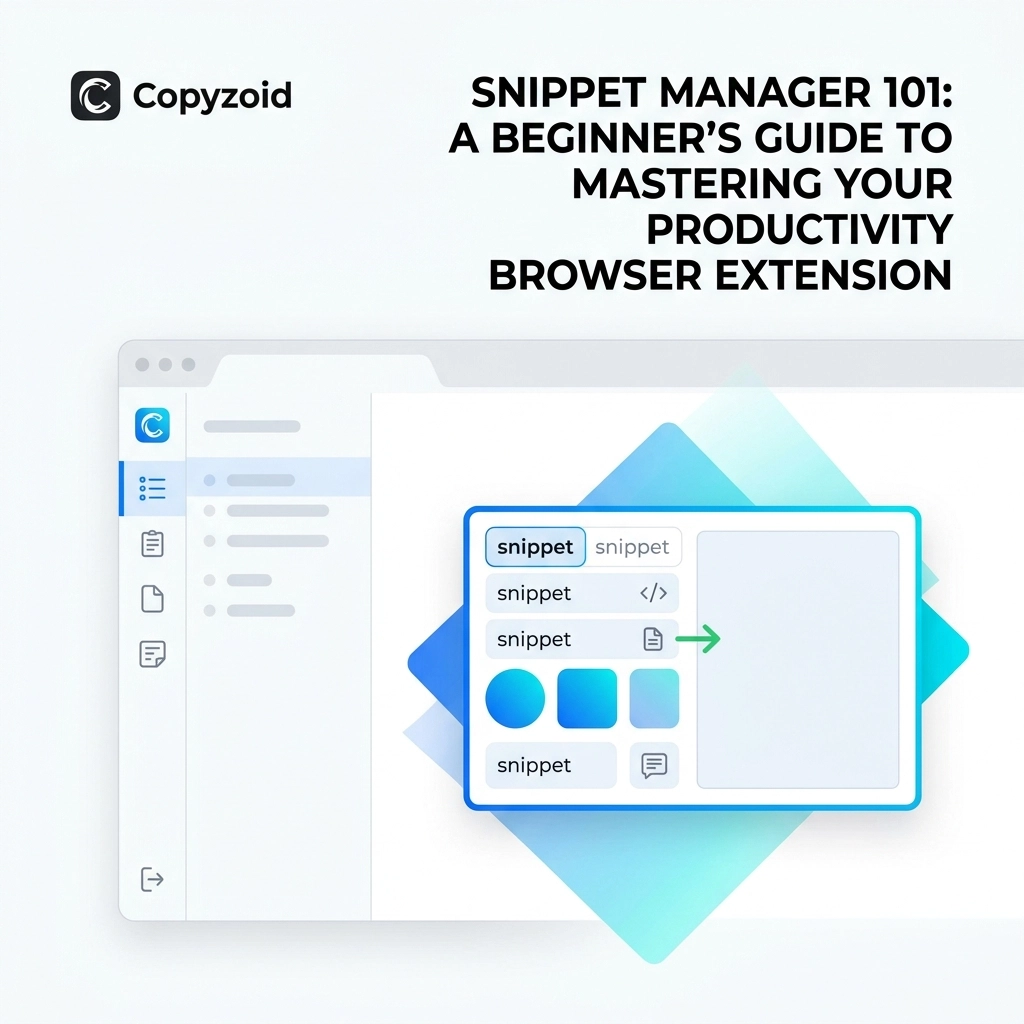
 Screenshot of the Copyzoid extension interface showing a list of organized snippets for quick access.]
Getting Started with Copyzoid
Setting up a snippet manager shouldn't feel like a chore. The goal is to save time, not waste it on a complex setup.
Here is how you get started with Copyzoid.com in under three minutes.
1. Install the Extension
Go to the Chrome Web Store and add Copyzoid to your browser. It’s a lightweight clipboard manager for Chrome that sits quietly in your toolbar until you need it.
2. Create Your First Snippet
Open the extension and click the "+" or "New Snippet" button.
- Title: Give it a name you’ll recognize (e.g., "Meeting Invite").
- Content: Paste the text you usually type.
- Tags: (Optional) Label it "Sales" or "Support" to find it faster later.
3. The "Ctrl+B" Magic
This is where the magic happens. Whenever you are in a text field, just hit Ctrl+B.
A small, fast search bar pops up. Type a keyword from your snippet title, hit enter, and the text is instantly copied to your clipboard or injected into the field.
One-click copy ensures you never have to highlight text manually again.
![https://cdn.marblism.com/sk1k8jtIHdC.png]
![https://cdn.marblism.com/sk1k8jtIHdC.png]](https://cdn.marblism.com/sk1k8jtIHdC.png%5D)
4 Pro Tips for Snippet Success
Once you have the basics down, you can start using advanced features to really skyrocket your efficiency.
Use Variables for Personalization
Generic templates can feel cold. Use placeholders like [Name] or [Company] within your snippets. When you paste the snippet, you’ll know exactly where to jump in and add that personal touch.
Master the Fuzzy Search
You don’t need to remember the exact name of your snippet. If you named a snippet "Pricing Plans 2026," just typing "price" into the Ctrl+B search bar will bring it up instantly.
Organize with Folders
As your library grows, keep it clean. Group your snippets by category:
- Links: Zoom, Calendly, Portfolio.
- Replies: FAQ, "Thank You" notes, follow-ups.
- Code: Common CSS fixes or HTML tags.
Sync Across Devices
If you work from a laptop and a desktop, ensure your snippet manager has cloud sync. Copyzoid keeps your snippets updated everywhere so you are never without your "brain."
![https://cdn.marblism.com/hswos0lR1lf.jpg]
![https://cdn.marblism.com/hswos0lR1lf.jpg]](https://cdn.marblism.com/hswos0lR1lf.jpg%5D)
Real-World Use Cases
How does this actually look in a workday? Here are three ways knowledge workers use snippets to save that 4.2 hours a week.
Customer Support
Instead of typing the same "How to reset your password" instructions ten times a morning, use a snippet. You can include links to help articles and even formatting like bold text to make the instructions clear.
Sales Outreach
Cold outreach is a numbers game. Using a snippet manager allows you to drop a proven template into a LinkedIn message or email in seconds. You spend your time researching the lead, not typing "I saw your profile and…" for the hundredth time.
Project Management
Use snippets for status update templates. Pop the template into your Slack or Jira, fill in the blanks, and move on. It keeps your updates structured and professional without the manual effort.
 A user typing a search term into a minimalist pop-up window, demonstrating the speed of the Ctrl+B shortcut.]
Security and Privacy Matters
When you are storing text that might include links or business templates, privacy is a priority.
Always check the privacy policy and terms of any extension you install. Look for tools that prioritize data encryption and don't sell your data. A good snippet manager is a tool, not a data-mining operation.
Is Copyzoid Free?
Most people start with the free version to get a feel for the workflow. As your needs grow: perhaps you want unlimited snippets or team sharing: you can look at pricing.
For most individuals, the free tier provides enough power to completely change how they work.
FAQ: Everything You Need to Know About Snippet Managers
What is the best shortcut for snippets?
For Copyzoid users, Ctrl+B is the gold standard. It opens your library instantly without you having to take your hands off the keyboard.
Can I use snippets on any website?
Yes. Since it is a browser extension, it works inside Gmail, WordPress, Slack (web), LinkedIn, and any other site where you can type text.
Does a snippet manager replace a clipboard manager?
Not exactly. A clipboard manager usually tracks everything you recently copied. A snippet manager is for things you want to permanently save for future use. Copyzoid actually functions as a clipboard manager for Chrome as well, giving you the best of both worlds.
How much time can I really save?
The data shows that active users save an average of 4.2 hours per week. That is over 200 hours a year reclaimed from the "typing void."
Can I share my snippets with my team?
Many snippet managers offer team folders. This is great for making sure every support agent or salesperson is using the most up-to-date messaging.
Stop Typing, Start Doing
The transition from manual typing to using a snippet manager is the easiest productivity win you will ever find. There is no steep learning curve and no complex software to master.
Install the extension, save your five most-typed phrases, and start using Ctrl+B.
You'll wonder how you ever worked without it.
Ready to reclaim your 4 hours? Install Copyzoid for free today.
Leave a Reply