
Copy & Paste: A Blog on Productivity Tips, Sales Outreach Tips, and More by Copyzoid
-
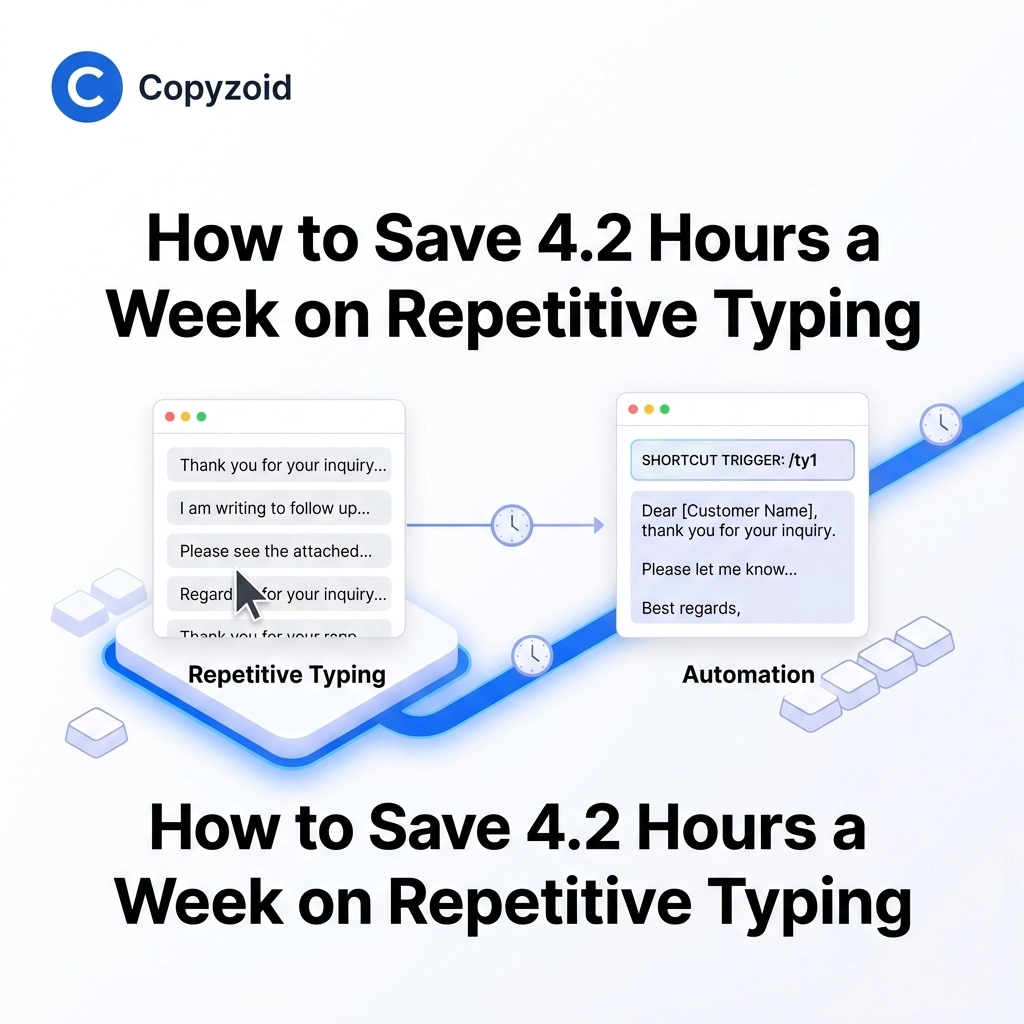
How to Save 4.2 Hours a Week on Repetitive Typing
TL;DR: Knowledge workers lose an average of 4.2 hours per week to repetitive typing. Using a snippet manager like Copyzoid allows you to automate common messages using the Ctrl+B shortcut, cloud sync, and smart templates. It’s the fastest way to reclaim your time in 2026. The Silent Productivity Killer You’ve been there before. You open…
-

The Ultimate Productivity Chrome Extension Guide for 2026
TL;DR: To stay productive in 2026, you need a curated "stack" of Chrome extensions. The most essential tool is Copyzoid, a snippet manager that saves users an average of 4.2 hours per week through its Ctrl+B shortcut and smart templates. Pair it with focus tools like Forest and writing assistants like Grammarly to master your…
-

Boost Your Outreach Instantly with These 5 Snippet Management Tips
You are likely losing 4.2 hours every single week to repetitive typing. If you work in sales, support, or outreach, you spend a massive chunk of your day copying and pasting the same "About Us" paragraph or "Let's hop on a call" link. It’s tedious. It’s draining. And most importantly, it’s keeping you from actually…
-

Create Unforgettable Support with these 5 Canned Response Software Solutions
You are probably spending hours every week typing the exact same sentences over and over again. Whether it is "How can I reset my password?" or "What is your refund policy?", repetitive typing is the silent killer of support team productivity. Most knowledge workers lose a staggering amount of time to manual data entry and…
-

Why a Snippet Manager Will Change the Way You Handle Outreach
If you spend your day in your inbox, you already know the pain of repetitive typing. You type the same greeting. You explain the same product feature. You send the same "Let's hop on a call" link fifty times a day. It’s not just boring. It’s inefficient. When you’re handling outreach, whether it’s for sales…
-

Stop Wasting Time on Repetitive Typing
You probably spend more time typing the same five sentences than you realize. Every day, knowledge workers fall into a trap of repetitive manual tasks. You type your email address, your Zoom link, or that standard "Let’s hop on a call" message dozens of times. It feels like it only takes a few seconds. But…
-

How to Choose the Best Productivity Browser Extension (Compared)
You are likely losing at least an hour every day to repetitive manual tasks. Whether it is retyping the same "Intro" email, hunting for a specific link, or clicking through five different menus just to find a snippet of text, these micro-actions kill your momentum. The right productivity browser extension shouldn't just be another icon…
-
Looking For a Chrome Extension for Productivity? Here Are 10 Things You Should Know
You spend your entire day typing. Whether it is responding to support tickets, sending sales outreach, or answering the same five questions from your team, the keyboard is where your time goes to die. Most people try to solve this by keeping a messy Word doc or a "Notes" app open on the side. They…
-
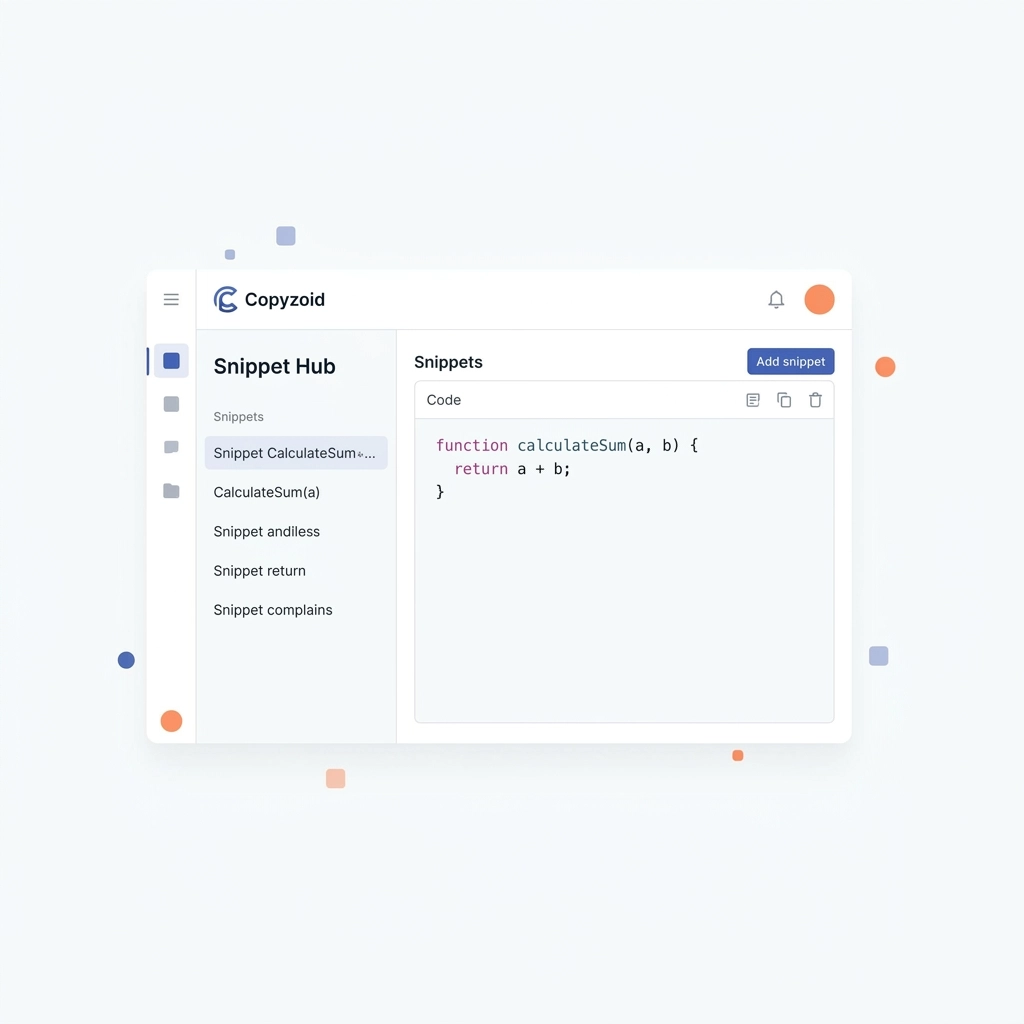
The Death of Copy and Paste: Why Snippet Managers are the Future of Digital Work
You are wasting hours every single week on the "Ctrl+C, Alt+Tab, Ctrl+V" dance. It feels like productive work, but it is actually a major source of friction in your day. You hunt through old emails, scroll through sent messages, or dig through a "Notes" app just to find a link or a paragraph you’ve sent…
-
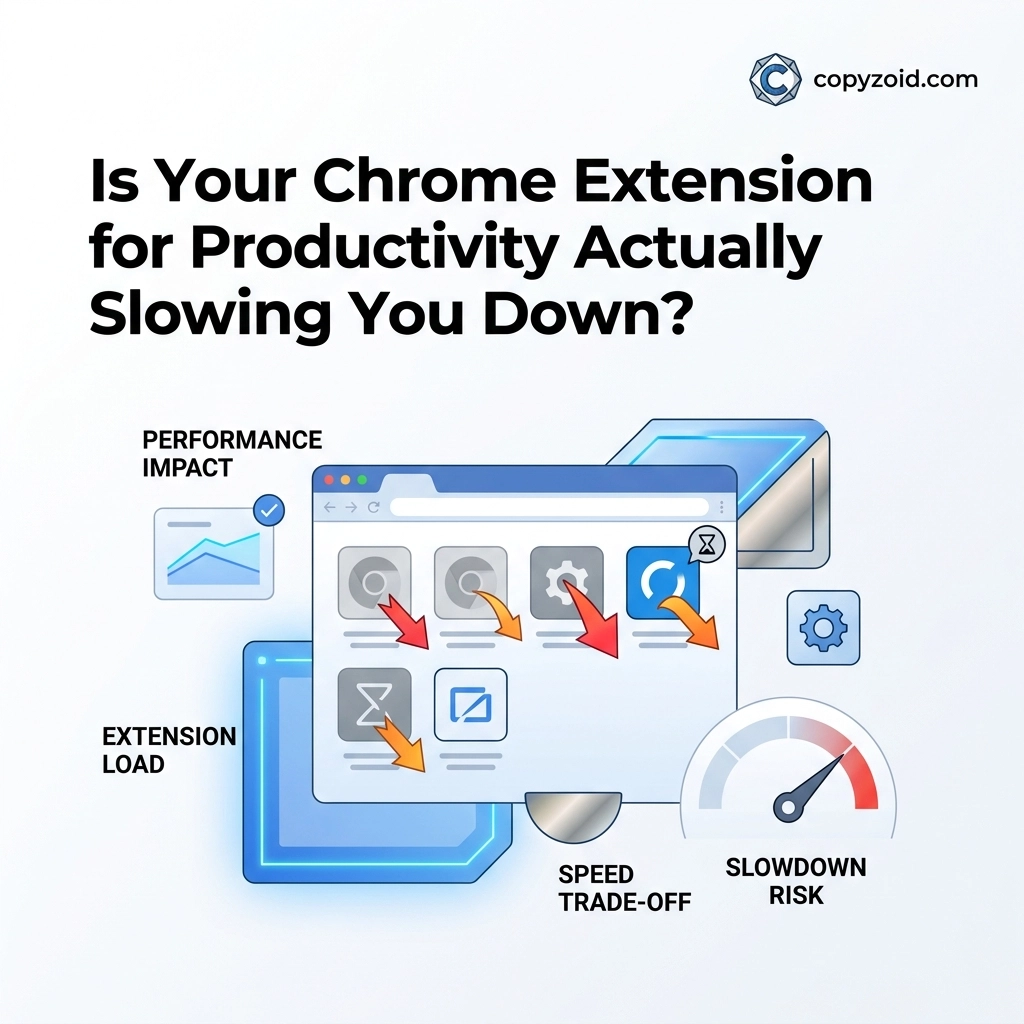
Is Your Chrome Extension for Productivity Actually Slowing You Down?
You installed that new "productivity" extension to save time. But lately, your browser feels like it’s wading through waist-deep mud. Tabs take seconds to load. Your laptop fan is screaming. You find yourself staring at a white screen waiting for your email interface to become interactive. There is a massive irony in the modern workspace:…
Got any questions?